18
■
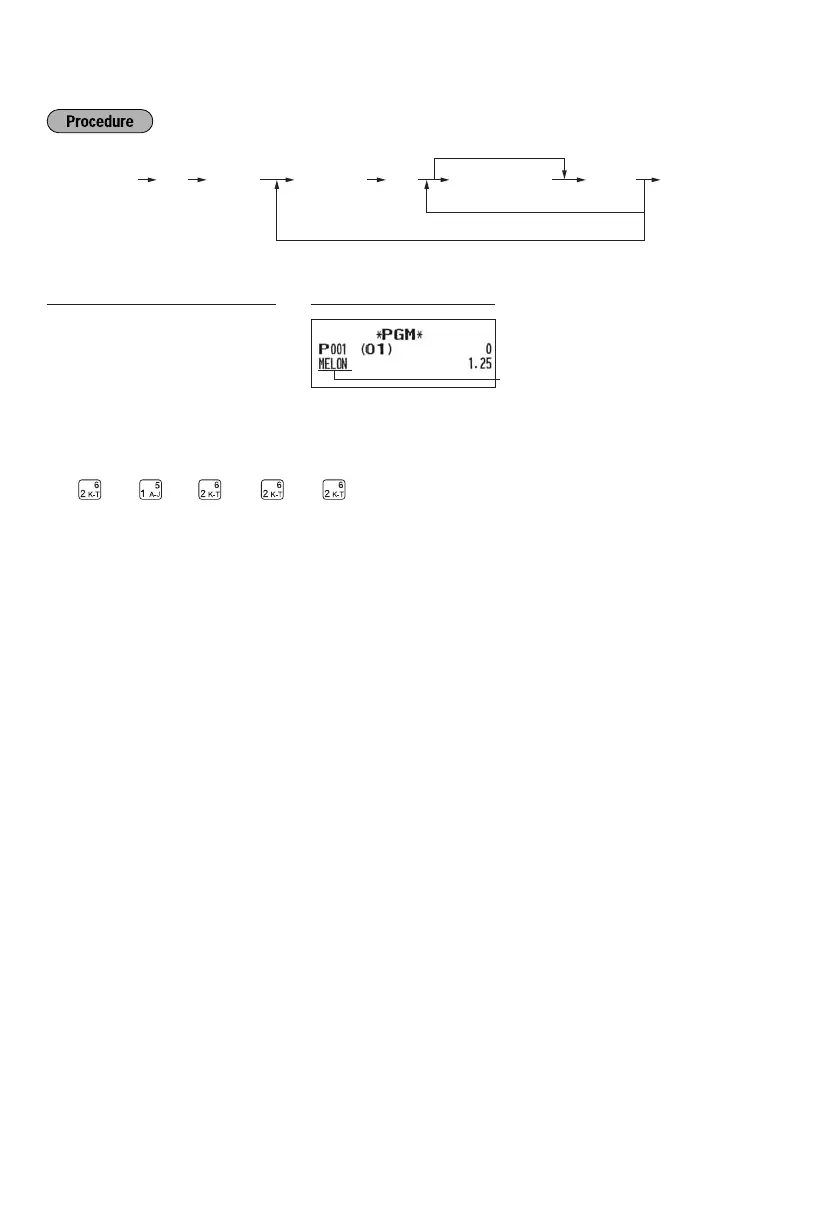
PLU text (item label)
To keep current setting
102 PLU code Character entry
(max. 12 characters)
To program another PLU code
To program following PLU code
Asp@s
Key operation example
Print
s
102
@
1
p
MELON
s
A
(Programming MELON to PLU1)
Text
programmed
for PLU code 1
For details of the text entry (“MELON”), please refer to the “Guidance for text programming” on page 11.
(M:2
, E:4 , L:1 , O:4 , N:3 )



 To Next Page