XEA147BK and XEA147WH Frequently Asked Questions Page 19 of 21
The XEA147 displays “E 34” when I try to finalise a sale to cash. How do I fix this?
1. First you must either: finalise the sale to Credit card CR or Cheque CH 2
or do a subtotal void to clear the sale. Subtotal void is done by entering:
#/TM/ST
#/TM/ST
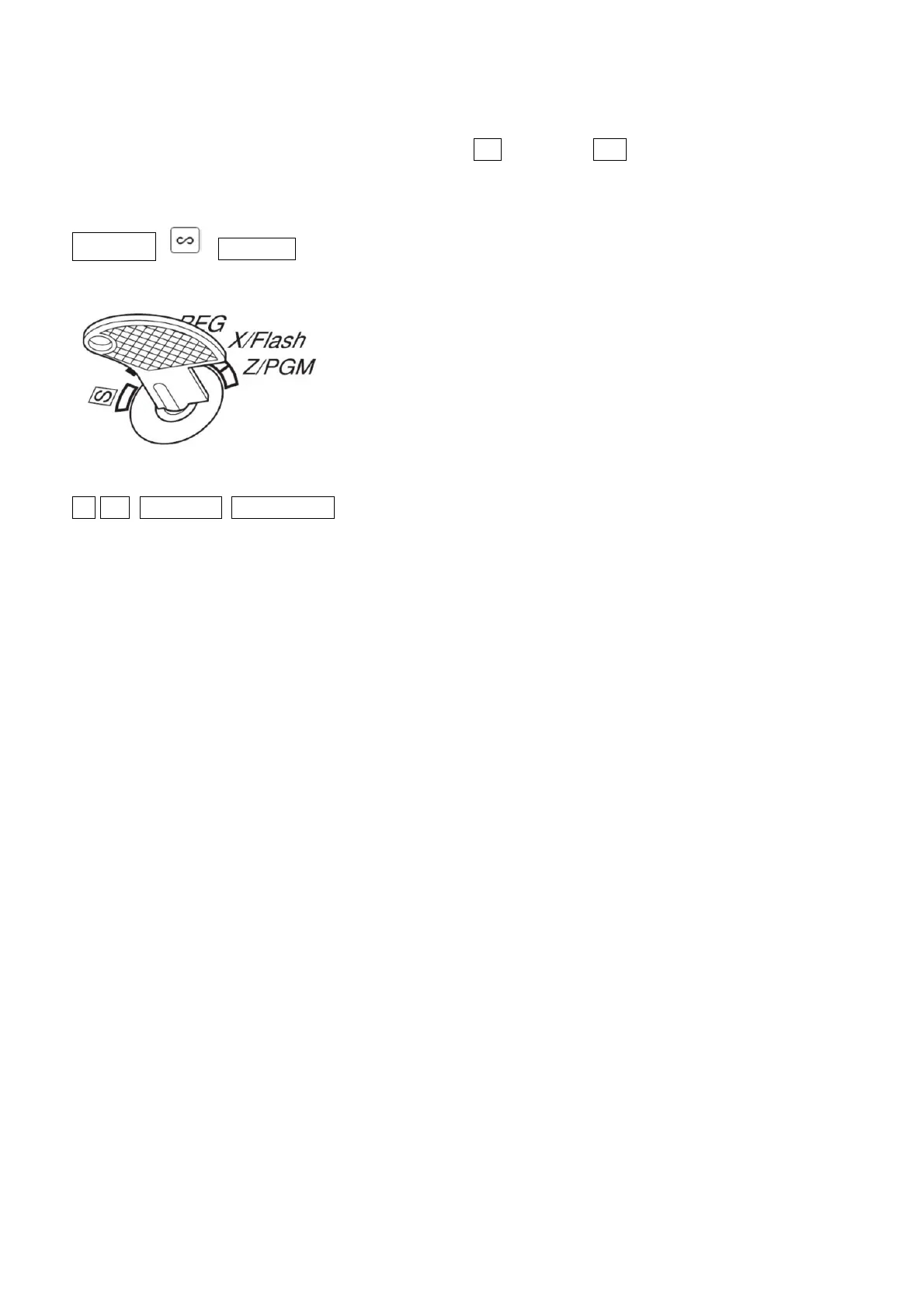
2. Turn the mode key to Z/PGM
3. Enter the following:
-8 - #/TM/ST TL/AT/NS
4. Turn the mode key back to REG.
The “E34” problem should be fixed.


 To Next Page