XEA147BK and XEA147WH Frequently Asked Questions Page 7 of 21
How do I set the time and date?
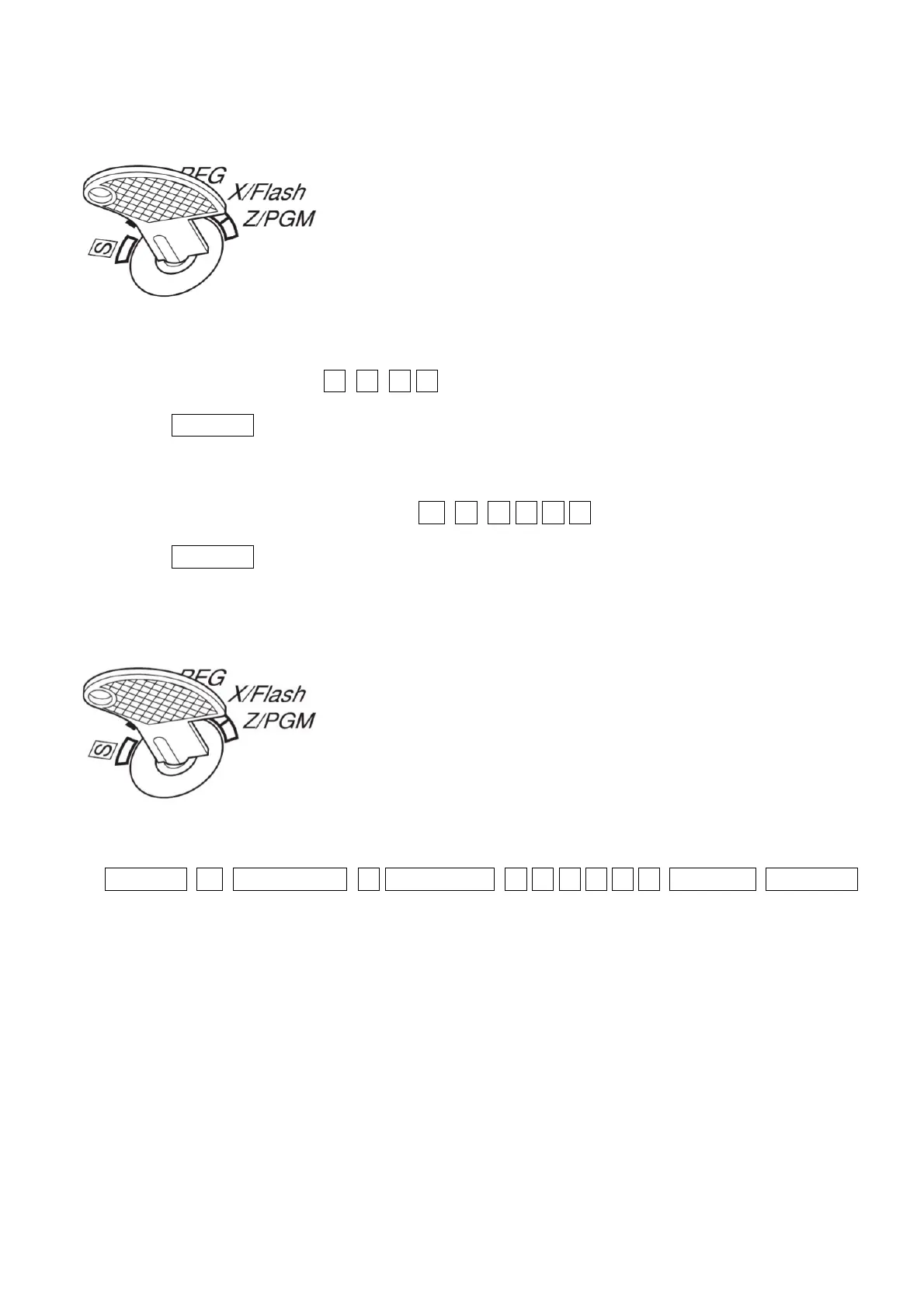
1. Set the mode key to the Z/PGM position.
2. Enter the time as a four digit number. Use the 24 hour format. For example
2:30pm would be entered as 1 4 3 0
3. Press the #/TM/ST key
4. Enter the date as six digits using the day-month-year format. For example
5. 7
th
of December 2013 would be entered as 0 7 1 2 1 3
6. Press the #/TM/ST key
How do I set a 10% GST rate?
1. Set the mode key to the Z/PGM position
2. Enter:
#/TM/ST 9 /RCPT SW 1 /RCPT SW 1 0 0 0 0 0 #/TM/ST TL/AT/NS


 To Next Page