XL-DK257N
2 – 4
[3] Standard Specification Of Stereo System Error Message Display Contents
AMP abnormal detection and +B PROTECTION display
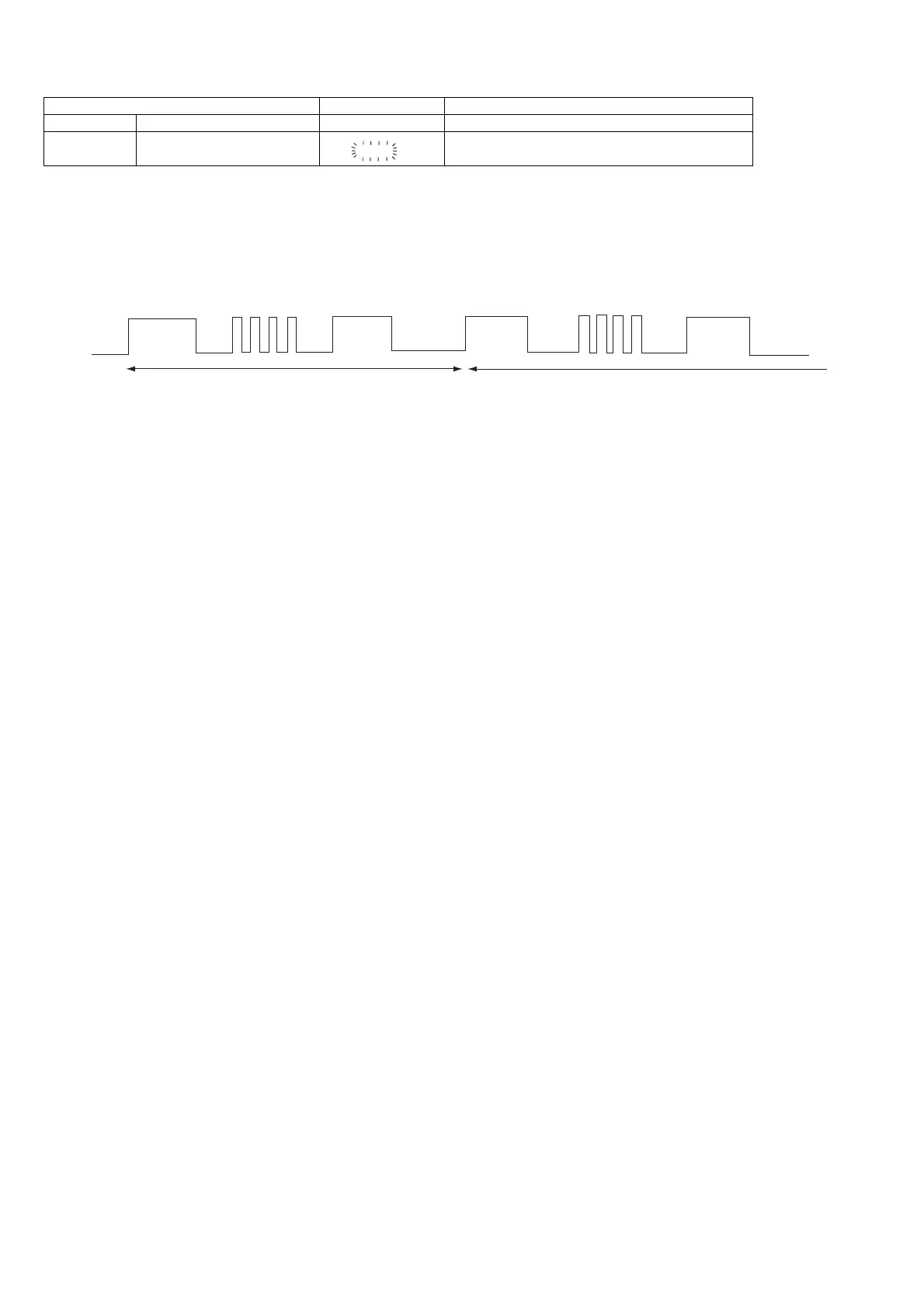
In case AMP abnormal detection or +B PROTECTION had occurred, the unit will automatically enter to stand-by
mode and Timer indicator will flashing as below.
Example: In case of speaker abnormal
BEFORE TRANSPORTING THE UNIT
The following process need to be taken after set tapering/parts replacement.
1. Press the POWER ON/STAND-BY button to enter stand-by mode.
2. While pressing down the POWER button and the CD button, plug-in AC. The Micro Computer version number will
be displayed as "X7U10**".
3. Press the POWER button until "WAIT"--> "FINISHED" appears.
4. Unplug the AC cord and the unit is ready for transporting.
Error Contents DISPLAY Notes
CD Focus Not Match/IL Time Over. ‘NO DISC’
TUNER PLL Unlock.
FM MHz
PLL Unlock.
87.50
TIMER
LED OFF OFF
OFF
1
OFF OFF OFF OFF
FRAME
(REPEAT)
FLASHING FLASHING
NO. 2
NO. 2
ON
ON ON ON
NO. 1 : +B PROTECTION
NO. 2 : AMP abnormal
NO NO. 1.1


 To Next Page