10
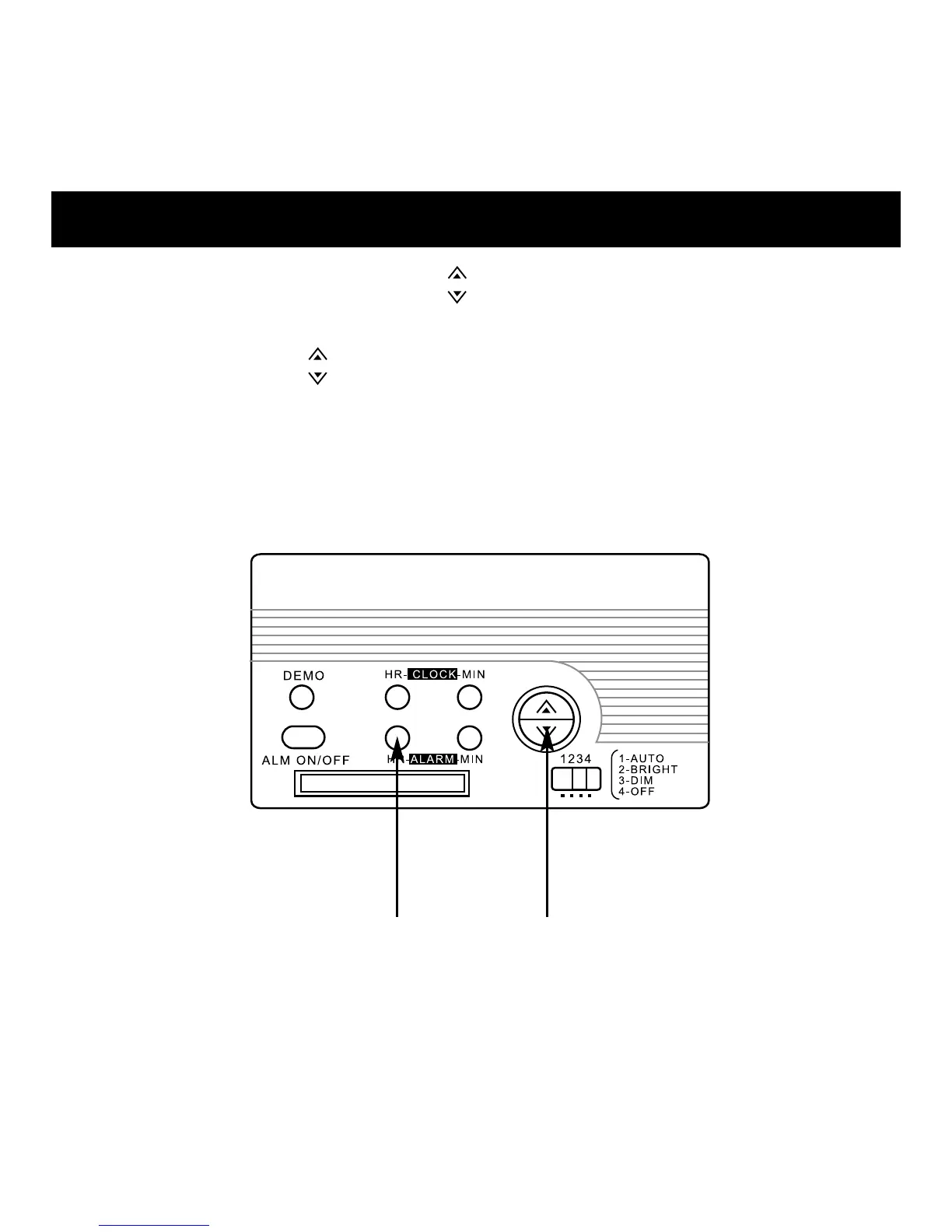
1. To set the alarm, press the button to switch the display
between HOME TIME and DUAL TIME (separate time zones.)
2. Hold down the button on the selected time zone and
simultaneously press the ALARM HR or MIN button until the
desired ALARM TIME appears on the display.
Note: The alarm sets to the currently selected time zone.



 To Next Page