9
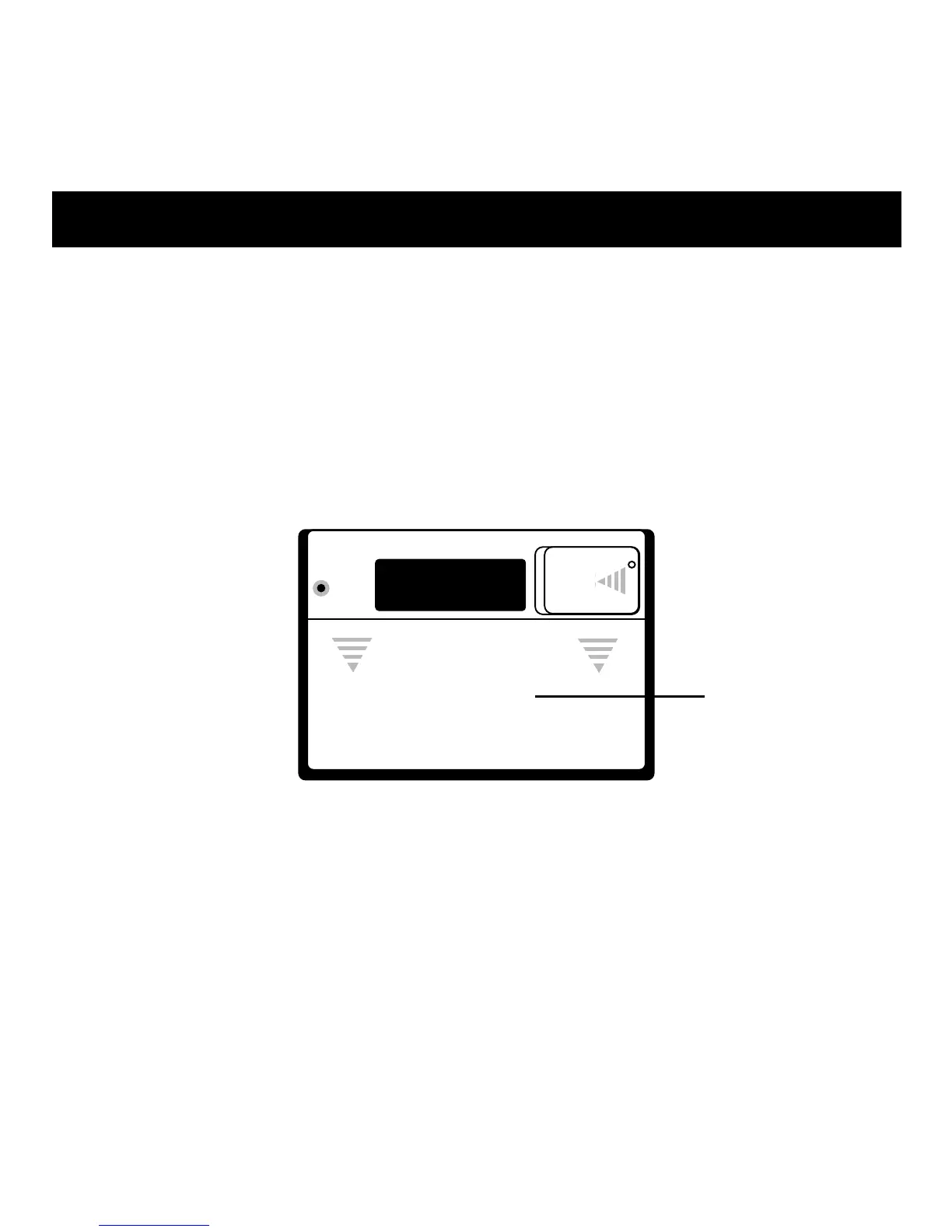
1. To set the clock to 12- or 24-hour mode, slide the 12/24 HR
switch, located under the AA battery cover, using a straight-
ened paper clip or similar object.
2. To finalize the setting, press the RESET button located under
the AA battery cover adjacent to the 12/24 HR switch.
12/24 Hour Display
RESET and
12/24 HR buttons
located in
AA compartment.



 To Next Page