13
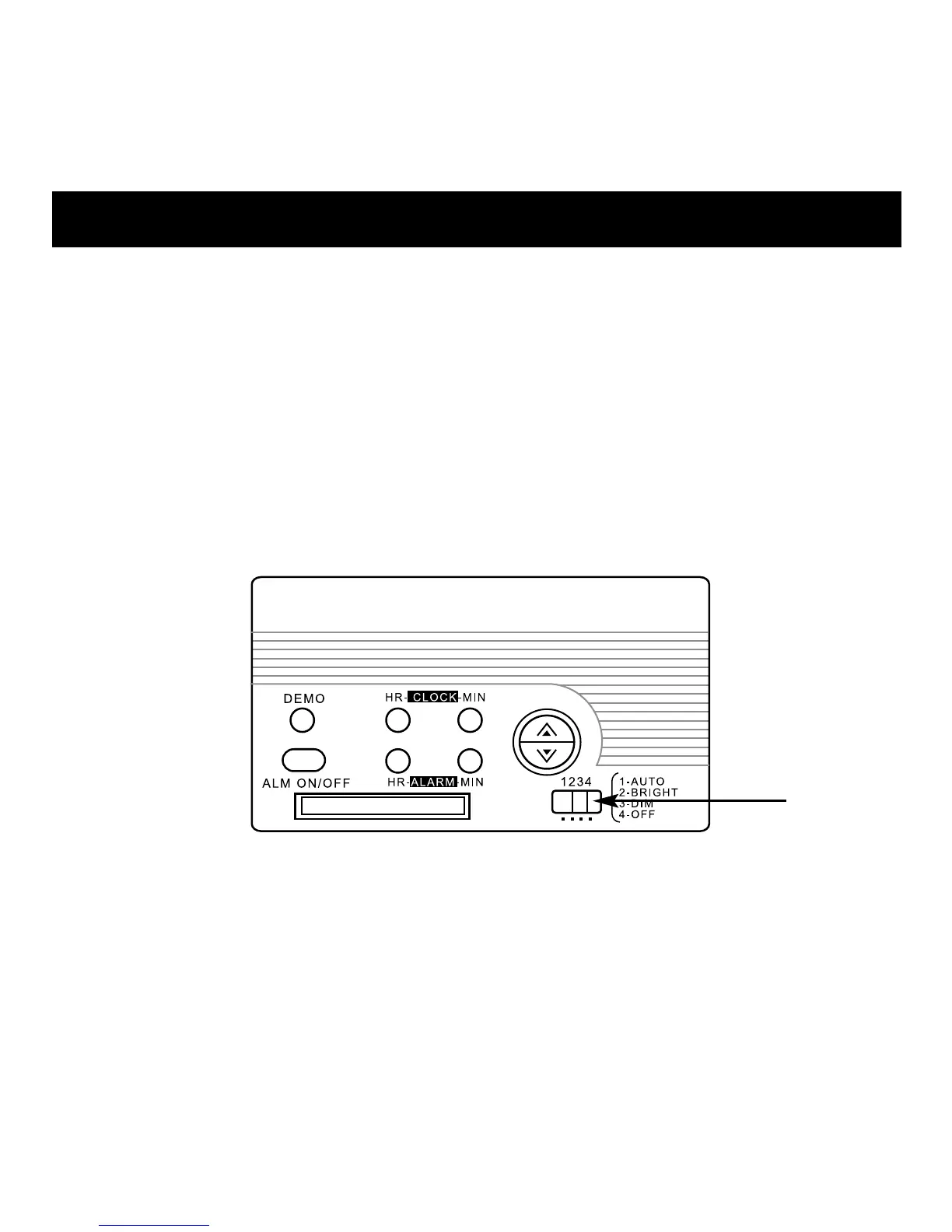
Setting options:
1- AUTO: Backlight automatically adjusts according to existing light.
2- BRIGHT: Backlight is always ON at maximum level.
3- DIM: Backlight is always ON at low-level.
4- OFF: Backlight is always OFF (except when setting the
clock/alarm).
Note: When unit is battery powered, always switch off the back-
light when it is not in use to conserve battery life.



 To Next Page