11
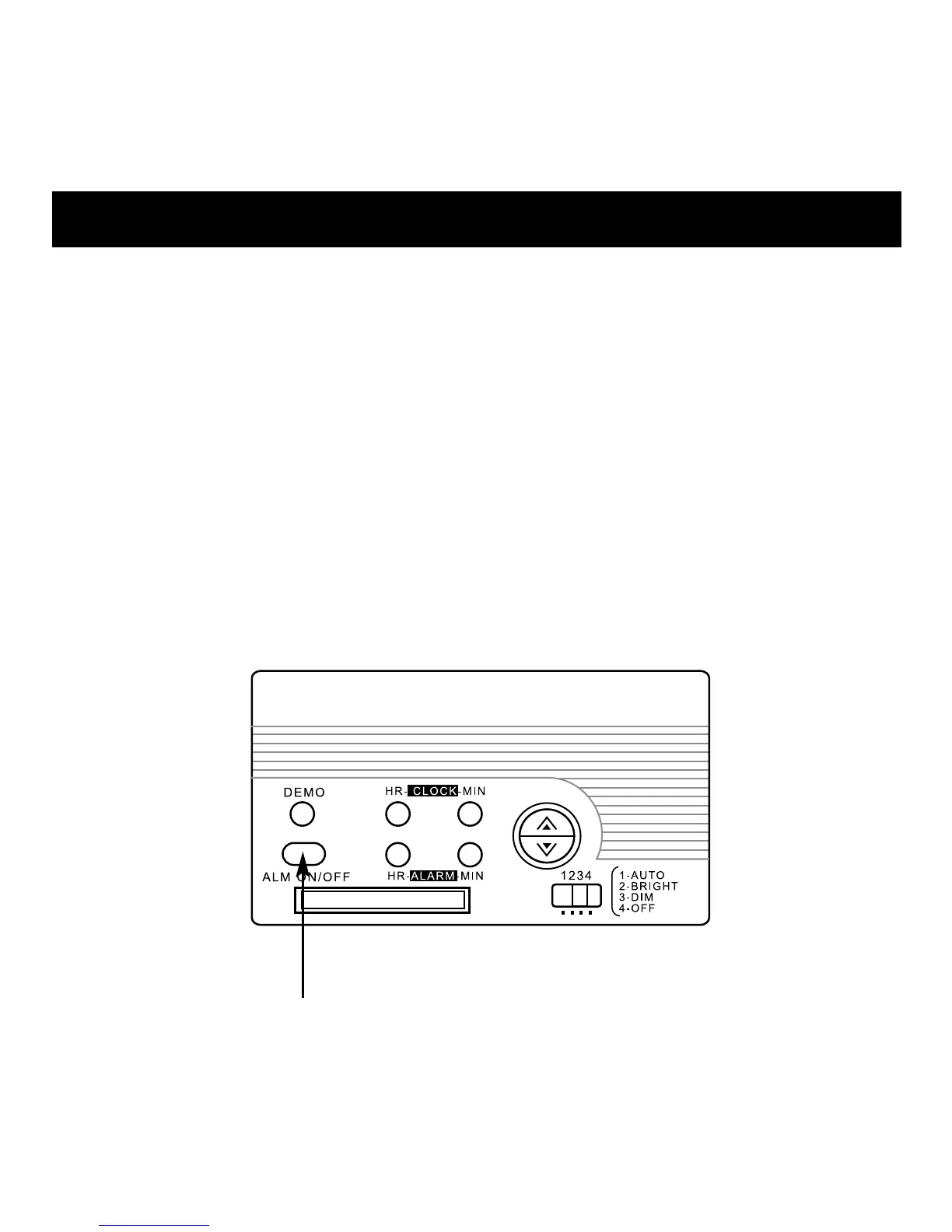
1. To switch on the alarm, press the ALM ON/OFF button.
The alarm icon on the LCD indicates that the alarm is active.
2. To stop the alarm, press the ALM ON/OFF button once.
The alarm stops and is automatically reset to sound at the
same time the next day.
3. To switch off the alarm, press the ALM ON/OFF button again.
The alarm icon disappears and the alarm is deactivated.
Note: Ensure the AM/PM setting is correct when activating
the alarm.



 To Next Page