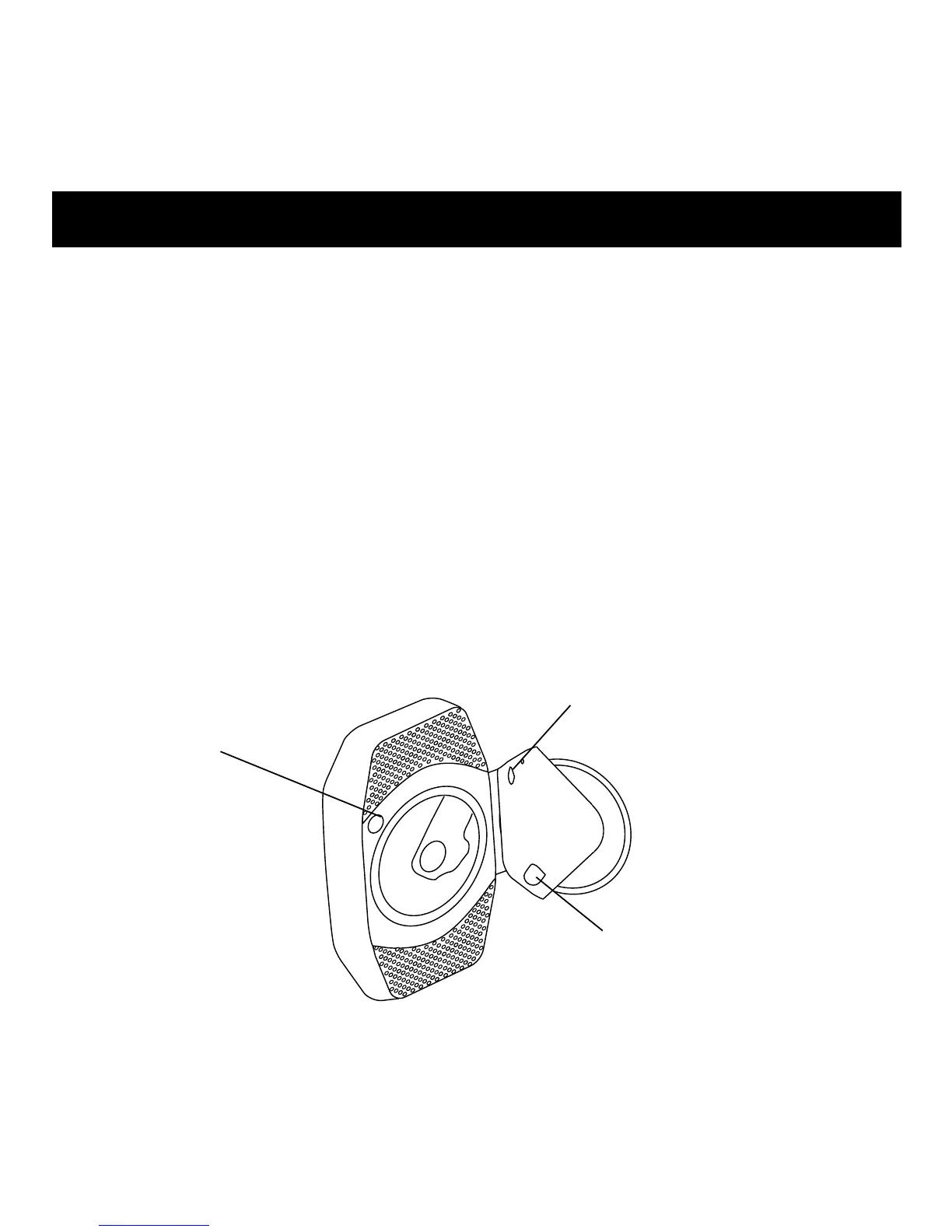
The display reset and backup battery are located behind the CD
player cover. Press OPEN to access this area.
Display Reset
If this product does not operate properly, insert the tip of an
unbent paperclip (or similar) into the opening to reset the
display and memory.
Backup Battery
Activate the CR1616 backup battery by removing the tab
from the battery compartment. Replacement is required
every 2-3 years.
Display Compartment
11
BACKUP BATTERY
(Inside battery compartment)
RESET SWITCH
OPEN



 To Next Page