23
AM/FM/TV Preset Stations
Program favorite radio stations and quickly access them using the
CH- and CH+ buttons.
Programming (Radio must be on.)
1. To select radio stations, press TUNE- / TUNE+. (Hold for one
second then release to autoscan.)
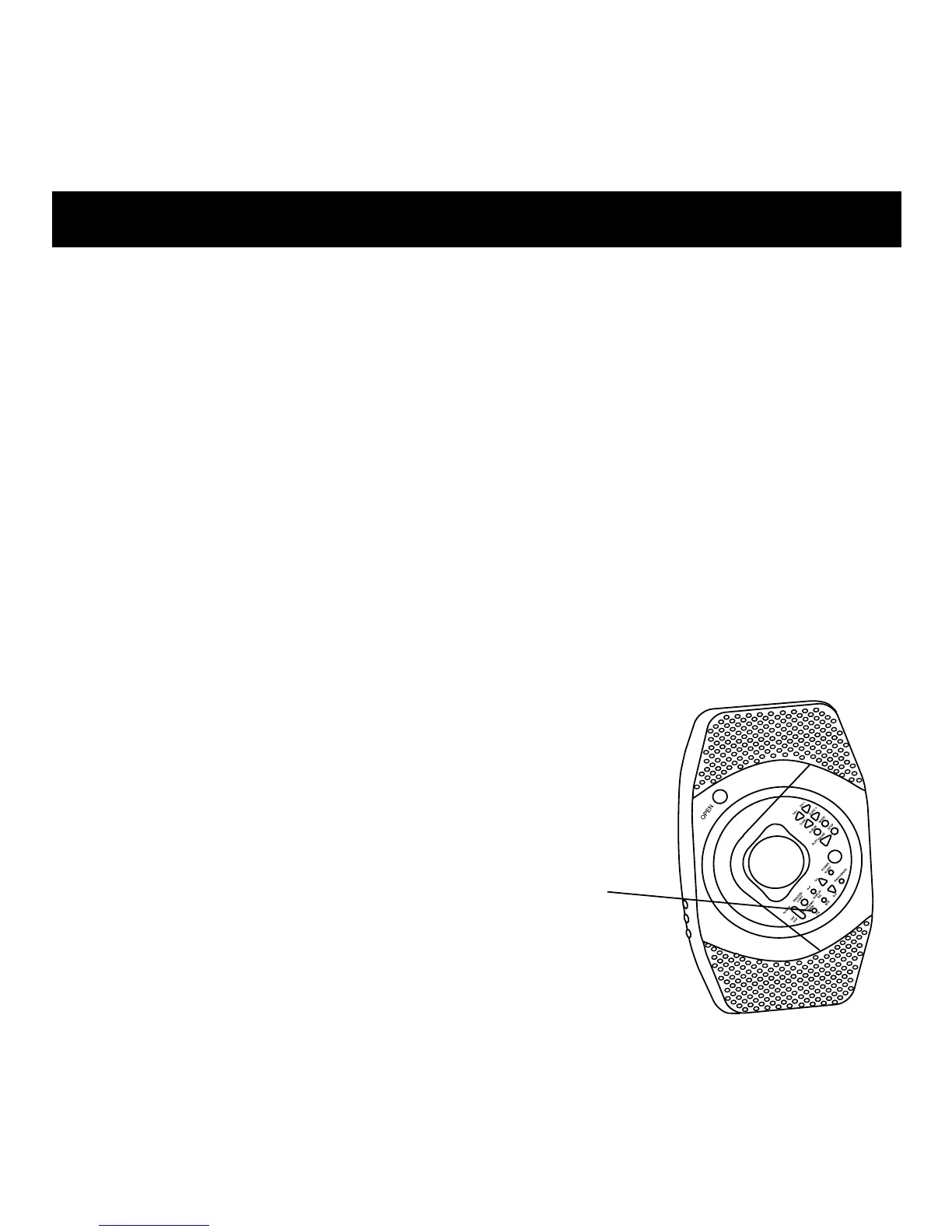
2. Press PRG/DEMO/MEM.
3. To change memory preset number, press CH- or CH+ .
4. To save under selected memory number, press
PRG/DEMO/MEM.
5. Repeat using a new station and preset number.
Mo
Recalling
To scan through your favorite
stations entered into memory,
press CH- or CH+.
PRG/DEMO/MEM
Press to activate.



 To Next Page