25
International Radio
This product is normally shipped with the radio display defaulted
to USA for use within the United States. Use the following pro-
cedures to change between USA and International radio options:
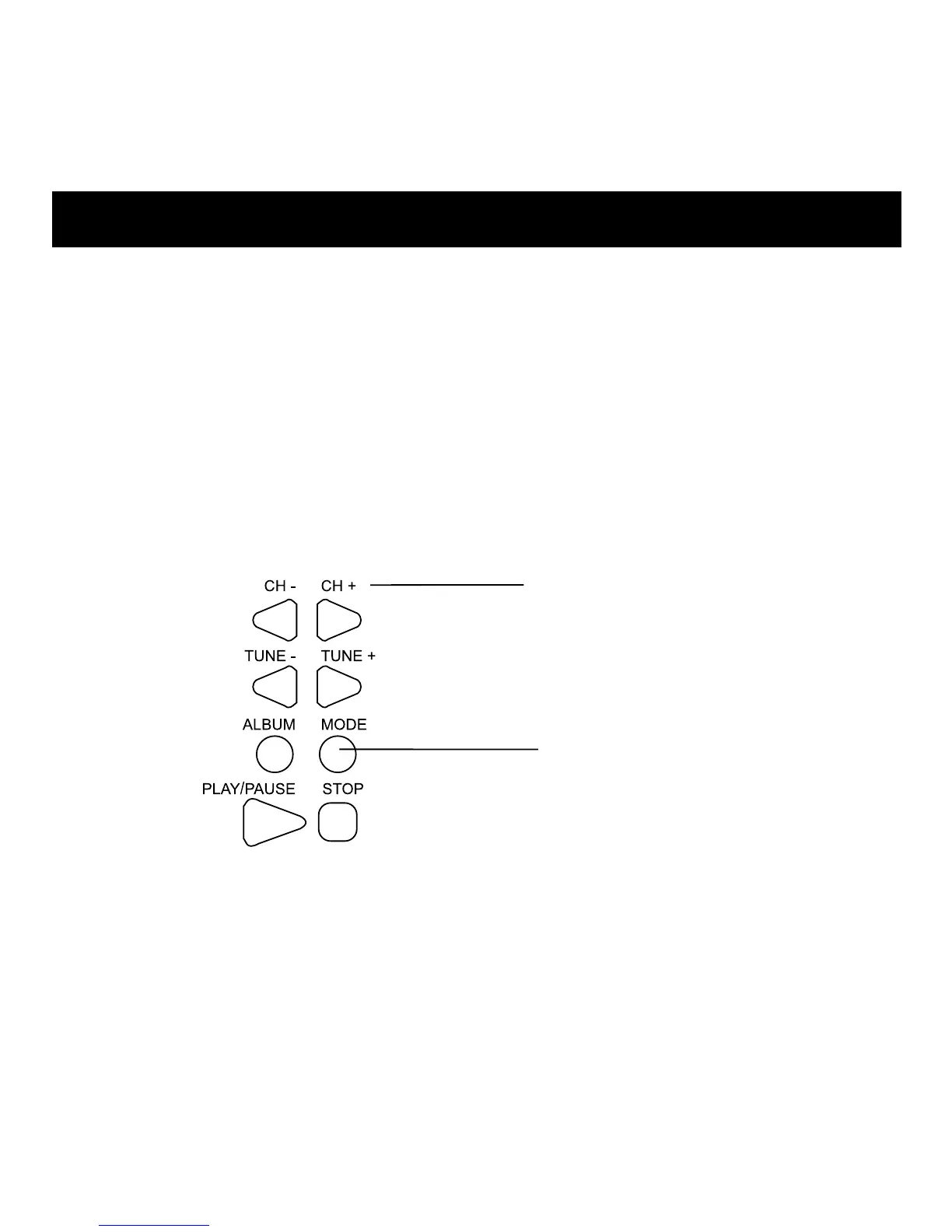
1. Press MODE until the LCD displays USA/Europe/Japan.
2. To select your location, press CH+ / CH- button.
BUTTONS
CH- & CH+
MODE



 To Next Page