26
Setting the Alarm
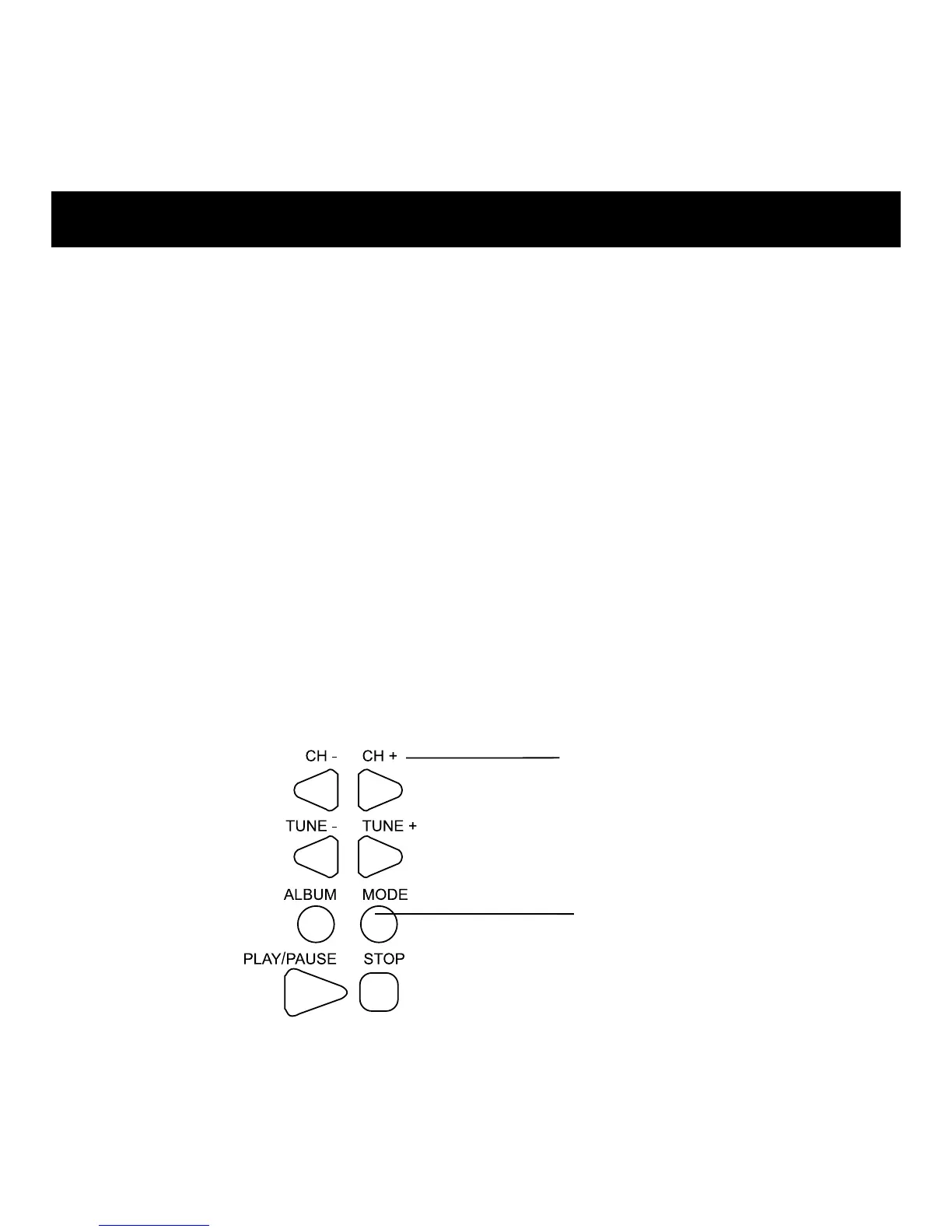
1. With the POWER off, press MODE.
(Alarm hour setting flashes on the display.)
2. To decrease hours, press CH-. To increase, press CH+.
3. Press MODE again.
(Alarm minute setting flashes on the display.)
4. To decrease minutes, press CH-. To increase, press CH+.
To rapidly change the setting, press and hold buttons.
5. To activate or deactivate alarm, press the ALARM ON/OFF
button. The alarm icon appears when the alarm has been set.
Note: If no additional buttons are pressed, the setting is saved
and the display returns to normal.
BUTTONS
CH- & CH+
Adjust Setting.
MODE
Activate setting mode and
rotate through setting options.



 To Next Page