31
The display defaults to 12 Hour (AM/PM) and Fahrenheit (°F).
The user can change these settings as desired.
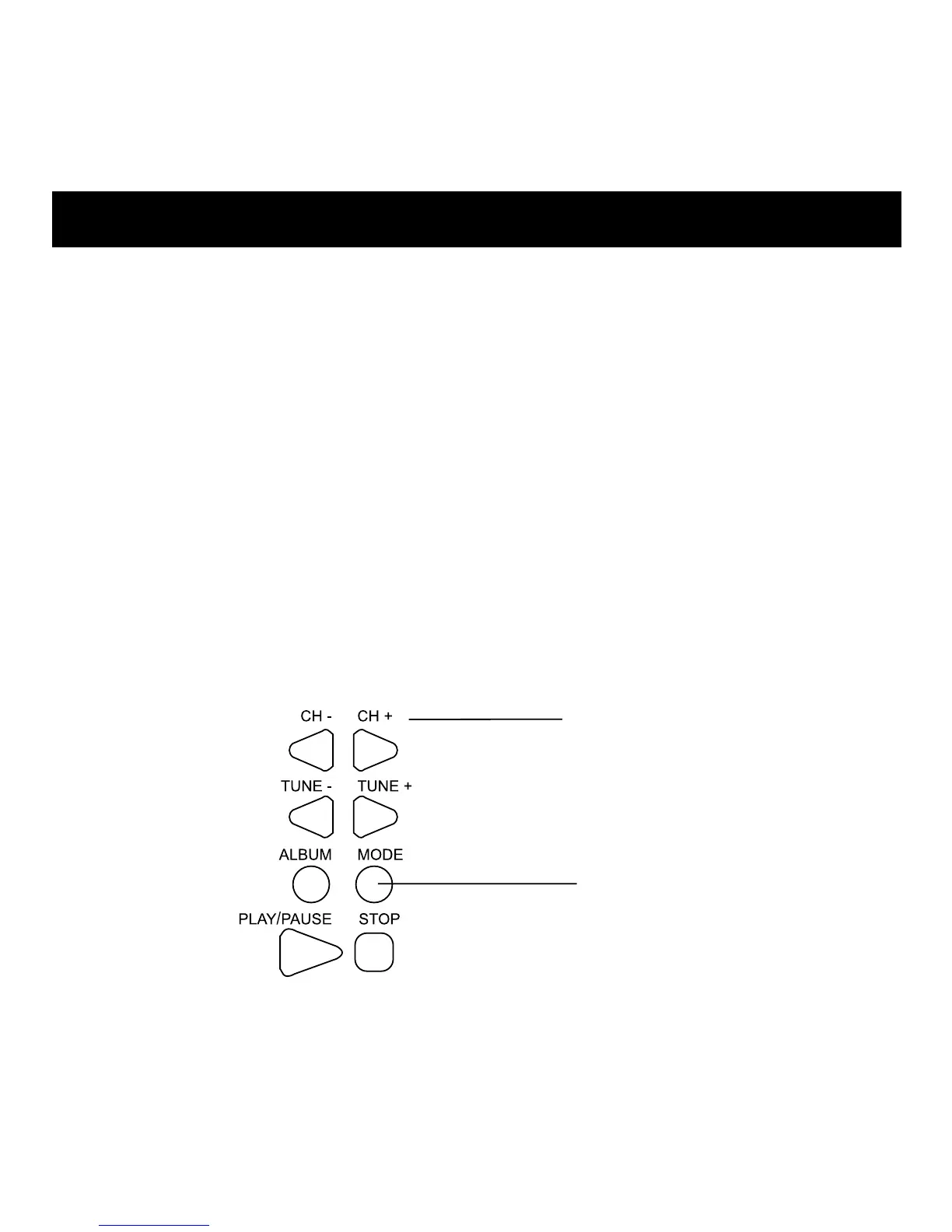
1. Press MODE eight times. (12hr/24hr menu displays.)
2. To change from 12hr (AM/PM) to 24hr (Military/International),
press CH- or CH+.
1. From normal time display, press MODE twelve times. (°C / °F
menu is displayed.)
2. To change, press CH- or CH+.
Note: If no additional buttons are pressed, the setting is saved
and the display returns to normal.
BUTTONS
CH- & CH+
Adjust Setting.
MODE
Press until desired
setting flashes.
12/24 Hour Clock/Temperature Display



 To Next Page