27
Alarm Features
• Press MODE three times. (Alarm menu displays.)
• To change, press CH-/CH+.
• To select alarm sound and volume or ramp-up option:
1. Press MODE until selection displays on screen.
2. To change, press CH-/CH+.
• When alarm sounds:
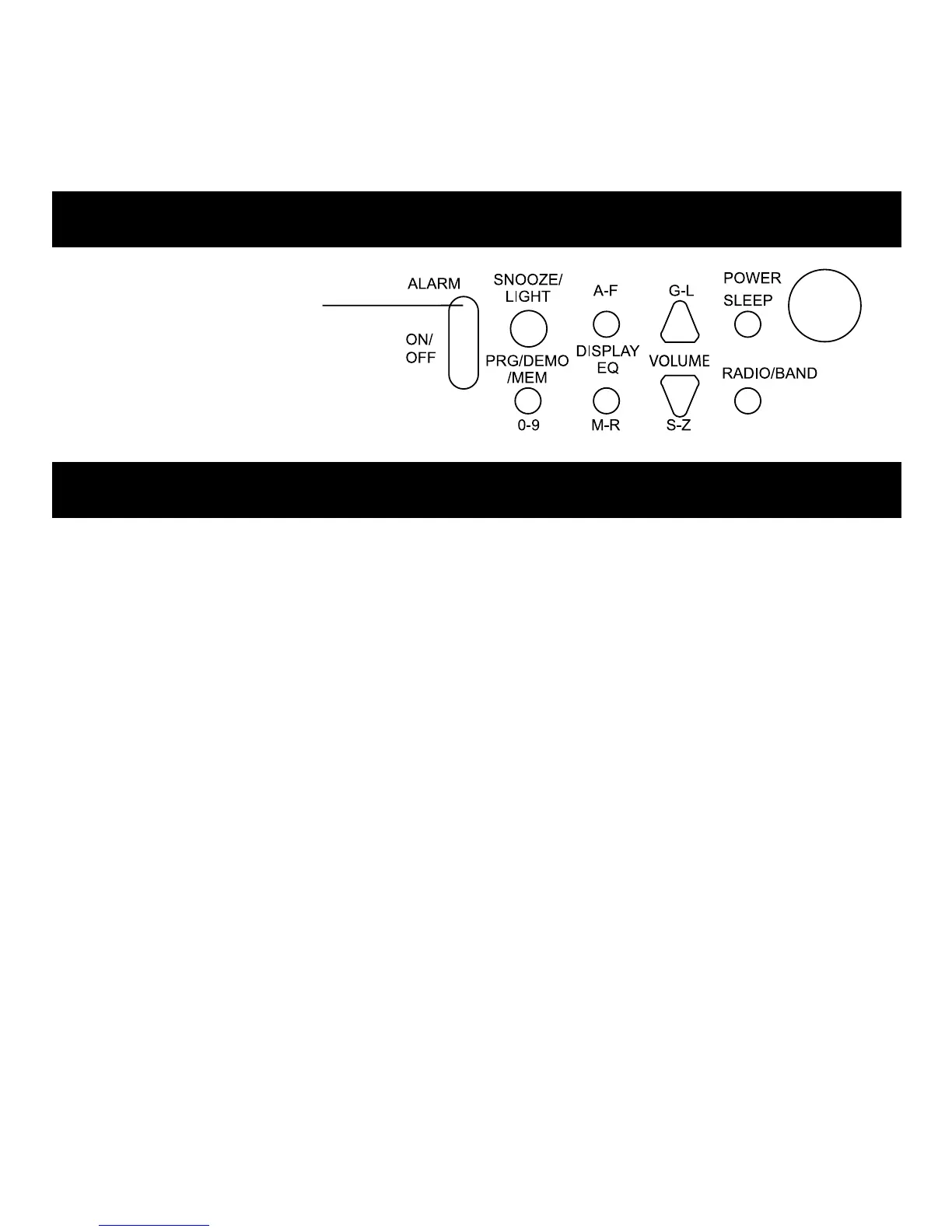
1. To reset it for the next day, press ALARM ON/OFF.
(To cancel, press twice.)
2. To postpone the alarm, press SNOOZE/LIGHT. (Adds 10
minutes delay time for each press.)
Note: Radio alarm automatically shuts off and resets after 30
minutes (on battery power) or 60 minutes (with adapter).
ALARM ON/OFF
Press to
Activate/Deactivate Alarm.
(Alarm icon is displayed
when alarm is activated.)
Setting the Alarm



 To Next Page