18
5. Press and hold CH- or CH+ to rapidly scan tracks, stopping
before desired song. Then, press and release CH- or CH+ to
change tracks one at a time.
6. Press ALBUM, then CH- or CH+ to scan MP3 albums.
Press PLAY to activate.
7. Press and hold TUNE- or TUNE+ to scan through the
song selection.
8. To stop, press POWER or STOP or select RADIO/BAND.
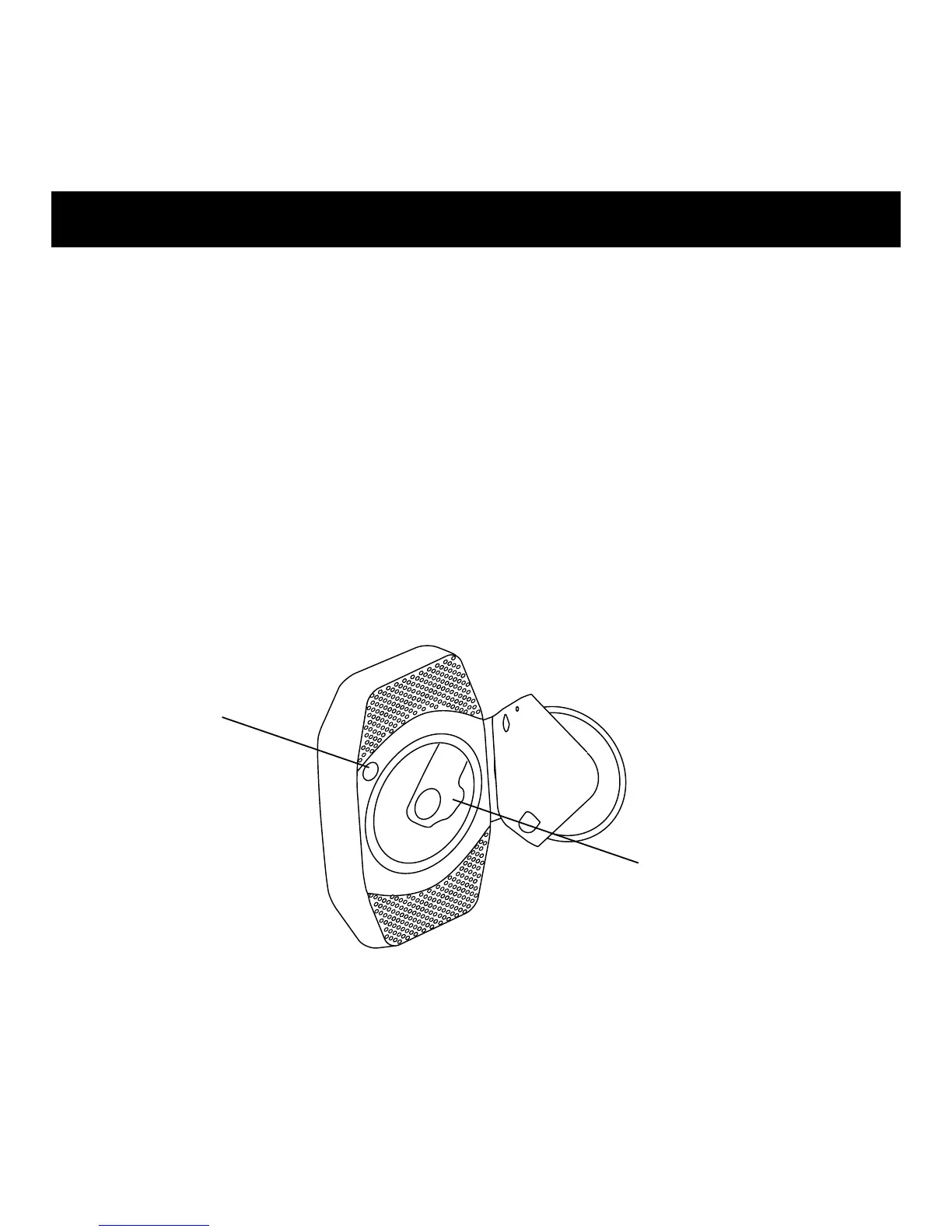
CD OPEN
CD Spindle
Press CD firmly in place
before closing the door.
CD/MP3 Player - Basic Operation



 To Next Page