10 English
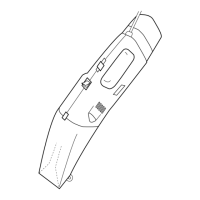
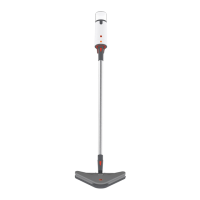
1 STEAM NOZZLE
Emits the flow of hot, penetrating steam.
2 HANDLE
Stays cool while providing maximum grip and comfort.
3 WATER TANK
Holds 10.14 oz. (300 ml.) of water.
4 ON OFF BUTTON
5 STEAM STATUS LIGHT
Illuminates red while steamer is heating and will illuminate green
when ready to use.
6 STEAM BUTTON
Produces steam with initial press of Steam Button. To stop prod-
uct from emitting steam, press the Steam Button a second time.
7 AUTO SHUTOFF
Release of the Steam Button starts a 20 min timer so that product
automatically shuts off after 20 minutes unless Steam Button is
pressed again.



 To Next Page