This function is to upload the pictures to the Internet.
FTP Server: Fill in the web site to be uploaded
FTP Port: Fill in the FTP Port
FTP User: Fill in the FTP user name
FTP Password: Fill in the password of the FTP user
FTP Upload Folder: Fill in the file name to be uploaded
FTP Mode: Select PORT
Upload Image Now: Click it if needed
Upload Interval: setup the interval; Unit : second
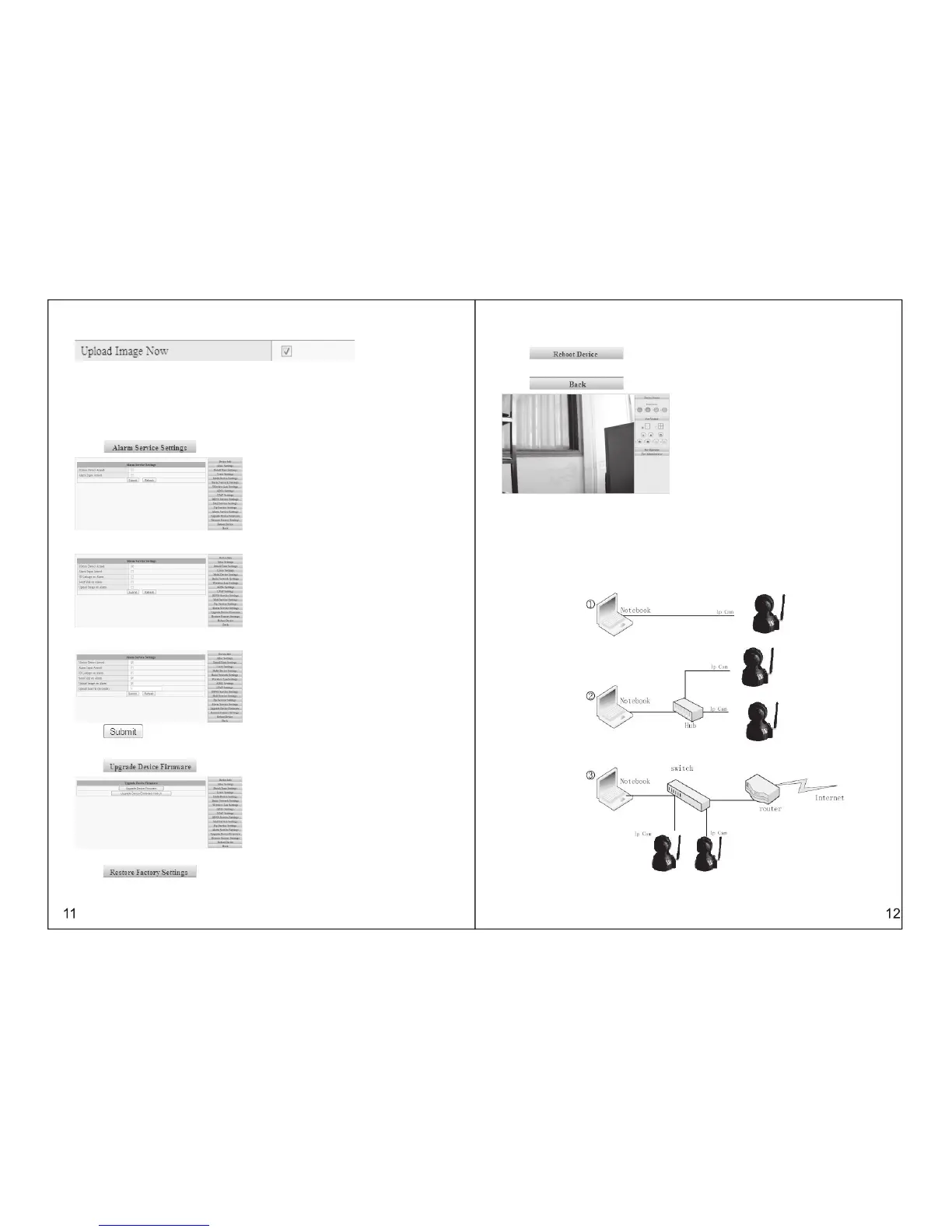
3.5.13 ALARM SERVICE SETTINGS
Click , please refer to the following picture:
Select the alarm mode. For example, if select motion detection mode, you can refer to the following
pictures:
Select Alarm Mode by yourself: IO linkage, or e-mail sending, or image upload
Following information is an example for selecting the method of email sending:
Click for confirmation.
Click , please refer to the following picture:
3.5.15 RESTORE FACTORY DEFAULT SETTINGS
Click , and re-start the device, the factory default settings can be restored
accordingly.
3.5.14 SYSTEM SOFTWARE UPGRADE
3.5.16 DEVICE REBOOT
Click , it will re-start the device, but former settings unchanged.
3.5.17 RETURN
Cilck , it will return to the monitoring interface.
THE 4TH CHAPTER
HOW TO VIEW IP606W
After adjust IP607W on the Web page, you can visit it through Internet accordingly. This will be divided
into two conditions: LAN View and Internet View. And about Internet View, it will be divided into the modes
of dynamic connection and static connection, on the basis of IP607W’s connection method with Internet
4.1 LAN VIEW
(sketch map of LAN view)



 To Next Page