5.
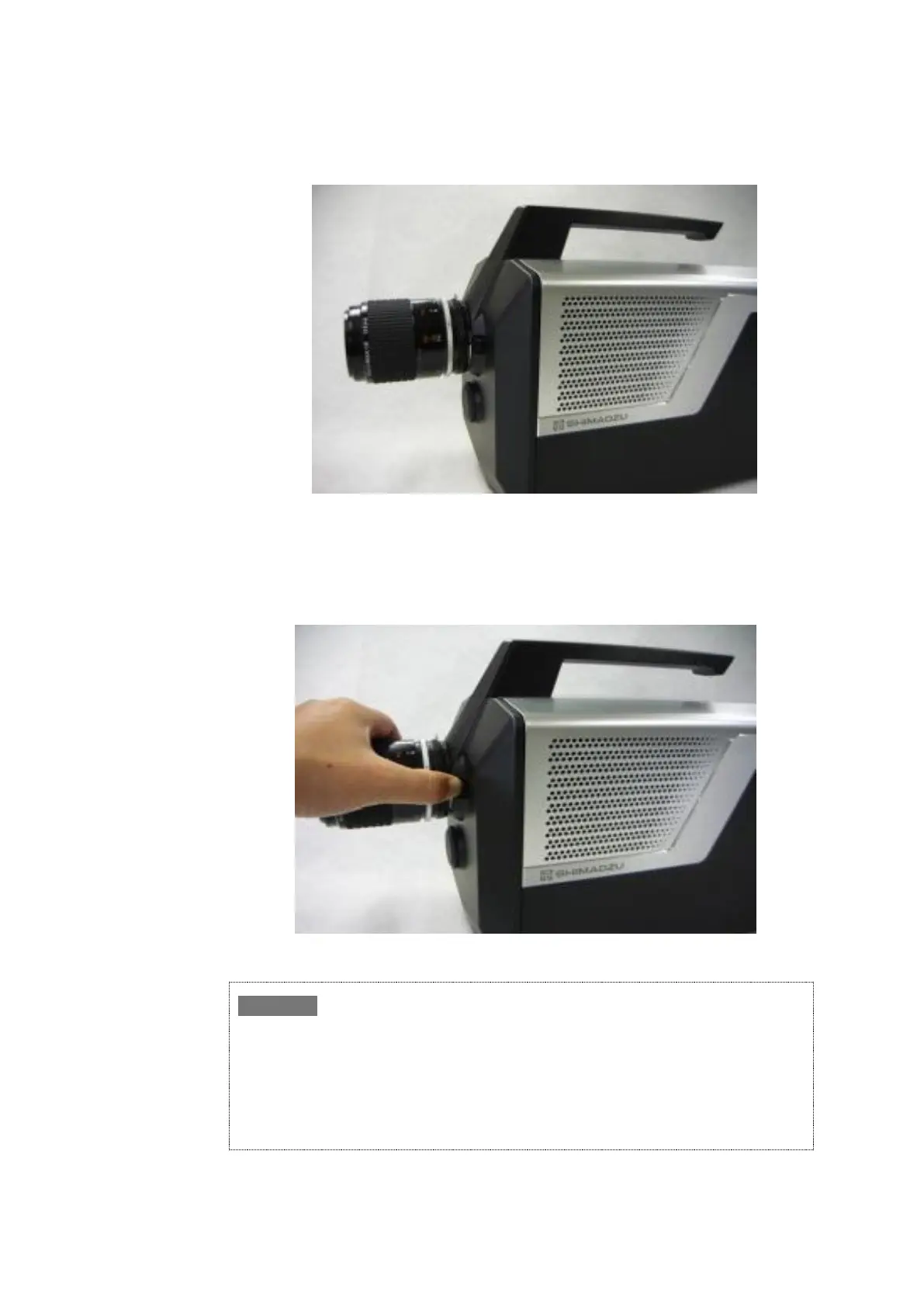
Confirm that the lens is mounted securely to the camera head.
Fig. 4-6 Mounted Lens
■ Removing the Lens
To remove the lens from the camera head, turn the lens clockwise (opposite direction to
mounting) while pushing the lug shown in Fig. 4-7 in the direction of the arrow.
Fig. 4-7 Removing the Lens
The above description is for removal/attachment of a regular F-mount lens. However, the camera
may be connected to various other optical systems depending on the user's specific camera
application. When connecting to other optical systems, such as microscope lenses, refer to the
instruction manual for the optical system to which the camera is being connected.
We also recommend using a jig or other support device to prevent applying any excessive loads
on the mount. Excessive loads could damage the mount.
Shimadzu does not guarantee that all F-mount lenses can be attached.


 To Next Page