EasyManua.ls Logo

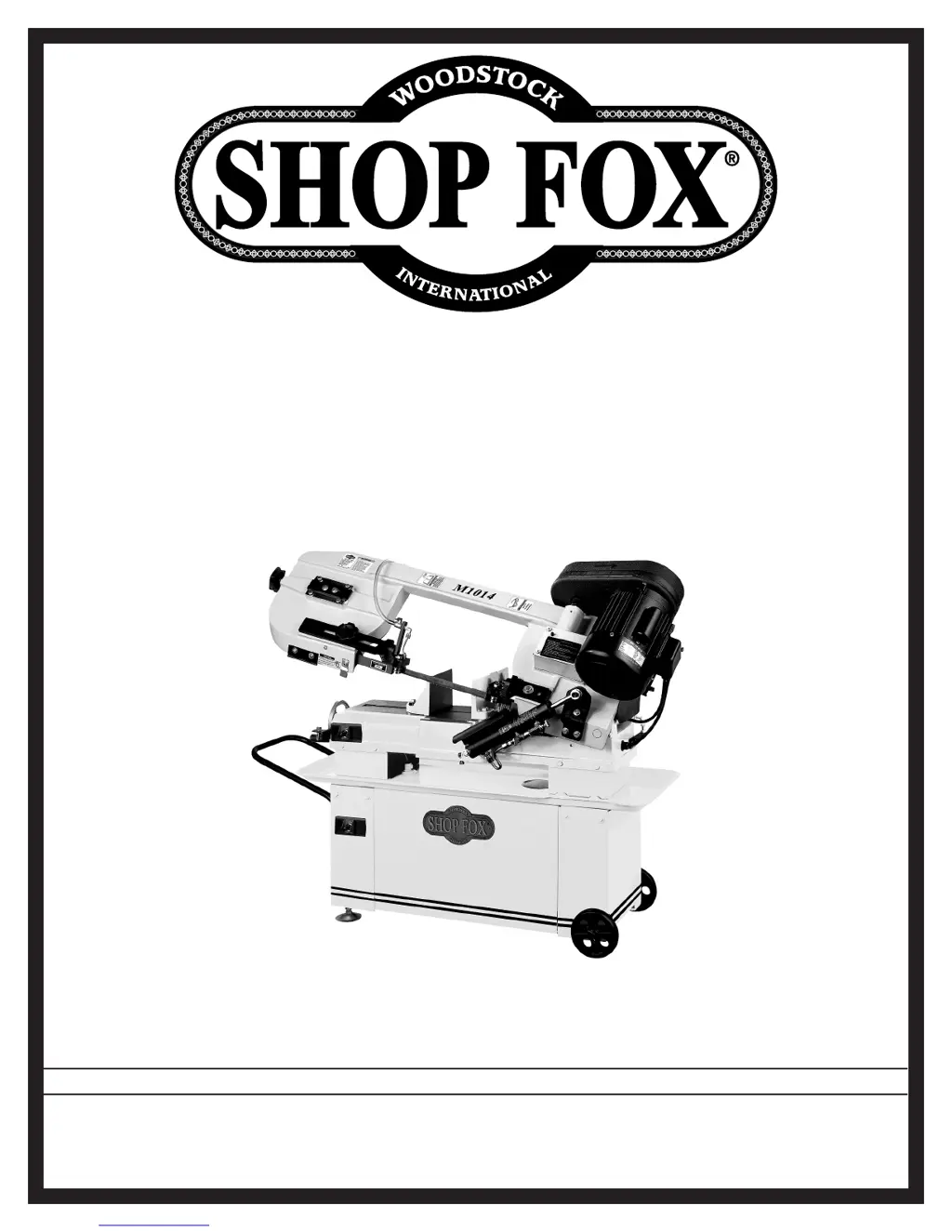
Shop fox M1014 - User Manual

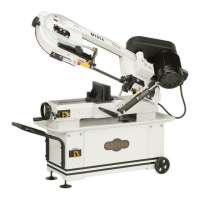
Shop fox M1014
52 pages
Print Icon
To Next Page IconTo Next Page
Loading...











Questions and Answers

  • T
    Tina SanchezAug 10, 2025
    Why are the cuts crooked on my Shop fox M1014?
    • J
      Jonathan CarrollAug 10, 2025
      Crooked cuts on your saw can be caused by several factors. It could be that the feed pressure is too high, the guide bearings are out of adjustment or too far from the workpiece, the blade tension is low, the blade is dull, the blade speed is wrong, or the blade tracking is off. You may need to adjust the feed rate, replace or adjust the blade guides, adjust the blade tension, replace the blade, adjust the cutting speed, or adjust the blade tracking.
  • H
    Howard ThorntonAug 17, 2025
    What to do if the motor is running too hot on my Shop fox M1014 Saw?
    • A
      Alexander GonzalezAug 18, 2025
      If the motor of your saw is overheating, it could be due to several reasons: the blade tension might be too high, the drive belt could be slipping, the blade TPI might be incorrect, or the saw is being overloaded. You may need to adjust the blade tension, adjust the belt tension, select the correct blade, decrease the feed pressure, and use cutting fluid if needed.
  • C
    Caleb MillsAug 26, 2025
    Why are the cuts rough with my Shop fox M1014?
    • M
      Megan BruceAug 26, 2025
      Rough cuts can occur if the feed pressure is too high, the blade TPI is too coarse, the blade is loose and slipping on the wheels, or the blade tracking is wrong. Try adjusting the feed rate, selecting a finer-tooth blade, adjusting the blade tension, or correcting the blade tracking.
  • A
    Amber JohnsonSep 1, 2025
    How to prevent teeth from ripping from the blade on my Shop fox M1014 Saw?
    • A
      Adam FowlerSep 1, 2025
      Teeth ripping from the blade can happen if the feed pressure is too heavy and the blade speed is too slow, or the blade TPI is too coarse for the workpiece; if the workpiece is vibrating in the vise; or if the blade gullets are loading up with chips. Decrease the feed pressure, re-clamp the workpiece in the vise (using a jig if needed), use a coarser-tooth blade, ensure the brush is working, and use cutting fluid to cool the blade and flush the cut if required.

Summary

Controls and Features

SAFETY

Standard Machinery Safety Instructions

General safety guidelines for operating machinery.

Additional Safety for Metal Bandsaws

Specific safety precautions for metal cutting bandsaws.

Avoiding Potential Injuries

Visual guidance on safe operating practices to prevent harm.

ELECTRICAL

Circuit Requirements

Guidelines for connecting the machine to a suitable power supply.

Grounding Requirements

Essential information on proper electrical grounding for safety.

SET UP

ADJUSTMENTS

Blade Tension

Method for setting the correct tension for the saw blade.

Blade Guides

Steps for aligning and adjusting the blade guide assemblies.

OPERATIONS

Operation

Step-by-step guide for performing basic cutting operations.

Blade Selection

Guidance on choosing the appropriate blade for different materials.

MAINTENANCE

SERVICE

Blade Tracking

How to ensure the blade tracks correctly on the wheels.

Troubleshooting

Common issues and their corrective actions.

PARTS

Shop fox M1014 Specifications

General IconGeneral
BrandShop fox
ModelM1014
CategorySaw
LanguageEnglish

Related product manuals