EasyManua.ls Logo

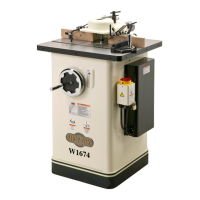
Shop fox W1674 - User Manual

Shop fox W1674
64 pages
Print Icon
To Next Page IconTo Next Page
Loading...
OWNER'S MANUAL
(FOR MODELS MANUFACTURED SINCE 9/10)
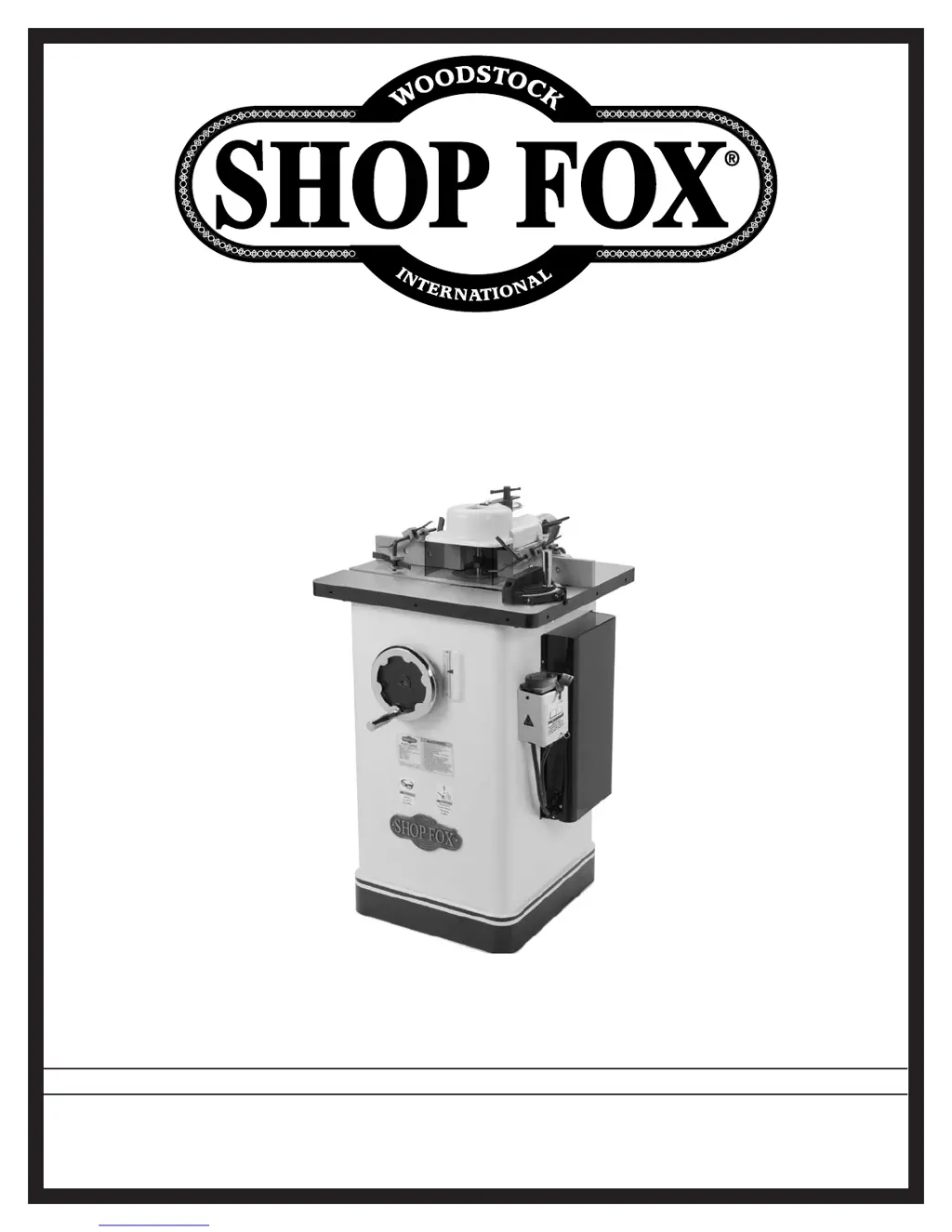
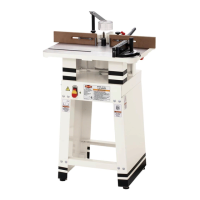
MODEL W1674
2 HP SHAPER
Phone: (360) 734-3482 • Online Technical Support: tech-support@shopfox.biz
COPYRIGHT © FEBRUARY, 2004 BY WOODSTOCK INTERNATIONAL, INC., REVISED OCTOBER, 2010 (TR)
WARNING: NO PORTION OF THIS MANUAL MAY BE REPRODUCED IN ANY SHAPE OR FORM WITHOUT
THE WRITTEN APPROVAL OF WOODSTOCK INTERNATIONAL, INC.
Printed in Taiwan
#11875TS

Questions and Answers

  • B
    Bryan SparksAug 12, 2025
    What to do if my Shop Fox Power Tool machine does not start?
    • N
      Nicholas BrownAug 12, 2025
      If your Shop Fox Power Tool machine does not start or a breaker trips, several factors could be at play. First, ensure that the power supply is switched ON and has the correct voltage. Check the plug and receptacle for good contacts and correct wiring. Verify that the motor connection is wired correctly. If the thermal overload relay has tripped, reset it, and adjust the trip load dial if necessary, or replace it. Make sure the wall circuit breaker is the correct size and replace it if it's weak. Inspect for any broken, disconnected, or corroded wires and fix them. Test and replace the start capacitor if it's faulty. Replace the spindle switch if it's at fault. Finally, test, repair, or replace the motor if necessary.
  • A
    Alyssa DavisAug 19, 2025
    How to reduce vibration in my Shop fox W1674 Power Tool?
    • G
      gregoryreyesAug 19, 2025
      If your Shop Fox Power Tool has vibration or noisy operation, inspect and replace any damaged bolts or nuts, and re-tighten them. Replace a damaged cutter. Tension or replace a worn or loose V-belt. Replace the cutter, tighten any loose spindle, and replace any defective spindle or spindle cartridge. Realign or replace the shaft, pulley, set screw, and key if the pulley is loose. Tighten or replace a loose or broken motor mount. Tighten the mounting bolts, and relocate or shim the machine if it's incorrectly mounted. Fix or replace the fan cover and replace any loose or damaged fan if the motor fan is rubbing on the fan cover. Test the motor bearings by rotating the shaft; rotational grinding or a loose shaft requires bearing replacement.
  • J
    John BatesAug 23, 2025
    What to do if workpiece is burned by Shop Fox Power Tool?
    • A
      Allen DiazAug 23, 2025
      If your workpiece is burned when cut with the Shop Fox Power Tool, it could be due to several reasons. A dull cutter can cause burning, so replace it or have it professionally sharpened. Too slow of a feed rate can also lead to burning, so increase the feed speed. Pitch build-up on the cutter can cause issues, so clean the cutter with a blade and bit cleaning solution. Ensure the cutter is rotating in the correct direction. Finally, taking too deep of a cut can cause burning, so make several passes of light cuts.
  • L
    Linda DavisAug 27, 2025
    How to prevent chipping with Shop Fox Power Tool?
    • C
      cwilliamsAug 27, 2025
      If you're experiencing chipping when using your Shop Fox Power Tool, it might be due to knots or conflicting grain direction in the wood, so inspect the workpiece and only use clean stock. A nicked or chipped cutter can also cause chipping, so replace or sharpen it. Feeding the workpiece too fast can lead to chipping, so slow down the feed rate. Taking too deep of a cut can also cause this issue, so take a smaller depth of cut, especially when working with hardwoods. Finally, cutting against the grain of the wood can cause chipping, so always cut with the grain.
  • A
    Alexis HolmesAug 31, 2025
    Why does Shop fox W1674 leave fuzzy grain?
    • P
      Peggy HughesAug 31, 2025
      If you're getting fuzzy grain when using your Shop Fox Power Tool, it could be due to high moisture content or surface wetness in the wood. Check the moisture content and allow the wood to dry if it's more than 20%. Another cause could be a dull cutter, so replace or have it professionally sharpened.
  • R
    Ralph CookSep 3, 2025
    What causes divots in the edge of the cut with Shop fox W1674 Power Tool?
    • L
      luismooreSep 3, 2025
      If you're experiencing divots in the edge of the cut with your Shop Fox Power Tool, it may be due to inconsistent feed speed, so move smoothly or use a power feeder. Inconsistent pressure against the fence and rub collar can also cause divots, so apply constant pressure. Lastly, the fence may not be adjusted correctly, so adjust the fence as needed.
  • R
    Robert SmithSep 7, 2025
    How to fix a Shop Fox Power Tool spindle that won't raise?
    • A
      Amy JonesSep 7, 2025
      If the spindle of your Shop Fox Power Tool does not raise or lower easily, it may be because the spindle slide or leadscrew is clogged with sawdust. Clean the spindle slide and leadscrew, then lubricate them.
  • J
    John SanfordNov 15, 2025
    Why is my Shop fox W1674 Power Tool stalling?
    • F
      Fernando FordNov 15, 2025
      If your Shop Fox Power Tool is stalling or under-powered, consider these potential causes: The workpiece material might not be suitable, so ensure you're only cutting wood with moisture below 20%. The fence or jig could be loose or misaligned, requiring adjustment. A slipping V-belt needs tensioning or replacement. Incorrect motor wiring should be corrected. Faulty plug or receptacle should be tested for good contacts and corrected wiring. If the pulley is slipping on the shaft, replace the loose pulley or shaft. Motor bearings at fault should be tested, repaired, or replaced. If the machine is undersized for the task, use the correct, sharp cutter and reduce the feed rate or depth of cut. An overheated motor needs cleaning, cooling, and a reduced workload. A faulty spindle switch should b...

Summary

Controls and Features

Essential Safety Precautions

Emphasizes reading the manual and provides critical safety instructions.

SAFETY

General Safety Guidelines

Explains safety symbols and the importance of reading the manual for safe operation.

Standard Machinery Safety Instructions

Provides essential safety instructions for operating machinery and personal protection.

SAFETY

Approved Operation and User Responsibility

Details safe operating practices, machine use, and user responsibilities.

SAFETY

Shaper-Specific Safety

Offers safety guidelines specific to shaper operations and cutter exposure.

Safe Hand Positioning and Workpiece Handling

Provides instructions on safe hand positioning and handling small workpieces.

ELECTRICAL

Circuit Requirements

Details the necessary power supply circuits for machine operation.

Electrical Setup Warning

Warns against connecting power until setup is complete and emphasizes qualified electricians.

ELECTRICAL

Grounding Requirements

Explains the importance and procedure for proper grounding to prevent electric shock.

SETUP

SETUP

SETUP

SETUP

Test Run Procedure

Procedures for performing a test run of the shaper after setup.

OPERATIONS

OPERATIONS

OPERATIONS

Fence Adjustment Procedures

Explains how to adjust the fence assembly in multiple ways for precise cuts.

Cutter Installation Guidelines

Rules and procedures for safely installing shaper cutters, including spacer usage.

Safety Guard Installation

Instructions for installing the safety guard on the fence assembly for operator protection.

Irregular Shaping with Starting Pins

Instructions for performing irregular shaping using starting pins and rub collars for safety.

OPERATIONS

MAINTENANCE

MAINTENANCE

SERVICE

Fence Board Alignment

How to check and align fence boards for parallelism to ensure proper workpiece support.

SERVICE

Gib Adjustment Procedure

How to check and adjust the gibs for smooth slide movement and spindle stability.

Electrical Safety Instructions

Essential safety guidelines related to the machine's electrical system, including shock hazards and qualified electricians.

SERVICE

SERVICE

Troubleshooting Common Issues

Lists common problems and their corrective actions for machine operation and performance.

PARTS

Shop fox W1674 Specifications

General IconGeneral
BrandShop fox
ModelW1674
CategoryPower Tool
LanguageEnglish

Related product manuals