EasyManua.ls Logo

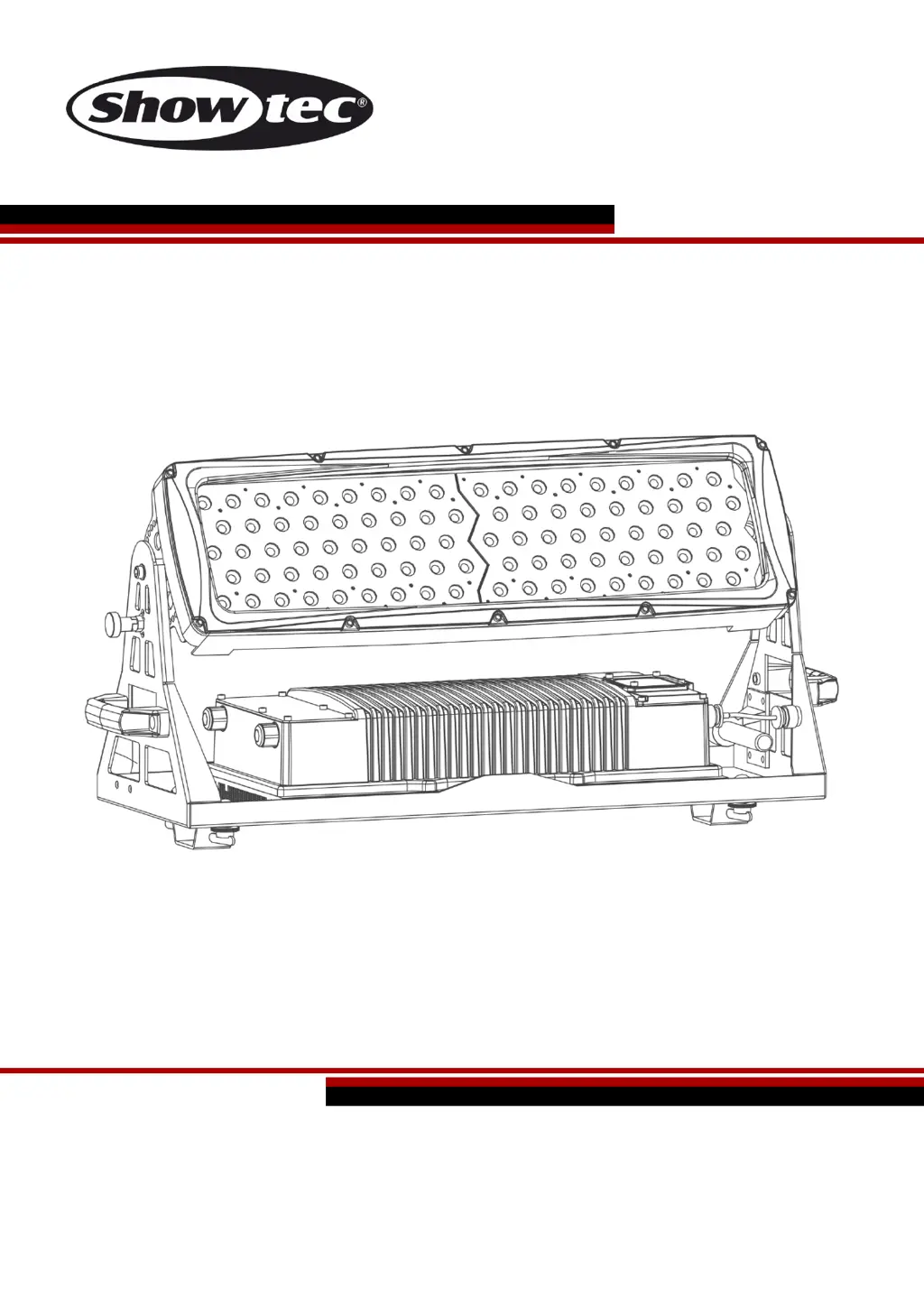
SHOWTEC City Painter 9000 LED - User Manual

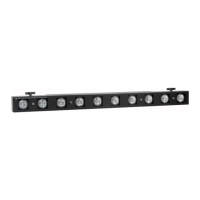
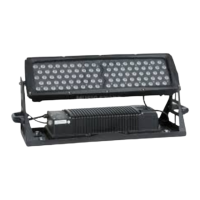
SHOWTEC City Painter 9000 LED
32 pages
Print Icon
To Next Page IconTo Next Page
Loading...
City Painter 9000 LED V1
Highlite International B.V. Vestastraat 2 6468 EX Kerkrade the Netherlands
Ordercode: 40910
MANUAL
ENGLISH

Questions and Answers

  • B
    Brooke RamseyAug 2, 2025
    Why is my SHOWTEC City Painter 9000 LED not responding to DMX?
    • A
      Alyssa CollinsAug 2, 2025
      If your SHOWTEC DJ Equipment isn't responding to DMX signals, first verify that the DMX settings are correct, ensuring the DMX addresses are accurate. If the settings are correct, try replacing the DMX cable and then reconnecting the power. If the issue persists, determine whether the controller or the light effect itself is malfunctioning.
  • S
    Sara VillaAug 9, 2025
    What to do if one or more fixtures of SHOWTEC City Painter 9000 LED don't function?
    • T
      Troy PayneAug 9, 2025
      If one or more fixtures of your SHOWTEC DJ Equipment do not function, start by checking if the power is switched on and that all cables are securely plugged in.
  • J
    Joseph HansonAug 14, 2025
    Why do some fixtures respond erratically to the controller of SHOWTEC City Painter 9000 LED DJ Equipment?
    • H
      Haley ColeAug 14, 2025
      If fixtures reset correctly but some respond erratically or not at all to the controller of your SHOWTEC DJ Equipment, it may be caused by poor data quality. Check the data quality. Inspect connections and cables, correct poor connections and repair or replace damaged cables. Also, ensure that the data link is terminated with a 120 Ohm termination plug in the output jack of the last fixture on the link and check the address settings. If problems persist, bypass one fixture at a time until normal operation is restored by unplugging both connectors and connecting them directly together, or install a phase-reversing cable between the fixtures or swap pin 2 and 3 in the fixture that behaves erratically.
  • A
    Ashley HarrisAug 21, 2025
    What to do if all fixtures respond erratically to the controller of SHOWTEC City Painter 9000 LED DJ Equipment?
    • E
      Evan FisherAug 21, 2025
      If fixtures reset correctly, but all respond erratically or not at all to the controller of your SHOWTEC DJ Equipment, first connect the controller. If the issue persists, install a phase reversing cable between the controller and the first fixture on the link, if the 3-pin XLR Out of the controller does not match XLR Out of the first fixture on the link.
  • F
    Frank HornAug 27, 2025
    Why does SHOWTEC City Painter 9000 LED DJ Equipment light cut out intermittently?
    • T
      Todd GilmoreAug 27, 2025
      If your SHOWTEC DJ Equipment light or lamp cuts out intermittently, first allow the fixture to cool down. Clean the fan and ensure that air vents in the control panel and the front lens are not blocked. Also, check the power supply settings to ensure they match your local AC voltage and frequency, correcting if necessary.

Summary

Warning

Safety Instructions

Guidelines for safe installation, operation, and maintenance of the device.

General Safety Precautions

Electrical Safety and Handling

Precautions regarding power cords, handling, and avoiding electrical shock.

Rigging

Connection with the Mains

Installation

Set Up and Operation

Control Modes Overview

Overview of the different operational modes available for the fixture.

Master;Slave Control Setup

Connecting and operating multiple fixtures in a Master/Slave configuration.

DMX Control Setup

Connecting and operating multiple fixtures using DMX control.

Fixture Linking

Control Panel

DMX Control Operations

DMX Addressing Procedure

Steps for assigning unique DMX addresses to fixtures for proper control.

Device Settings Management

Main Menu Navigation

Static Colors Mode Operation

How to set and adjust static colors, intensity, and strobe effects.

Advanced Operation Modes

DMX Addressing and Configuration

Configuring DMX control, addressing, and channel modes.

Settings and Configuration

DMX Channel Mode Selection

Selecting different DMX channel modes for the fixture's personality.

Device Settings: Upload, Reset, Dimmer

Managing device settings including program upload, reset, and dimmer speed.

Color Calibration

Edit Mode

DMX Channel Configurations

11 Channel TOUR Mode

Detailed breakdown of DMX channel functions for the 11-channel TOUR mode.

11 Channel TOUR Mode (Channels 9-11)

Detailed breakdown of DMX channel functions for the 11-channel TOUR mode.

3 Channels ARC.1 Mode

4 Channel AR1.D Mode

5 Channels ARC.3 Mode

6 Channels AR3.D Mode

7 Channel AR3.S Mode

3 Channels HSV Mode

Maintenance

Troubleshooting

Product Specifications

Dimensions

SHOWTEC City Painter 9000 LED Specifications

General IconGeneral
Light SourceLED
Beam Angle25°
Power Consumption300W
Power Supply100-240V AC, 50/60Hz
Dimensions450 x 340 x 120 mm
Weight8.5 kg
ControlDMX
LEDs90x 3W LEDs (30x Red, 30x Green, 30x Blue)

Related product manuals