EasyManua.ls Logo

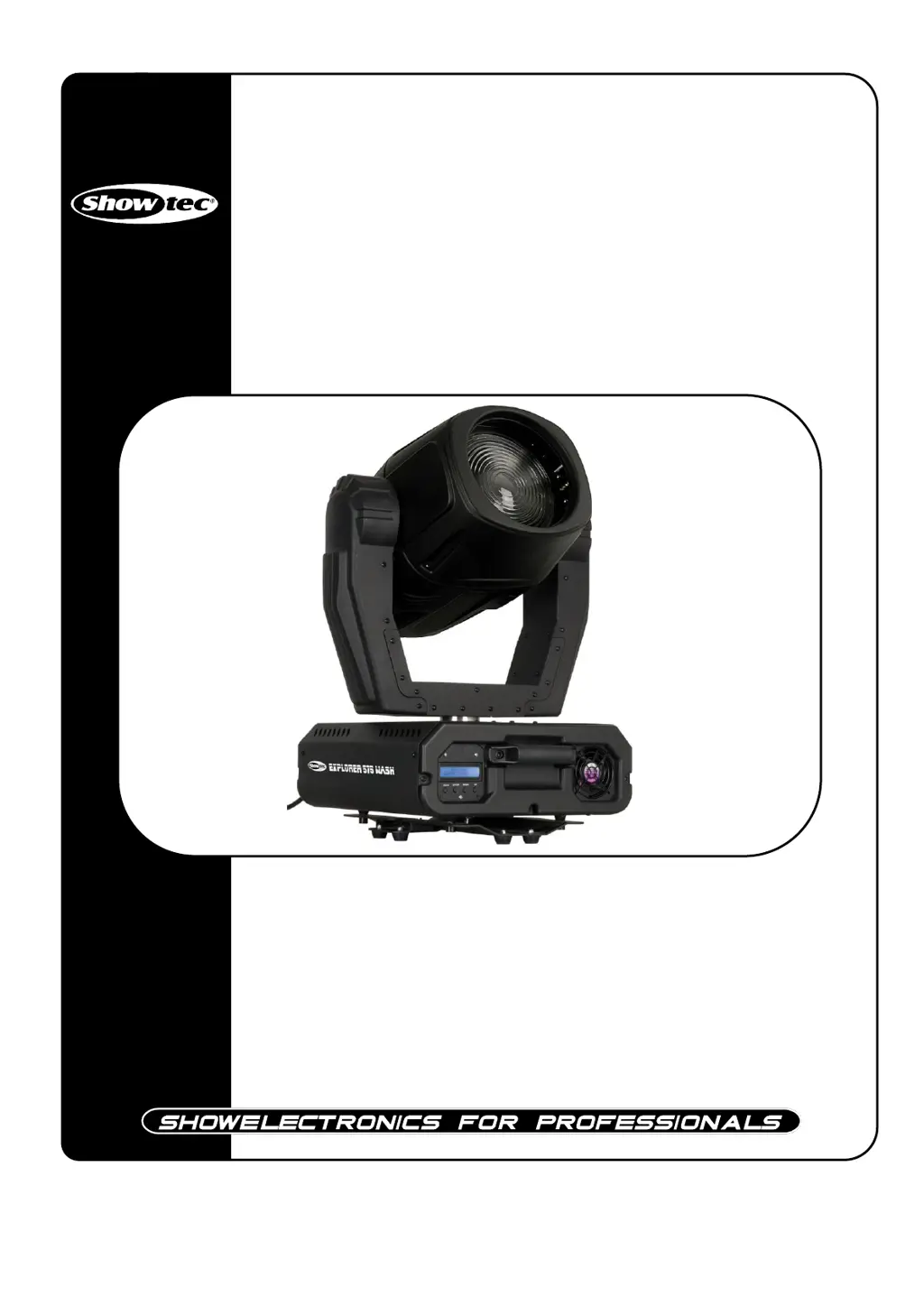
SHOWTEC Explorer 575 Wash MKII - User Manual

SHOWTEC Explorer 575 Wash MKII
27 pages
Print Icon
To Next Page IconTo Next Page
Loading...
Explorer 575 Wash MKII V2
ORDERCODE 40192

Questions and Answers

  • O
    Olivia BrewerAug 5, 2025
    Why does SHOWTEC Explorer 575 Wash MKII lamp cut out intermittently?
    • G
      Gabriela NavarroAug 5, 2025
      If your SHOWTEC DJ Equipment lamp cuts out intermittently, it could be due to the fixture overheating or incorrect power supply settings. First, allow the fixture to cool, clean the fan, and ensure that the air vents at the control panel and front lens are not blocked. Improving air conditioning in the room can also help. Then, disconnect the fixture and check the power supply settings to ensure they match your local AC voltage and frequency, correcting if necessary.
  • L
    Latoya IbarraAug 10, 2025
    What to do if SHOWTEC DJ Equipment fixture is dead?
    • I
      ithomasAug 10, 2025
      To troubleshoot a SHOWTEC DJ Equipment fixture that is completely dead, start by checking that the power is switched on and all cables are securely plugged in. If the fixture still doesn't power on, the primary fuse may have blown, so replace the fuse.
  • K
    Kenneth HolderAug 13, 2025
    How to troubleshoot SHOWTEC DJ Equipment with no light or movement?
    • M
      Melissa Gomez MDAug 13, 2025
      If your SHOWTEC DJ Equipment is not lighting up or moving, ensure it is properly plugged into an appropriate power supply. If it's plugged in, the lamp might be old and need replacing with a new one that has the same specifications. Also, check the fuse and replace it if necessary.
  • H
    howardchristinaAug 18, 2025
    What to do if SHOWTEC Explorer 575 Wash MKII DJ Equipment is not responding to DMX?
    • E
      edwinclarkAug 18, 2025
      If your SHOWTEC DJ Equipment is not responding to DMX, try these steps: First, check the DMX cable by unplugging the unit, changing the DMX cable, and then reconnecting to electrical power. If that doesn't work, determine whether the controller or light effect is at fault by testing the controller with other DMX products. If the controller doesn't operate properly with other DMX products, it may need repair.
  • G
    Gary OsborneAug 22, 2025
    Why SHOWTEC Explorer 575 Wash MKII DJ Equipment has no light?
    • S
      Suzanne WilliamsAug 22, 2025
      If your SHOWTEC DJ Equipment has no light, it could be due to a mismatch between the power supply settings and your local AC voltage and frequency. Disconnect the fixture and check these settings, correcting them if necessary. Alternatively, the lamp might be missing or blown, in which case you should disconnect the fixture and replace the lamp.
  • B
    Bobby ContrerasAug 27, 2025
    Why does SHOWTEC Explorer 575 Wash MKII shutter close suddenly?
    • T
      tylerwalkerAug 27, 2025
      If the shutter on your SHOWTEC DJ Equipment closes suddenly, it may be because the color wheel or effect wheel has lost its index position, causing the fixture to reset the effect. If this problem persists, it is recommended to contact a technician for servicing.
  • J
    Joshua HallOct 31, 2025
    What to do if SHOWTEC Explorer 575 Wash MKII DJ Equipment fixtures respond erratically?
    • N
      Nicholas ZimmermanOct 31, 2025
      If your SHOWTEC DJ Equipment fixtures reset correctly but some respond erratically, it might be due to poor data quality. Here’s what you can do: * Check the data quality. If it's much lower than 100%, it could be a bad data link connection, poor quality or broken cables, a missing termination plug, or a defective fixture disturbing the link. * Inspect connections and cables. Correct poor connections and repair or replace damaged cables. * Insert a termination plug in the output jack of the last fixture on the link. * Check the address settings. * Bypass one fixture at a time until normal operation is regained by unplugging both connectors and connecting them directly together. * If needed, have the defective fixture serviced by a qualified technician. * If the 3-pin XLR Out...

Summary

WARNING

Unpacking Instructions

Instructions for unpacking and checking the contents of the shipment.

SAFETY INSTRUCTIONS

Essential safety guidelines for installation, operation, and maintenance.

OPERATING DETERMINATIONS

Rigging

Instructions and safety precautions for mounting the fixture.

Connection with the mains

Return Procedure

Claims

Description of the device

Features

Key technical and functional features of the Explorer 575.

Overview

Visual identification of components with labels and figure reference.

Backside

Installation

Installing the Lamp

Detailed steps for safely replacing the lamp in the fixture.

Lamp Adjustment

Set Up and Operation

One Explorer

Setup and initial operation procedures for a single unit.

Multiple Explorers

Setup and connection procedures for operating multiple units together.

Occupation of the XLR-connection

Explanation of DMX signal pin assignments and cable transformations.

DMX-Set up

DMX-Protocol

Control Panel

Description of the control panel interface and its indicators.

Control Mode

Explanation of how fixtures are addressed and respond to DMX signals.

DMX Addressing

Procedure for setting the DMX address for individual fixtures or groups.

Controlling

Notes on operating the fixtures via a lighting controller and potential issues.

Remotely controllable functions

Stand-alone Mode

Details on operating the fixture using its built-in programs.

Addressing

Procedure for setting DMX addresses and master/slave configurations.

Menu Overview

DMX Protocol 16 Channels (Advanced)

Channel settings

DMX Protocol 13 Channels (Basic)

Maintenance

Changing the Lamp

Step-by-step guide for safely replacing the fixture's lamp.

Replacing a Fuse

Instructions for replacing a blown fuse to restore functionality.

Structure of the Fixture

Troubleshooting

No Light, No Movement - All Products

Guide to diagnose and resolve issues with light and movement.

No Response to DMX

Troubleshooting steps for DMX communication failures.

Product Specification

SHOWTEC Explorer 575 Wash MKII Specifications

General IconGeneral
BrandSHOWTEC
ModelExplorer 575 Wash MKII
CategoryDJ Equipment
LanguageEnglish

Related product manuals