EasyManua.ls Logo

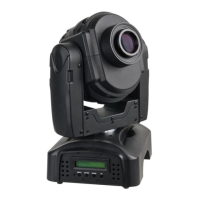
SHOWTEC Indigo 150 LED - User Manual

SHOWTEC Indigo 150 LED
28 pages
Print Icon
To Next Page IconTo Next Page
Loading...
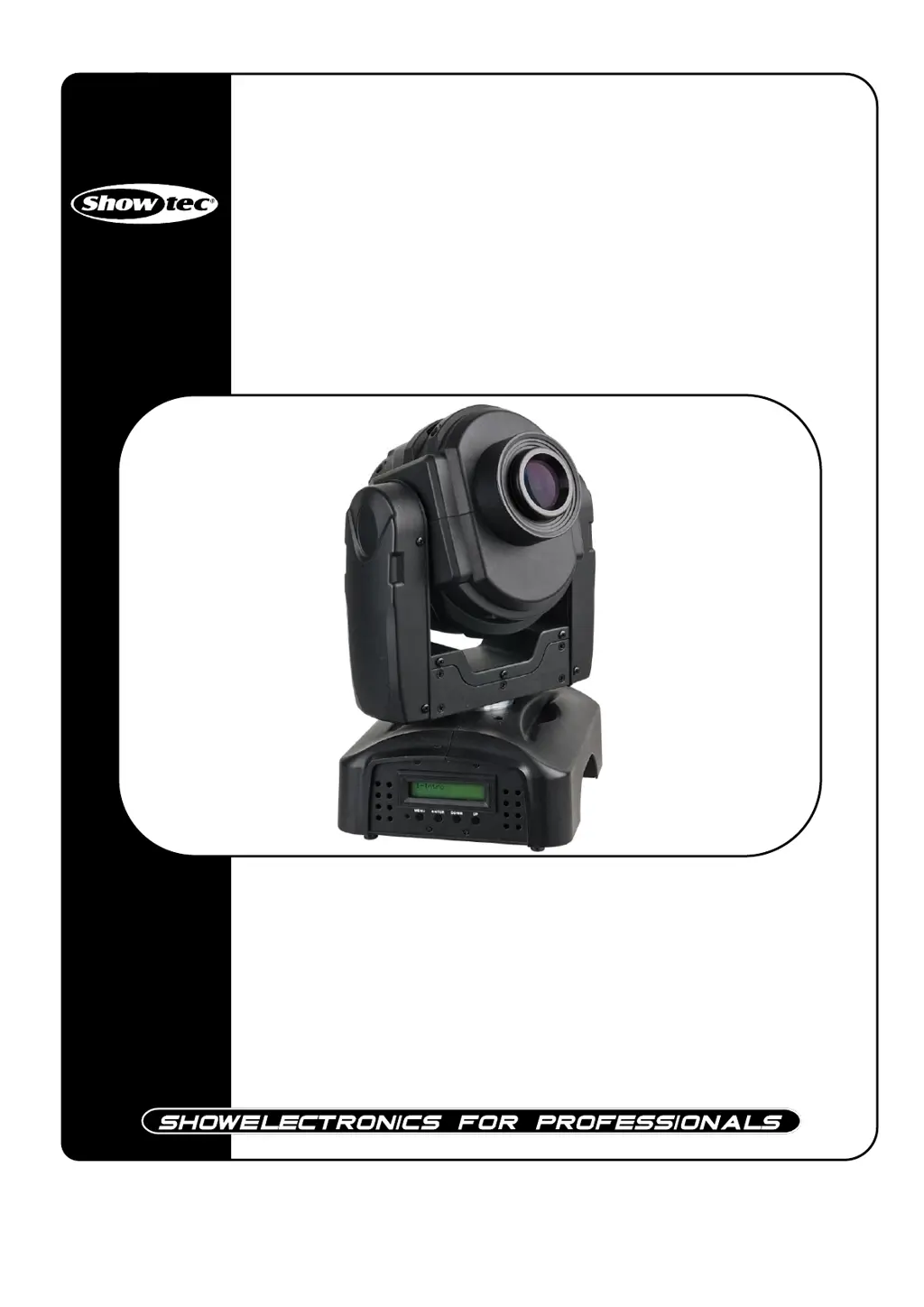
Indigo 150 LED
ORDERCODE 41379

Questions and Answers

  • M
    Maria SchneiderJul 31, 2025
    What to do if SHOWTEC Light Fixture is completely dead?
    • D
      Dr. Jody BanksJul 31, 2025
      If one or more SHOWTEC Light Fixtures are completely dead, first check that the power is switched on and the cables are properly plugged in. If the issue persists, replace the primary fuse.
  • W
    William MaddoxAug 5, 2025
    How to fix no DMX response on SHOWTEC Light Fixture?
    • A
      Angela SparksAug 5, 2025
      If your SHOWTEC Light Fixture is not responding to DMX, start by checking the DMX cable. Unplug the unit, change the DMX cable, and then reconnect the power. If that doesn't work, determine whether the controller or the light effect itself is at fault.
  • A
    allenchristopherAug 10, 2025
    How to troubleshoot no light and no movement on SHOWTEC Indigo 150 LED?
    • B
      bstoneAug 10, 2025
      If your SHOWTEC Light Fixture has no light and no movement, there are three potential problem areas to consider: the power supply, the lamp, and the fuse. Start by checking that the unit is properly plugged into an appropriate power supply. If that doesn't solve the issue, return the Indigo 150 LED to your Showtec dealer or replace the fuse (refer to page 23 for instructions).
  • J
    Joseph WilsonAug 15, 2025
    Why does SHOWTEC Light Fixture lamp cut out intermittently?
    • H
      Heather WilkinsAug 15, 2025
      If the lamp in your SHOWTEC Light Fixture cuts out intermittently, it could be due to the fixture overheating or the power supply settings not matching local AC voltage and frequency. Try these steps: * Allow the fixture to cool down. * Clean the fan. * Ensure that the air vents at the control panel and front lens are not blocked. * Turn up the air conditioning. Also, disconnect the fixture and check the power supply settings, correcting them if necessary.
  • O
    oturnerAug 20, 2025
    How to fix no light issue on SHOWTEC Light Fixture?
    • C
      carlos96Aug 20, 2025
      If your SHOWTEC Light Fixture has no light, the power supply settings might not match the local AC voltage and frequency or the LEDs could be damaged. Disconnect the fixture and check the power settings, correcting them if necessary. If the issue persists, disconnect the fixture and return it to your dealer.
  • V
    veronica58Aug 26, 2025
    What causes the shutter to close suddenly on SHOWTEC Light Fixture?
    • K
      knewmanAug 26, 2025
      If the shutter closes suddenly on your SHOWTEC Light Fixture, it could be because the color wheel, gobo wheel, or a gobo has lost its index position, causing the fixture to reset the effect. If the problem persists, contact a technician for servicing.

Summary

Warnings and Safety

General Safety Instructions

Essential safety guidelines for operation and maintenance.

Critical Usage Precautions

Important warnings and precautions for safe usage.

Product Description and Features

Features and Overview

Key features and general description of the Indigo 150 LED.

Backside Port Identification

Identification of ports and connectors on the rear of the unit.

Installation and Setup

Mains Connection and Installation

Steps for physical setup and power connection.

Fixture Linking and Data Cabling

Connecting multiple fixtures and data cable types.

Control Modes and Operation

Control Modes Overview

Introduction to operational modes: stand-alone, sound, master/slave, DMX.

Stand-alone and Sound Control

Operating the unit using built-in programs or sound activation.

Master;Slave and DMX Control

Synchronizing units and controlling via DMX.

DMX Addressing and Control Panel

Control Panel Overview

Description of buttons and LCD display for operation.

DMX Addressing

Setting the starting DMX channel for the fixture.

DMX Controlling

How to operate the fixture using a DMX controller.

Menu Navigation and Settings

Menu Overview and Intro Options

Menu structure and operations within the intro section.

Invert, Range, and Special Settings

Adjusting movement, range, and special functions.

Edit and Default Settings

Customizing parameters and restoring factory defaults.

DMX Protocol Details

12 Channel Advanced DMX Protocol

Detailed functions for each DMX channel in advanced mode.

9 Channel Basic DMX Protocol

Detailed functions for each DMX channel in basic mode.

DMX Channel Settings Summary

Visual summary of DMX channel functions and fixture settings.

Maintenance and Troubleshooting

Beam Angle and General Maintenance

Fixture beam spread, cleaning, and routine checks.

Replacing Fuse and Gobo

Procedures for replacing fuses and gobos.

Troubleshooting Light and Movement

Steps to resolve issues with light output or fixture movement.

Troubleshooting DMX Response

Diagnosing and fixing problems with DMX communication.

Product Specifications

Technical Specifications

Detailed technical data, dimensions, and operating parameters.

SHOWTEC Indigo 150 LED Specifications

General IconGeneral
BrandSHOWTEC
ModelIndigo 150 LED
CategoryLight Fixture
LanguageEnglish

Related product manuals