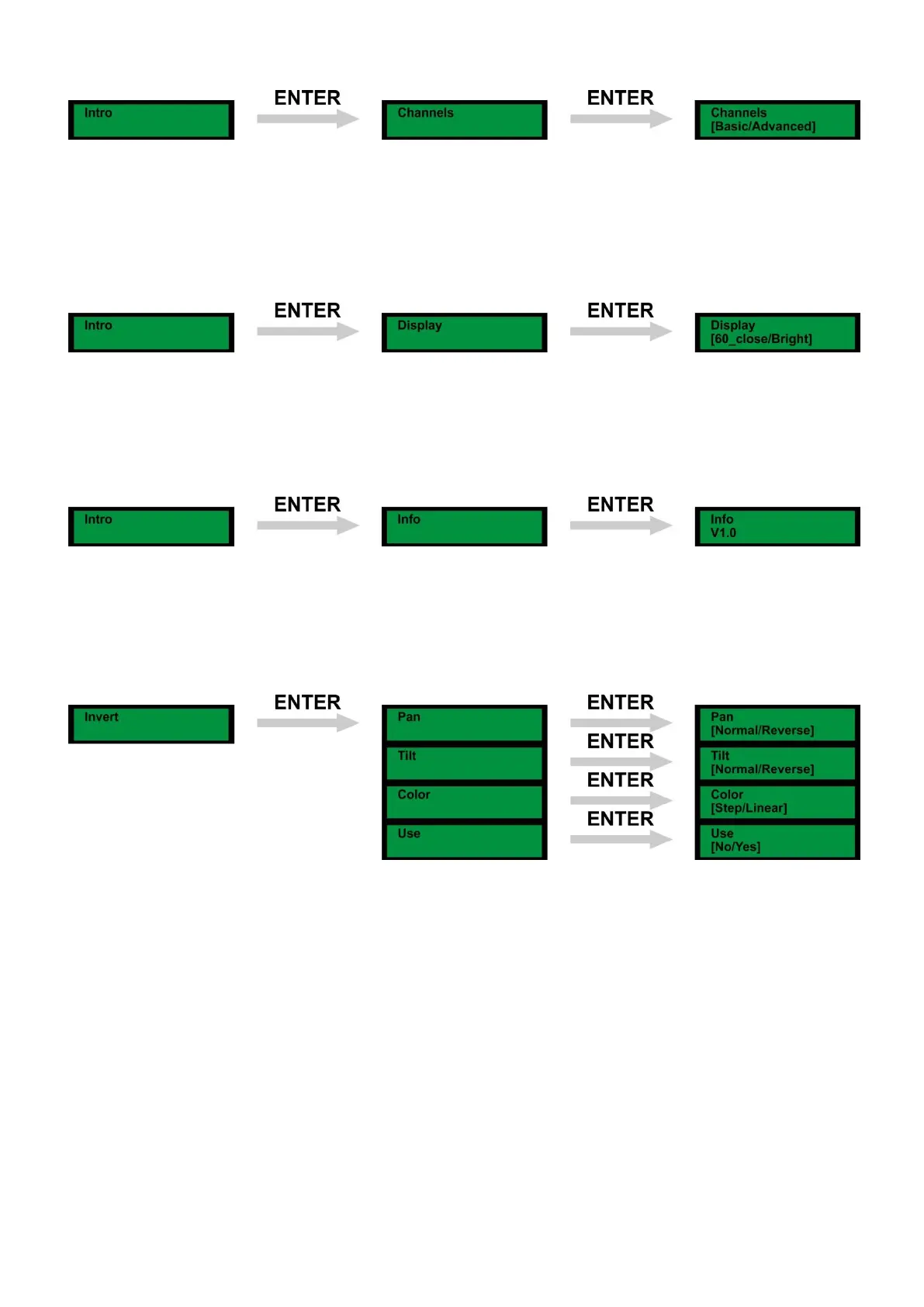
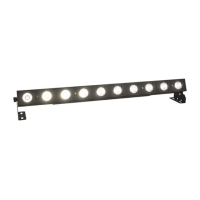
Channels Advanced/Basic Mode
1) Press Menu, until the display shows: Intro
2) Press Enter and use the Up/Down buttons to go to the Channels menu.
3) Press enter to open this menu. You can choose Basic (9CH) or Advanced (12CH) mode.
Use the Up / Down buttons to select one.
4) Once you have set the desired mode, press the enter button to store your setting.
Display Mode
1) Press Menu, until the display shows: Intro
2) Press Enter and use the Up/Down buttons to go to the Display menu.
3) Press enter to open this menu. You can choose 60_close or Bright mode.
Use the Up / Down buttons to select one.
4) Once you have set the desired mode, press the enter button to store your setting.
Info version
1) Press Menu, until the display shows: Intro
2) Press Enter and use the Up/Down buttons to go to the Info menu.
3) Press enter to see your Indigo version number.
2. Invert
1) Press Menu, until the display shows: Invert
2) Press Enter and use the Up/Down buttons to scroll through the options: Pan, Tilt, Color, Use.
3) Press enter to open this menu. Use the Up / Down buttons to select one of the options.
4) Once you have set the desired mode, press the enter button to store your setting.


 To Next Page