Product: 50740 / 50741 / 50742 / 50743
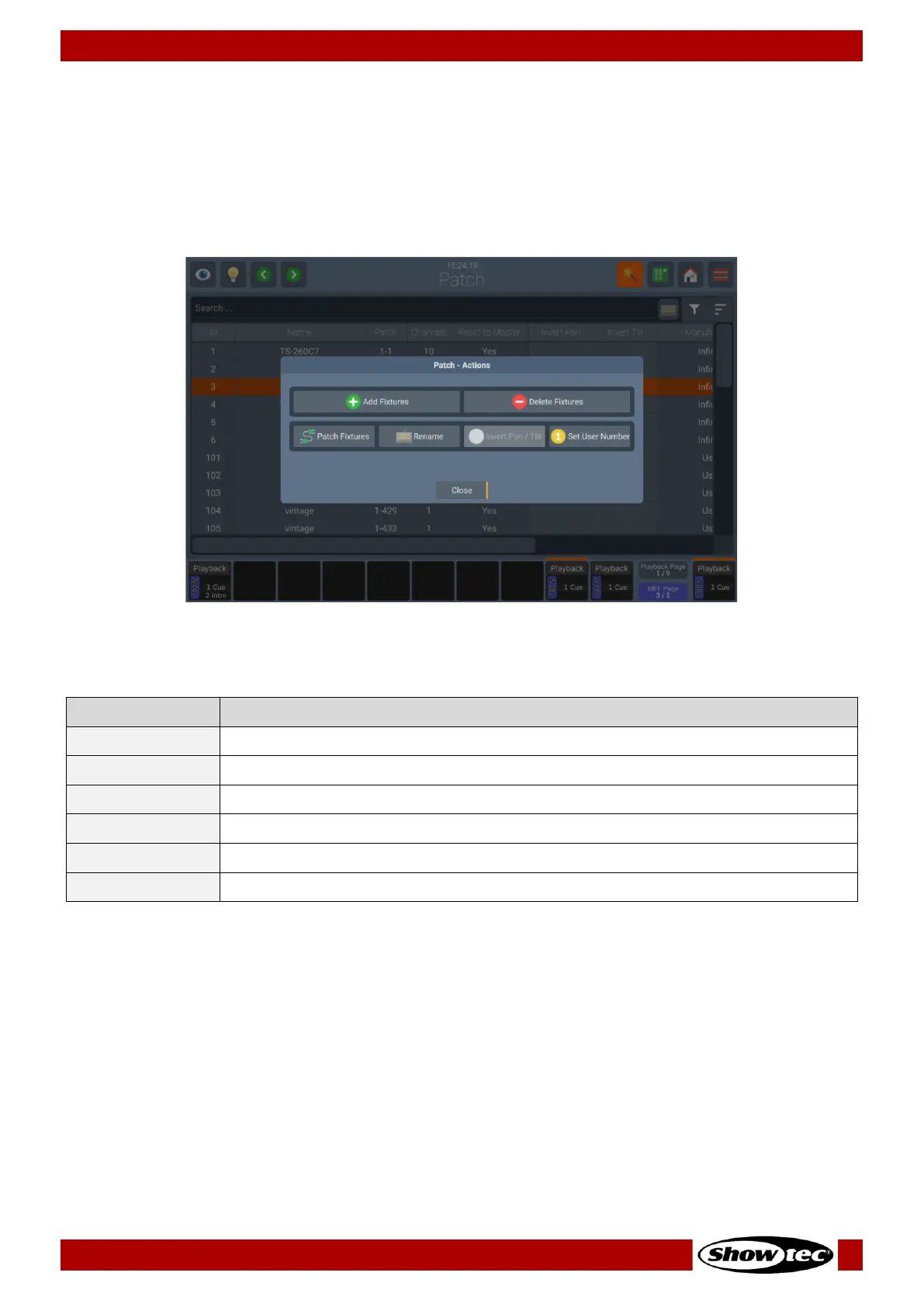
8.3.2. The Patch Action Menu
The Patch Action Menu is opened by clicking on the Magic Wand button on the Keyboard or in the top
Toolbar. It offers access to most functions used within the Patch Window.
You may select which fixtures changes are applied to by selecting them before opening this screen
either in the Patch Table by clicking / dragging, or by using the Fixture or Group Faders or Views.
Fig. 34: Patch Action Menu
Is used to add fixtures to the show file
Is used to delete selected fixtures
Is used to change the DMX Address of one or more selected fixtures
Is used to change the Name of one or more selected fixtures
Is used to invert Pan or Tilt of one or more selected fixtures
Is used to change the ID of one or more selected fixtures













 To Next Page