Product: 50740 / 50741 / 50742 / 50743
8.5.1. The Fixtures View
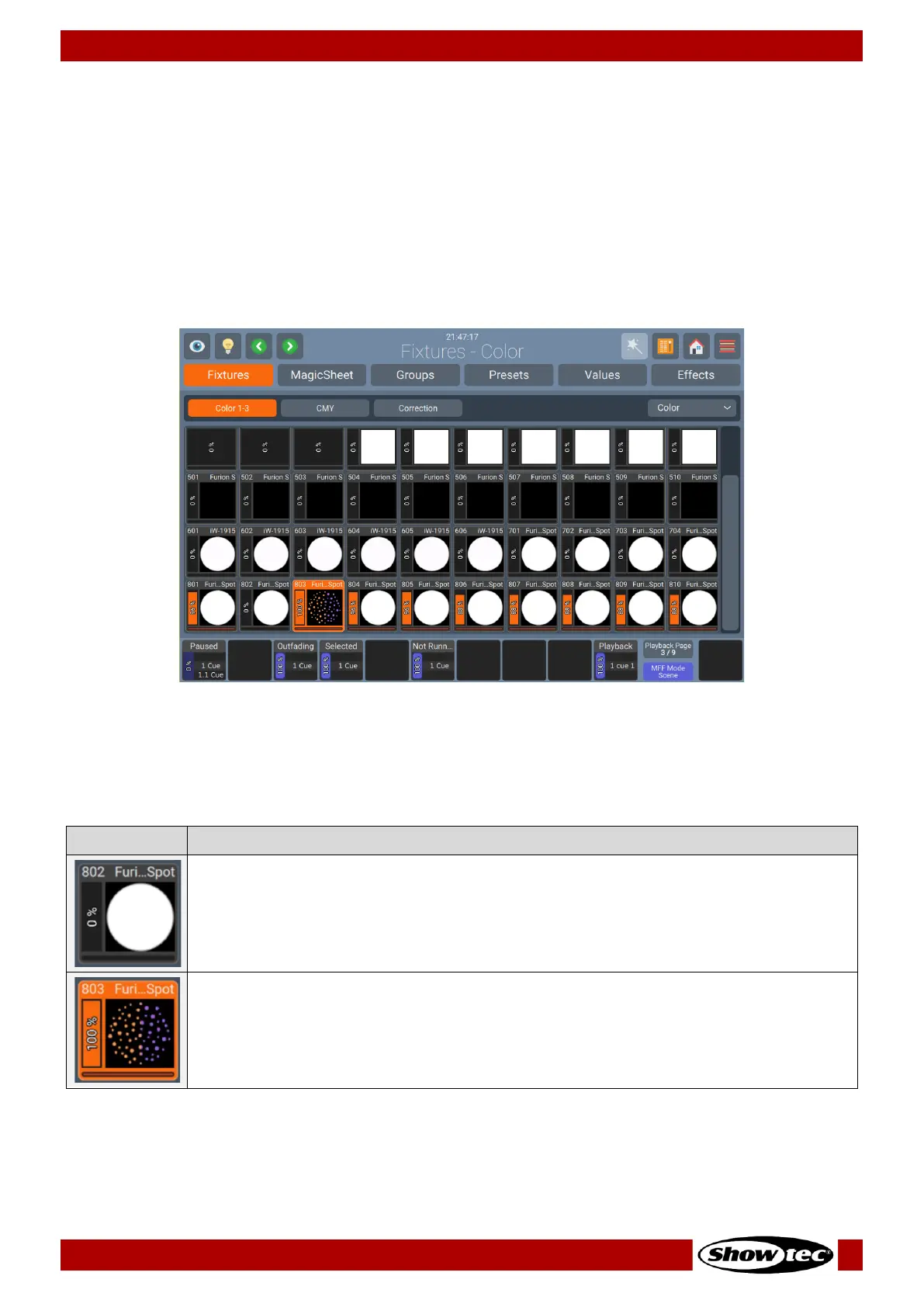
The Fixtures View in the Home Screen is the place where all the fixtures from the show file are.
You may select or deselect one or multiple fixtures by tapping on each element.
By doing a long press on the fixture element, you will be able to see the full name of the fixture and
change it by clicking on Change Name.
For multi-instance fixtures a double tap on one of the instances will select or deselect all the instances of
this fixture.
Fig. 97: Home Screen – Fixtures View
8.5.1.1. The Fixture Item
The Fixture Item itself provides several layers of feedback to you:
This Fixture is not selected, Dimmer is at 0% and no Values are in the Programmer.
This Fixture is selected (orange background), is outputting 100% Dimmer, yellow color
and a Gobo. Pan / Tilt is centered. The Red Bar at the bottom indicates that this fixture
has Values in the Programmer (Values View) set.


 To Next Page
 Loading...









