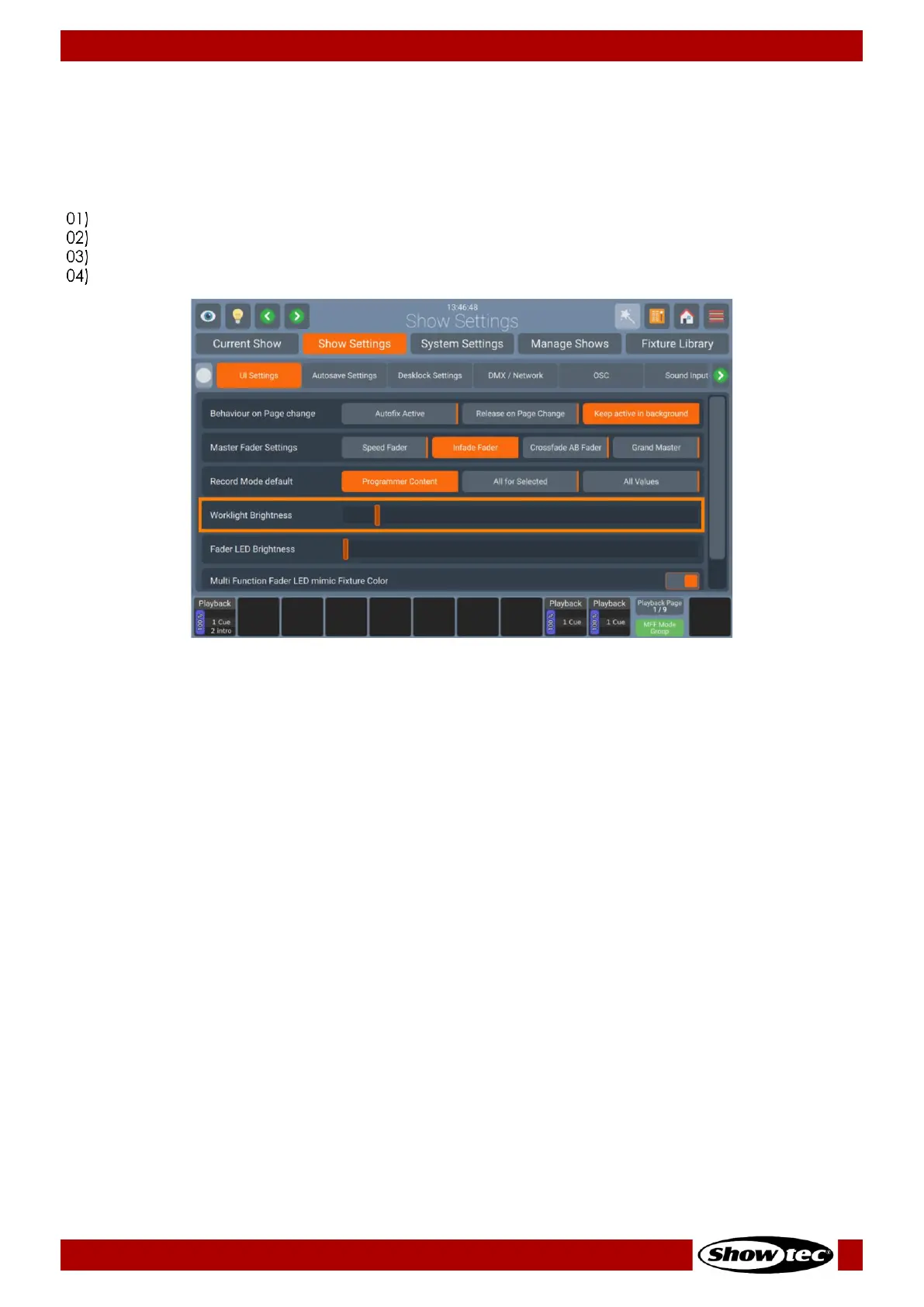
Work light brightness
The Work light is the LED strip in front of the console, which may be used to light up running orders or other
documents. It can also be useful to light up an USB-Keyboard.
To adjust the brightness, please do as follows:
Open the Setup Menu.
Change to the Show Settings Tab.
Select the UI Settings page and scroll down to Worklight Brightness.
Adjust the On-Screen Slider to your liking.


 To Next Page
 Loading...









