Multi-Function-Fader LED Mimic Fixture Color
The Multi-Function-Fader LEDs can either just indicate the current Multi-Function Fader Mode and
selection – or in Fixture mode indicate the current fixture color. By default, the LEDs always light up in the
color of the selected Fader Mode.
Please note that this setting only affects the LEDs behavior when the Multi-Function Faders are set to
Fixture Mode.
To change the behavior of the LEDs:
Open the Setup Menu.
Change to the Show Settings Tab.
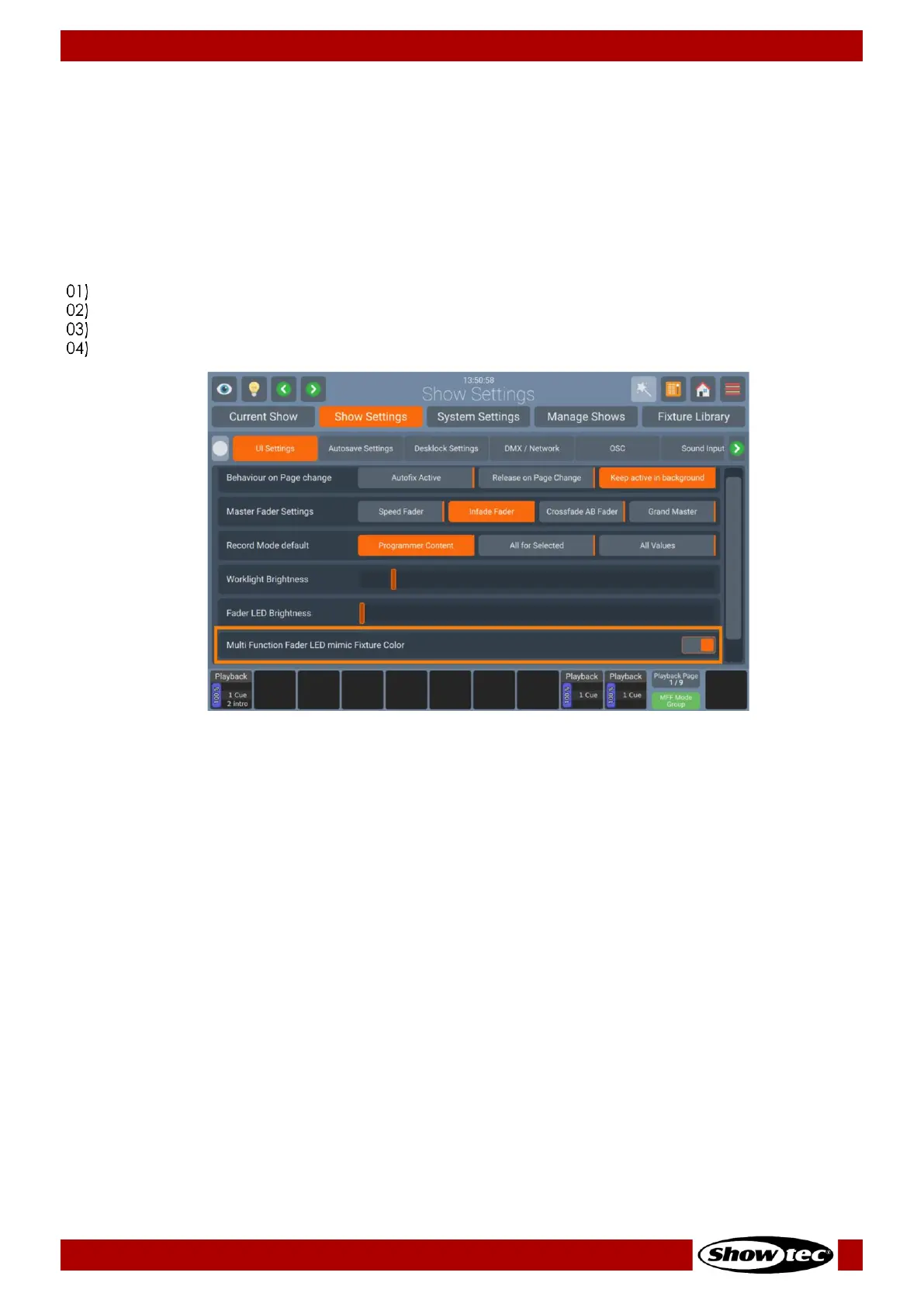
Select the UI Settings page and scroll down to Multi-Function Fader LEDs mimic Fixture Color.
Toggle the On-Screen Switch to turn Fixture Color indication on or off.


 To Next Page
 Loading...









