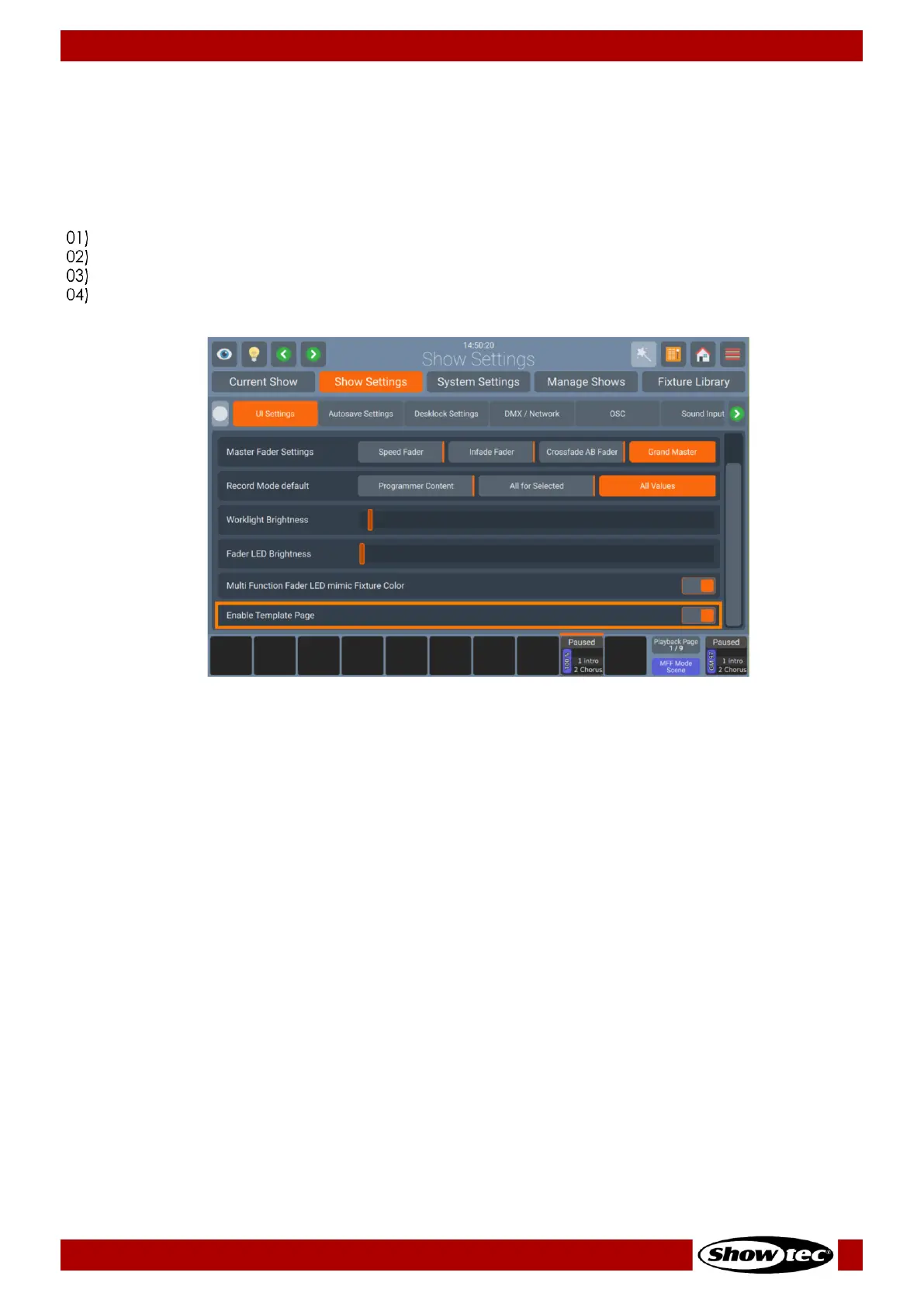
Enable Template Page
The Template page can be disabled temporarily. This will show underlaying playbacks on any given
page and allow the user to record Items to faders which would otherwise be occupied by a template
page fader.
To enable or disable template page:
Open the Setup Menu.
Change to the Show Settings Tab.
Select the UI Settings page and scroll down to Enable template page.
Toggle the On-Screen Switch to enable or disable the template page.


 To Next Page
 Loading...









