8.4.2.2. Autosave settings
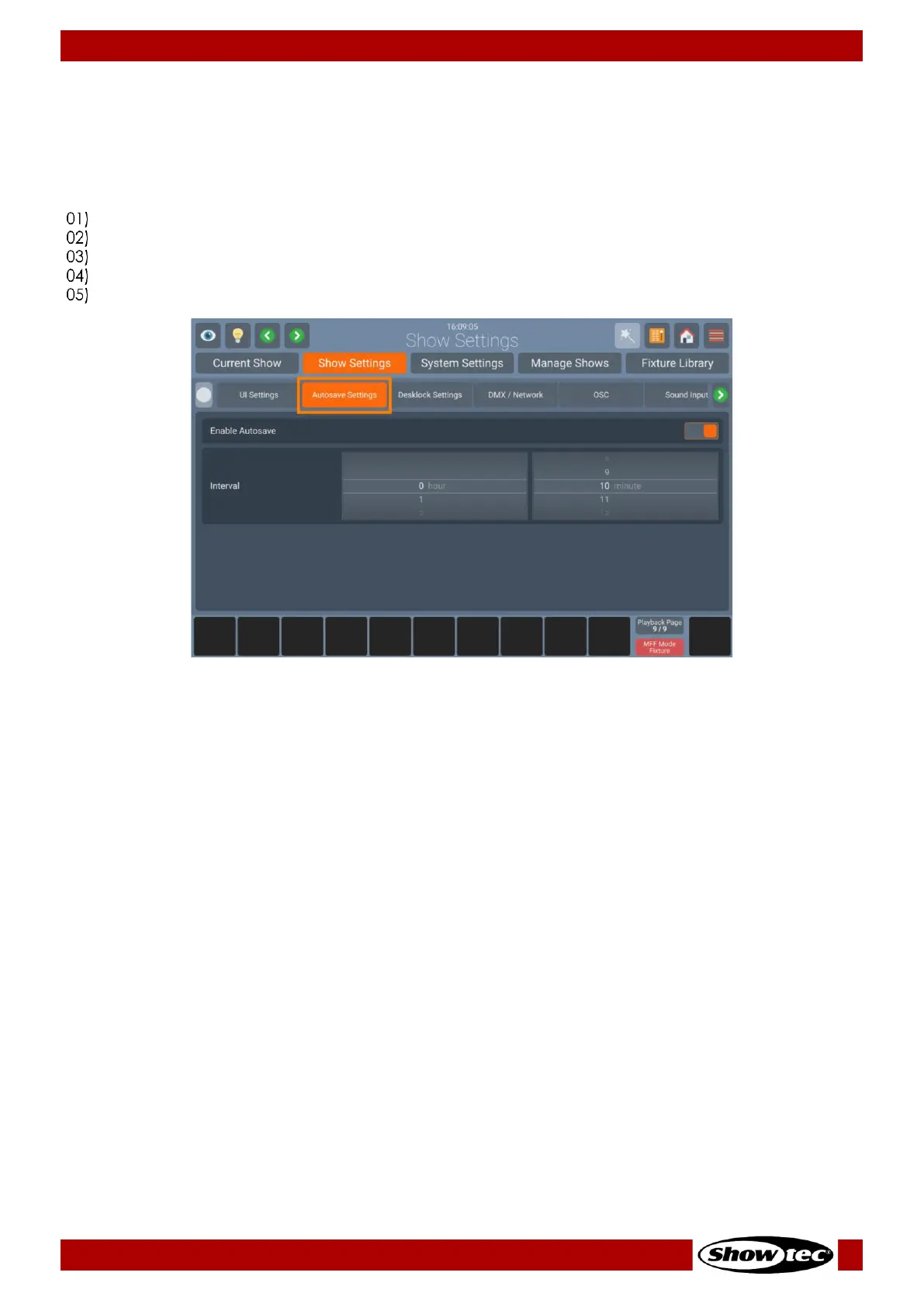
LAMPY automatically saves your show file every 10 minutes. If desired, you may disable this Autosave
functionality and change the time interval to automatically save your show.
If you would like to turn Autosave on/off. Or change the time interval, please do as follows:
Open the Setup Menu.
Change to the Show Settings Tab.
Select the Autosave Settings page.
Toggle the On-Screen switch to either turn Autosave on or off.
If desired, change the interval time to execute the autosave function.


 To Next Page
 Loading...









