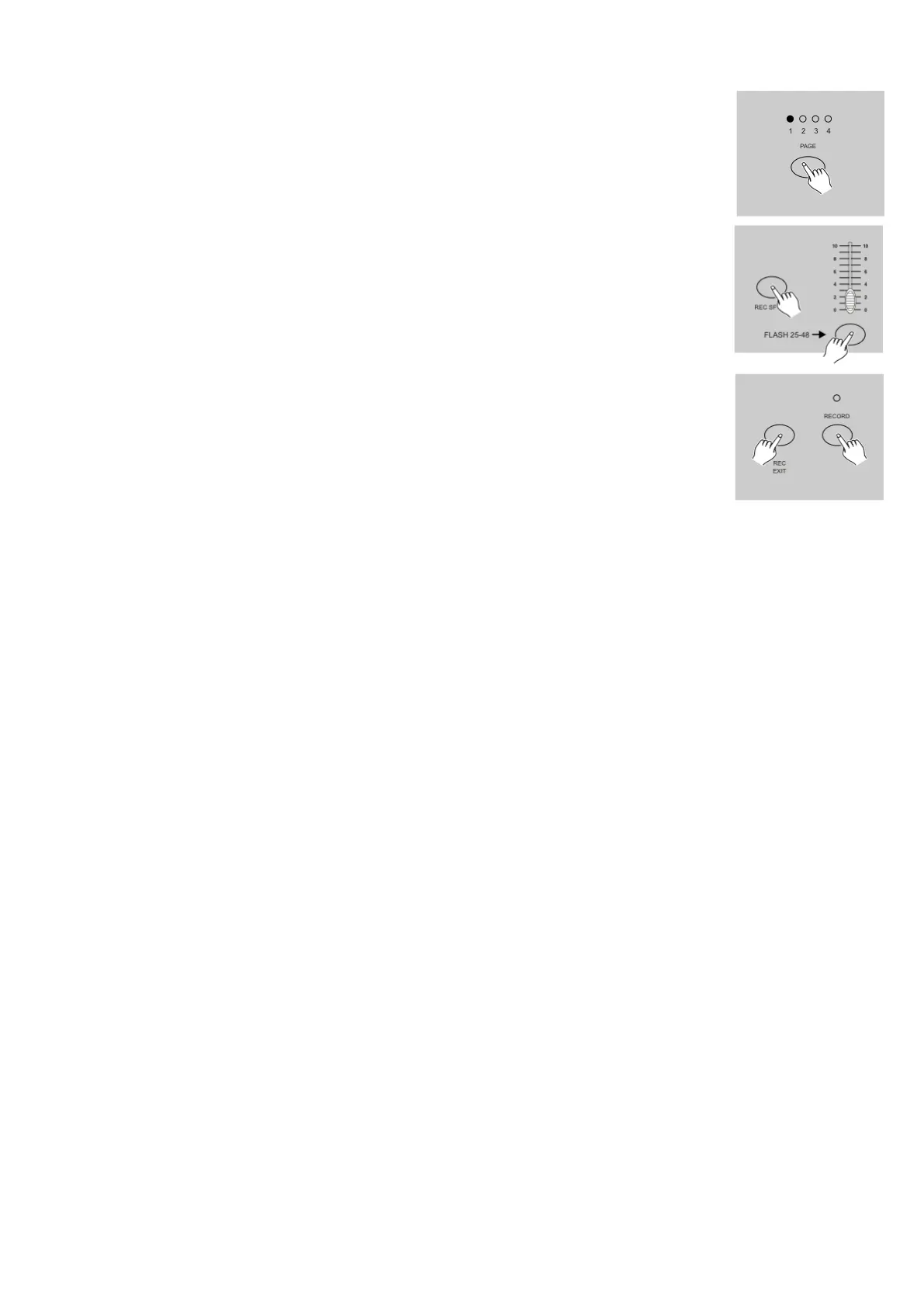
6) Select a chase bank or scene master to store your program. Tap the Page button
to select a page (Page 1-4) to store your scenes.
7) Press a Flash button between 13-24 while holding down the Record button.
All LED will flash indicating the scenes have been programmed into memory.
8) You can continue programming or exit.
To exit Program mode, tap the Exit button while holding down the Record button,
the Record LED should go out.
Example:
Program a 16 steps chase with channel 1-16 at full in sequence into Flash button 15 of Page 1.
1) Record enable.
2) Push Master A & B to maximum position and Fade slider to top.
3) Tap the Mode Select button to select 1-48 Single mode.
4) Push Channel slider 1 to the top position, its LED light at full intensity.
5) Tap the Record button to program this step into memory.
6) Repeat steps 4 and 5 until you've programmed Channel sliders 1-16.
7) Tap the Page button causing Page 1 LED lights.
8) Tap the Flash button 15 while holding down the Record button, all LEDs will flash indicating you've
programmed the chase into memory.
2.1.4 Return to Default Settings (Factory Settings)
1) Record Enable.
2) In record mode press Flash buttons: 10, 20, 30 and 40 after each other.
The Showmaster 48 will now return to the factory settings.













 To Next Page