EasyManua.ls Logo

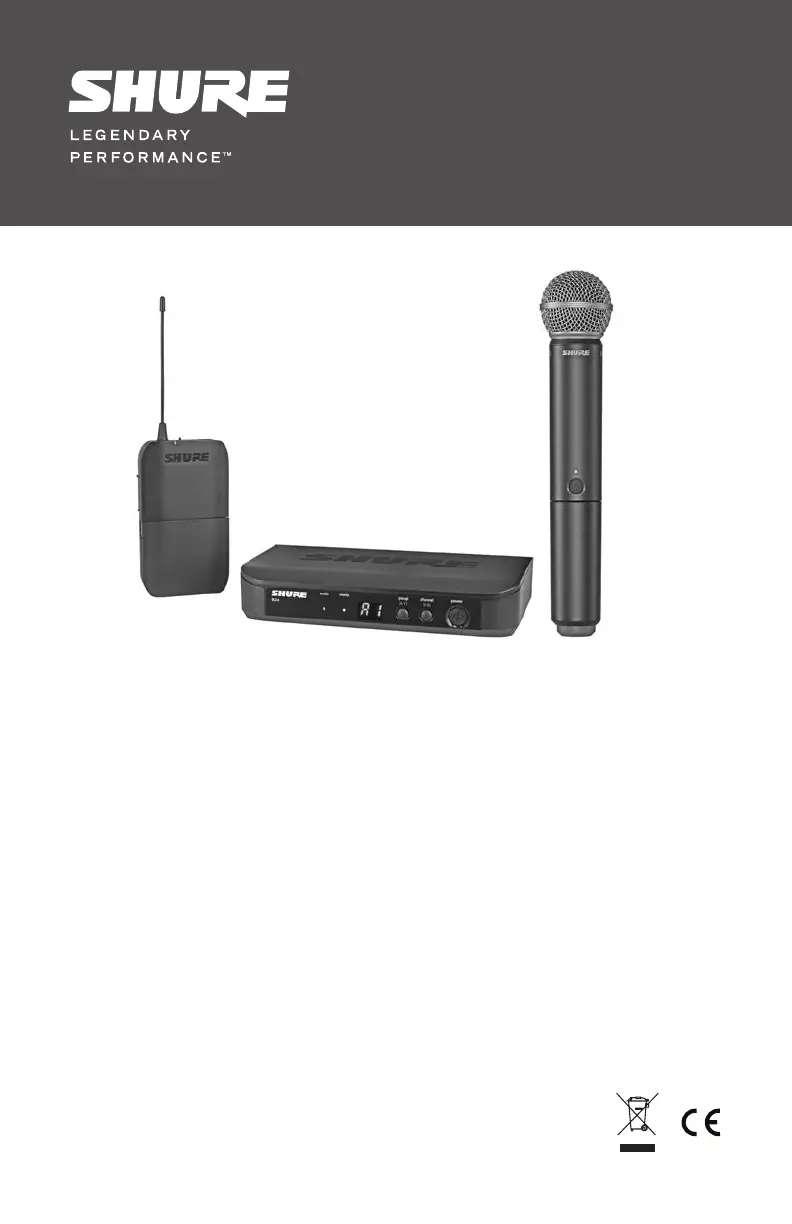
Shure BLX14E T11 - User Manual

Shure BLX14E T11
17 pages
Print Icon
To Next Page IconTo Next Page
Loading...
©2014 Shure Incorporated
27A16033 (Rev. 5)
BLX Wireless Microphone System
Système de microphone sans fil BLX
Sistema de micrófonos inalámbricos BLX
Sistema de Microfone Sem Fio BLX
*27A16033*
®

Questions and Answers

  • T
    Thomas MurilloJul 28, 2025
    What to do if I experience audio dropouts with my Shure BLX14E T11?
    • J
      Joshua GouldJul 29, 2025
      To address audio artifacts or dropouts in your Shure Microphone system: * Try changing the receiver and transmitter to a different group or channel. * Identify and eliminate any nearby sources of RF interference. * Replace the transmitter batteries. * Make sure the receiver and transmitter are within the specified system parameters, positioned within the recommended range and away from metallic surfaces. * Ensure the transmitter has a clear line of sight to the receiver for optimal sound.
  • E
    Evan CameronAug 14, 2025
    Why is there no sound coming from my Shure BLX14E T11 Microphone system?
    • K
      Krystal LongAug 14, 2025
      If you're getting no sound or faint sound from your Shure Microphone system: 1. Check all sound system connections and adjust the gain as needed. Also, verify that the receiver is properly connected to the mixer or amplifier. 2. Ensure the transmitter is turned on and the batteries are correctly installed. Perform the transmitter setup and try inserting fresh batteries. 3. Confirm that the DC adapter is securely plugged into the electrical outlet and that the receiver is powered on. 4. Replace the transmitter batteries.

Summary

Important Safety Instructions

Quick Start Guide

Connect Receiver to Power Source

Connect the receiver to a power source for operation.

Connect Receiver to Mixer or Amplifier

Connect the receiver to a mixer or amplifier and power on.

Perform Group Scan

Press the group button on the receiver to perform a group scan.

Transmitter LED Indicators

Single System Set Up

Procedure for setting up a single wireless system.

Setting Transmitter Group and Channel

Manually setting the group and channel for transmitters.

Multiple System Setup

Manually Setting Receiver Group and Channel

Manually setting group and channel for receivers in multi-system setups.

Tips to Improve Wireless System Performance

Troubleshooting

Shure BLX14E T11 Specifications

General IconGeneral
BrandShure
ModelBLX14E T11
CategoryMicrophone system
LanguageEnglish

Related product manuals