Shure Incorporated
3/10
1.
2.
3.
•
•
•
•
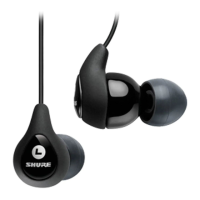
BT1
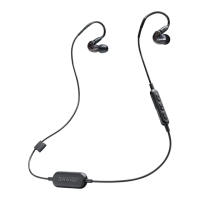
Shure Bluetooth Earphones
Bluetooth Pairing
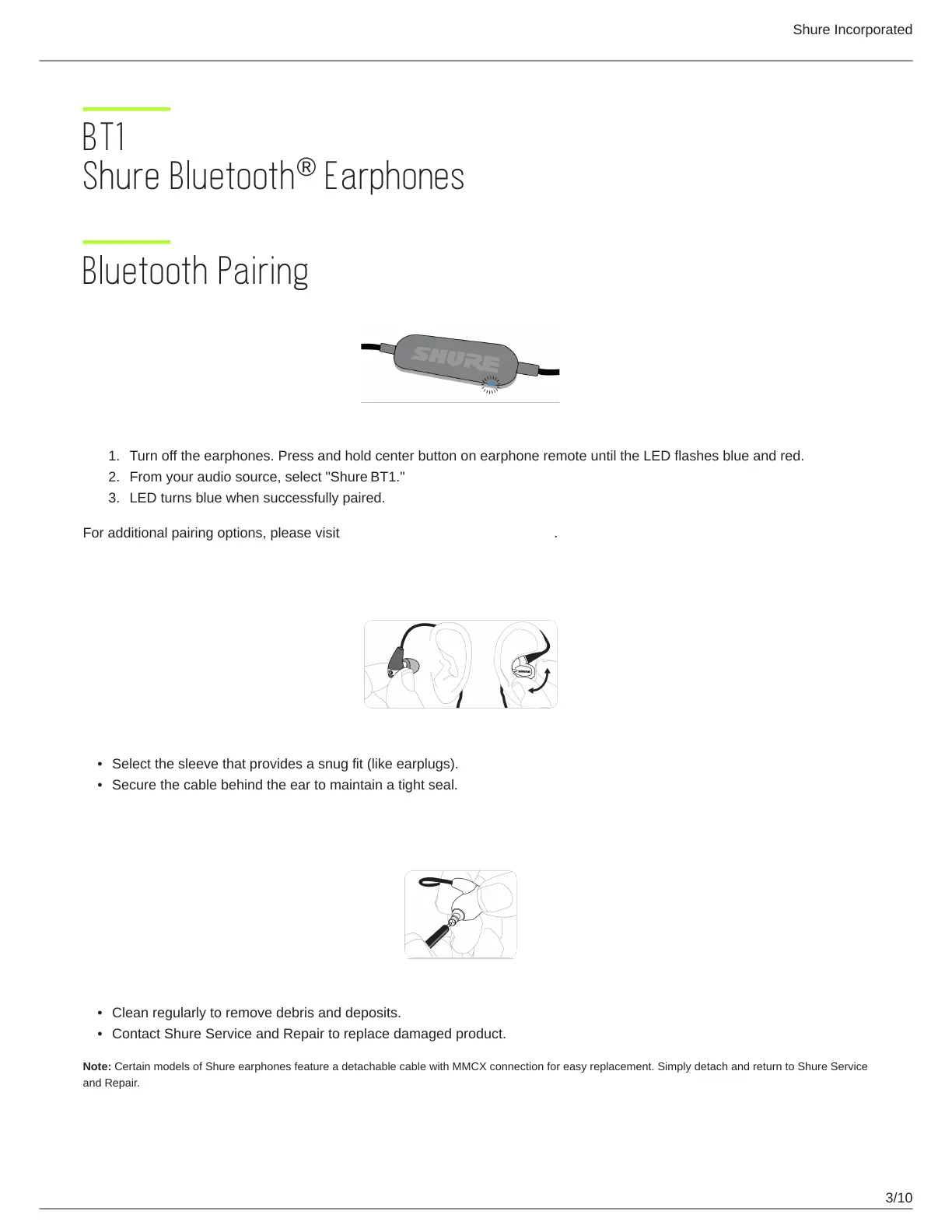
Turn off the earphones. Press and hold center button on earphone remote until the LED flashes blue and red.
From your audio source, select "Shure BT1."
LED turns blue when successfully paired.
For additional pairing options, please visit https://www.shure.com/earphones.
The best sound starts with a good fit
Select the sleeve that provides a snug fit (like earplugs).
Secure the cable behind the ear to maintain a tight seal.
To keep them sounding their best...
Clean regularly to remove debris and deposits.
Contact Shure Service and Repair to replace damaged product.
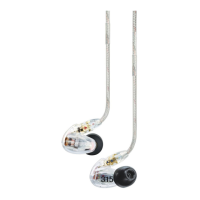
Note: Certain models of Shure earphones feature a detachable cable with MMCX connection for easy replacement. Simply detach and return to Shure Service
and Repair.
®


 To Next Page