Shure Incorporated
4/10
•
•
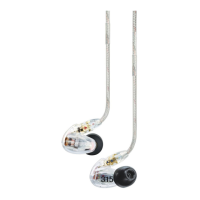
Changing Sleeves
Gently twist and pull to remove sleeve.
Install the new sleeve so it completely covers the barb and nozzle.
Visit http://www.shure.com/earphones for replacement parts and important instructions on cleaning and maintenance.
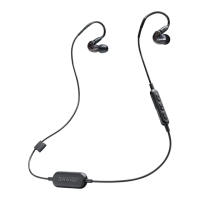
Using the Remote
The Center Button
Power on Press and hold
Power off Press and hold, 5 seconds
Pair Bluetooth Turn off the earphones. Press and hold, 7 seconds
Play/Pause Click once
Answer/End a call Click once
Decline a call Press and hold, 3 seconds
Activate voice assistant Phone on, press and hold, 3 seconds
Factory Reset
Turn off the earphones and plug into a charger. Press
andhold,15seconds.Holdpastpairingmodeuntilear
phones turn off again.
Up and Down Buttons
Volume Up/Down Click + or -
Next track Press and hold +, 3 seconds
Previous track Press and hold -, 3 seconds
Check battery status Press and hold + and - together, 3 seconds
Your phone may not be compatible with some functions. Visit http://www.shure.com/earphones for more information.


 To Next Page