Shure Incorporated
10/32
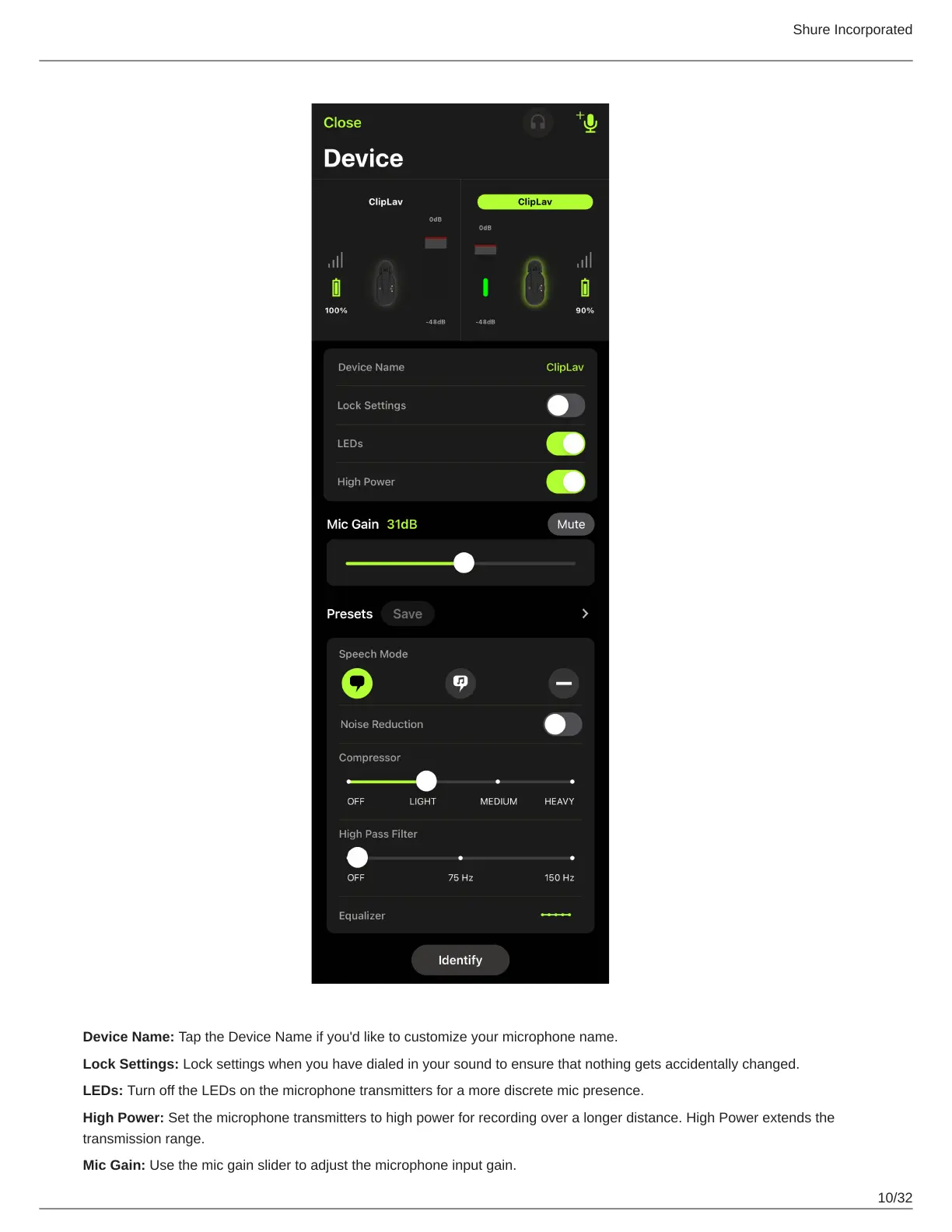
Device Name: Tap the Device Name if you'd like to customize your microphone name.
Lock Settings: Lock settings when you have dialed in your sound to ensure that nothing gets accidentally changed.
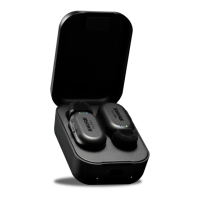
LEDs: Turn off the LEDs on the microphone transmitters for a more discrete mic presence.
High Power: Set the microphone transmitters to high power for recording over a longer distance. High Power extends the
transmission range.
Mic Gain: Use the mic gain slider to adjust the microphone input gain.


 To Next Page