Shure Incorporated
29/36
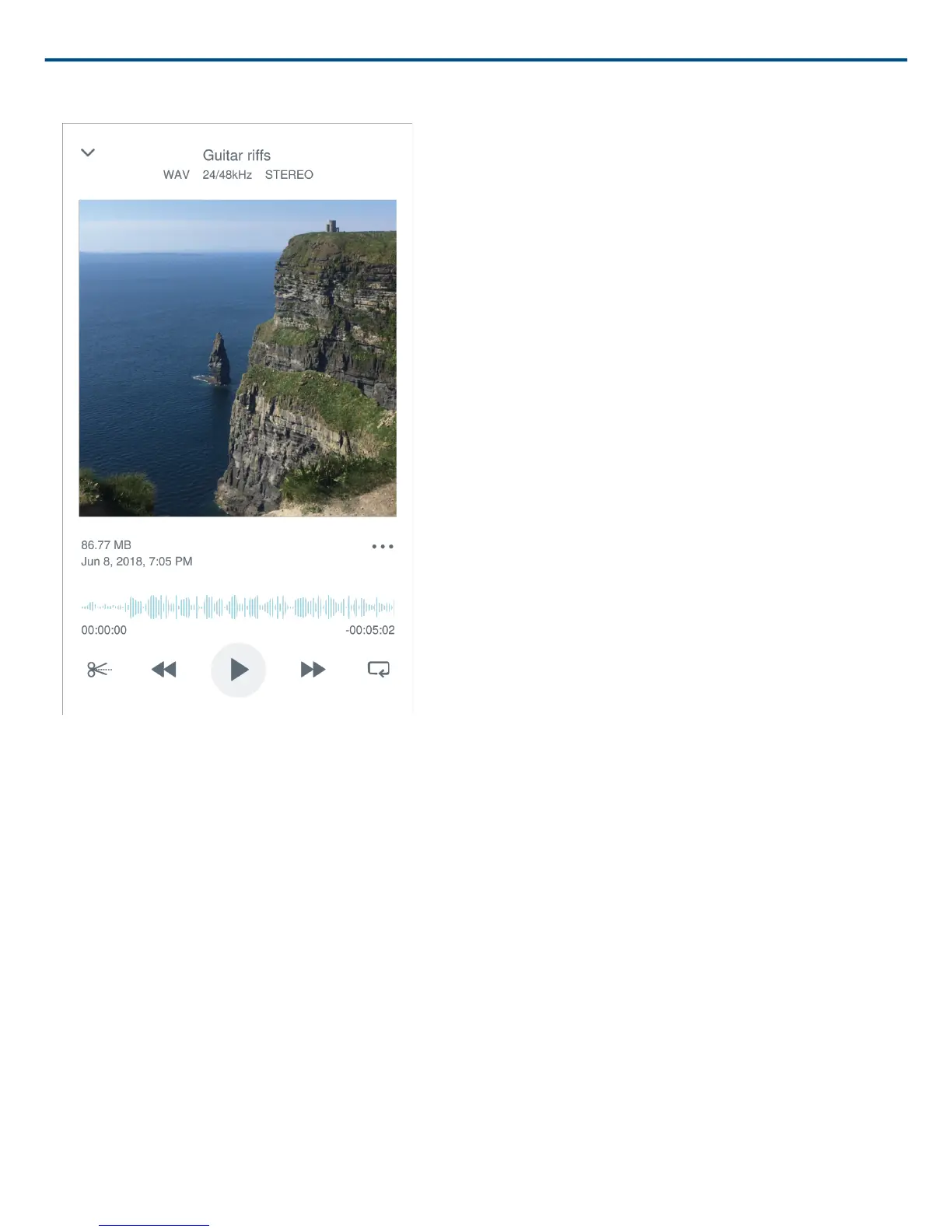
Customize Track Artwork
You have the option to add an image to your recording.
1. In the My Recordings tab, select the file that needs artwork.
2. Tap the three dots next to the file name.
3. Select Add Artwork to view available image files.
4. Select a photo. If you decide to change the artwork, repeat the process and select another image.
Save to Dropbox
Save your MOTIV files to Dropbox to store backup copies, free up space on your iOS device, or share to social
media.
1. Open the MOTIV app and go to My Recordings.
2. Tap the Select button to choose one or multiple files.
3. Select share and choose Dropbox.
Note: You may need to grant access between MOTIV and Dropbox. Selecting "Allow" creates a MOTIV folder
inside Dropbox and links the apps.
4. When the file successfully uploads, the file saved notification appears.
Note: Large files may take longer to upload.



 To Next Page