Shure Incorporated
9/16
Adjusting Balance
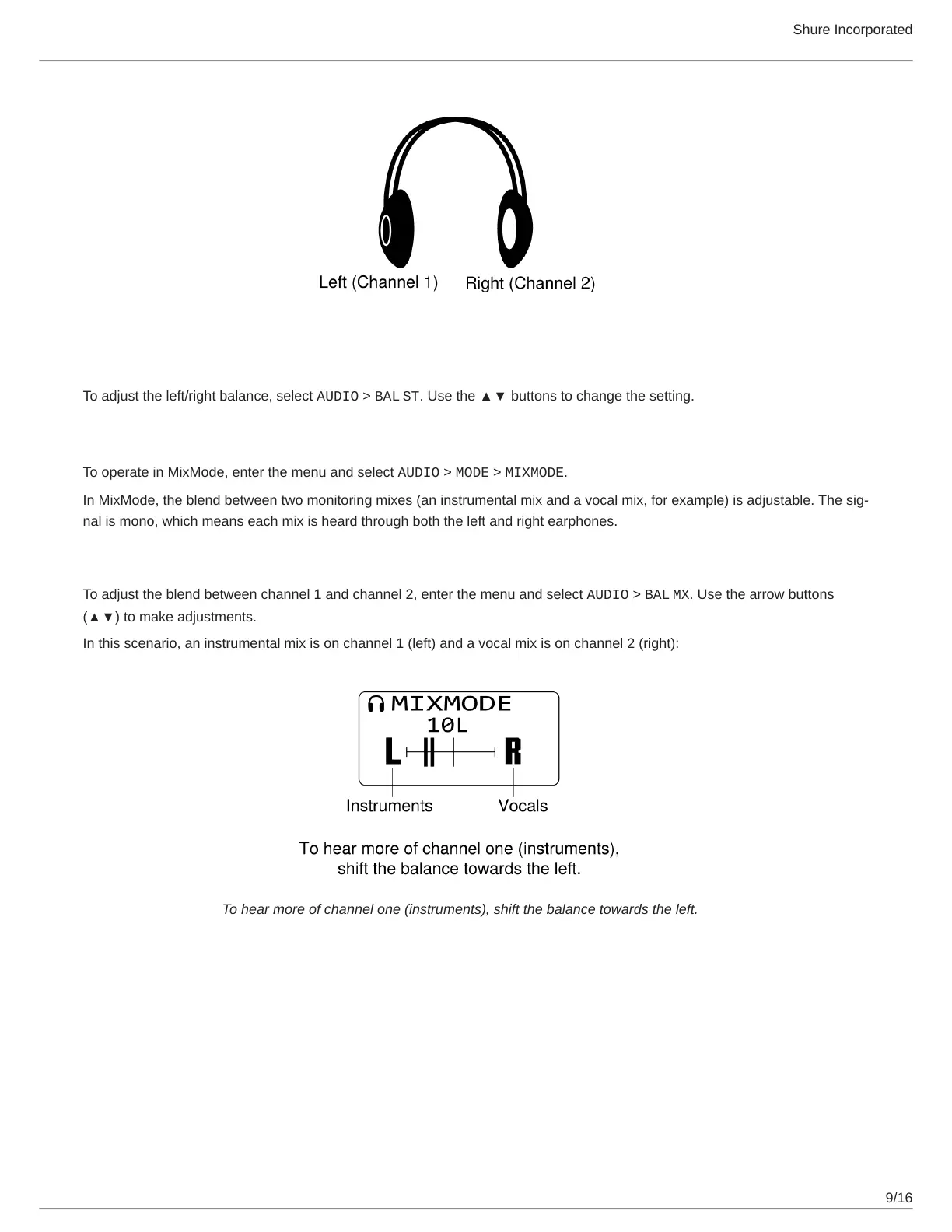
To adjust the left/right balance, select AUDIO > BAL ST. Use the ▲▼ buttons to change the setting.
MixMode
To operate in MixMode, enter the menu and select AUDIO > MODE > MIXMODE.
In MixMode, the blend between two monitoring mixes (an instrumental mix and a vocal mix, for example) is adjustable. The sig
nal is mono, which means each mix is heard through both the left and right earphones.
Adjusting mix blend
To adjust the blend between channel 1 and channel 2, enter the menu and select AUDIO > BAL MX. Use the arrow buttons
(▲▼) to make adjustments.
In this scenario, an instrumental mix is on channel 1 (left) and a vocal mix is on channel 2 (right):
To hear more of channel one (instruments), shift the balance towards the left.



 To Next Page