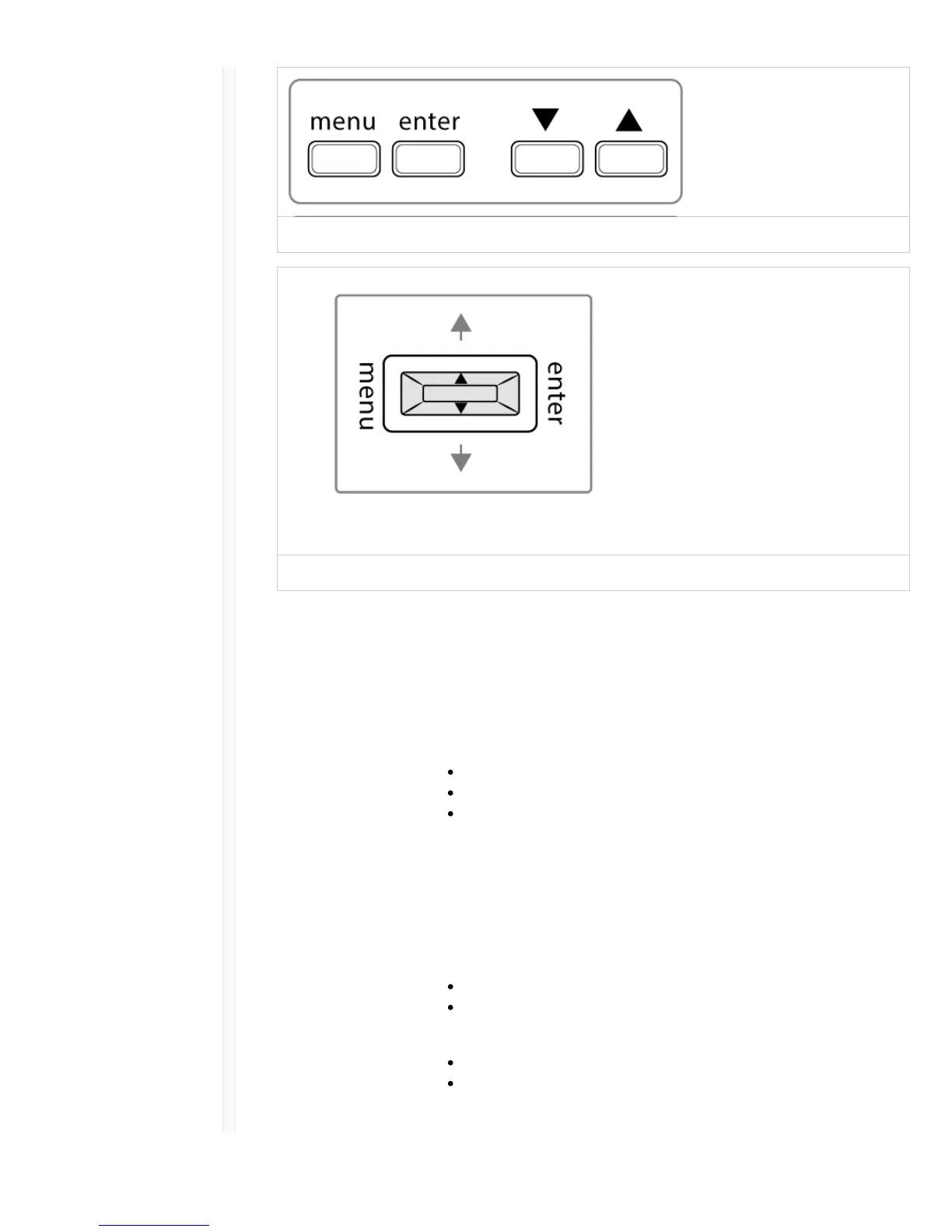
Bodypack
Handheld
Transmitter Menu Options and Navigation
The transmitter features individual menu screens for setting up and adjusting the transmitter. To access
the menu options from the home screen, press the menu button. Each additional press of the menu
button advances to the next menu screen.
ɠ Home Screen Use the arrow keys to select one of the following home screen displays:
Battery Icon/group and channel
Battery Icon/frequency
Battery Icon/Battery Runtime (SB900 installed)
ɡ group Use the arrow buttons to scroll through the groups.
ɢ channel Use the arrow buttons to scroll through the channels.
ɣ frequency Use the arrow buttons to adjust the frequency. Press and hold for faster
scrolling.
ɤ lock Select a lock option:
On = controls locked
OFF = controls unlocked
ɥ rf power Select an rf power setting:
Lo = 1 mW
Hi = 10 mW
ɦ mic offset dB Use to match audio levels between two transmitters used in a combo



 To Next Page