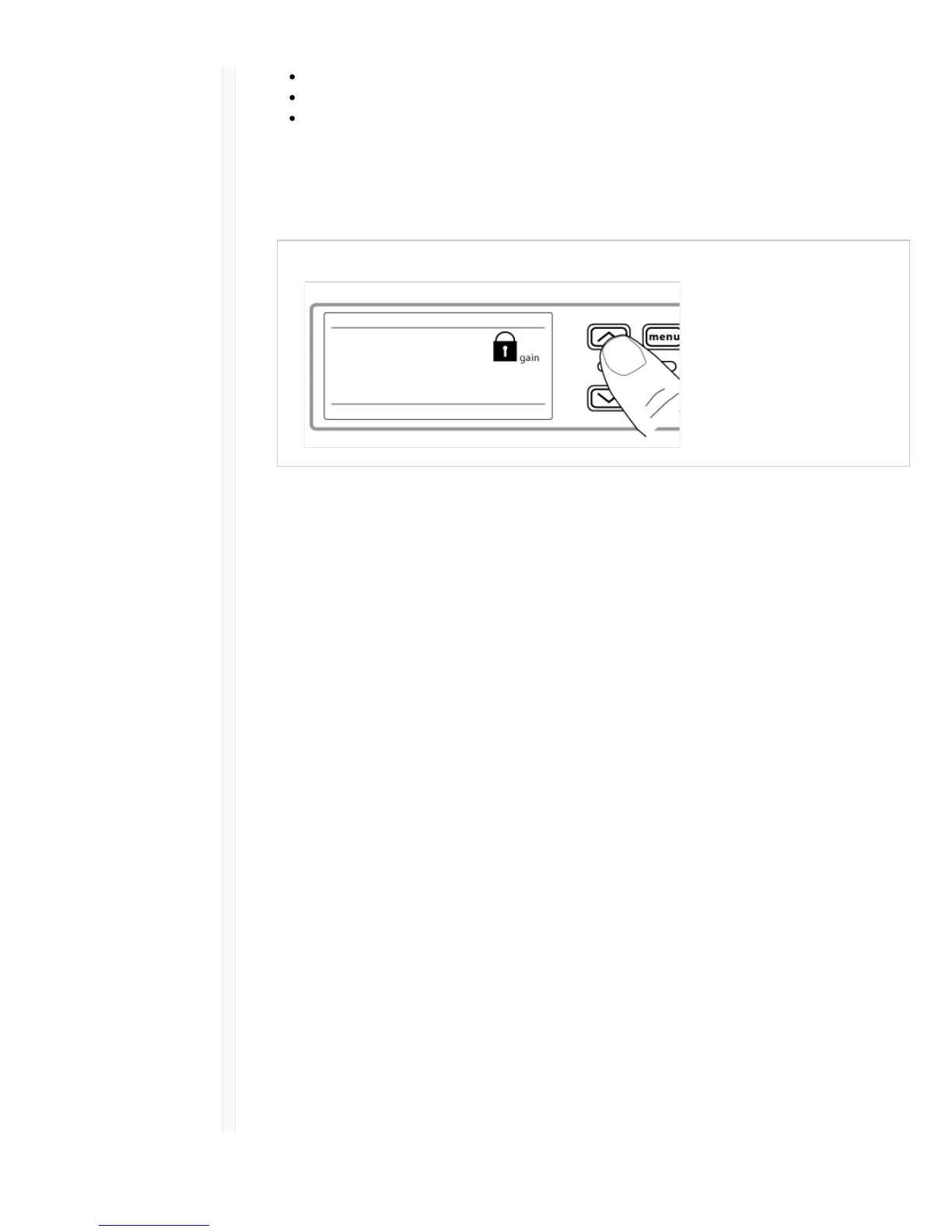
gain: locks the arrow buttons to prevent changes to the audio gain settings
menu: prevents access to menu items and IR sync (gain controls and power switch remain active)
power: disables power switch (gain and menu controls remain active)
To lock a receiver control:
1. Press the menu button to navigate to the lock settings.
2. Use the arrow buttons to add or remove the lock options shown next to the lock icon.
3. Press enter to save the lock settings.
To unlock a receiver:
Tip: To unlock the menu and clear all locks, press and hold the menu button while in the home screen
until the unlock icon appears. Press enter to confirm and save change.
1. To unlock gain or power settings, navigate to the lock settings by pressing the menu button.
2. Press the arrow buttons to de-select a lock option.
3. Press enter to confirm and save change.
Locking and Unlocking Transmitter Controls
The transmitter controls can be locked or unlocked by selecting On (locked) or OFF (unlocked) from
the transmitter lock menu.
If an attempt is made to access a locked control, the lock icon will flash, indicating that the transmitter
controls are locked.
To set a transmitter lock:
1. Press the menu button to navigate to the lock settings.
2. Use the arrow buttons to select on.
3. Press enter to save. The lock icon appears on the display to confirm that the control locks are
enabled.
To unlock the transmitter:
1. Press and hold the menu button until OFF and the unlock icon appear on the display.
2. Press enter to save changes.



 To Next Page