Note: If using AA batteries, set the battery type using the transmitter menu.
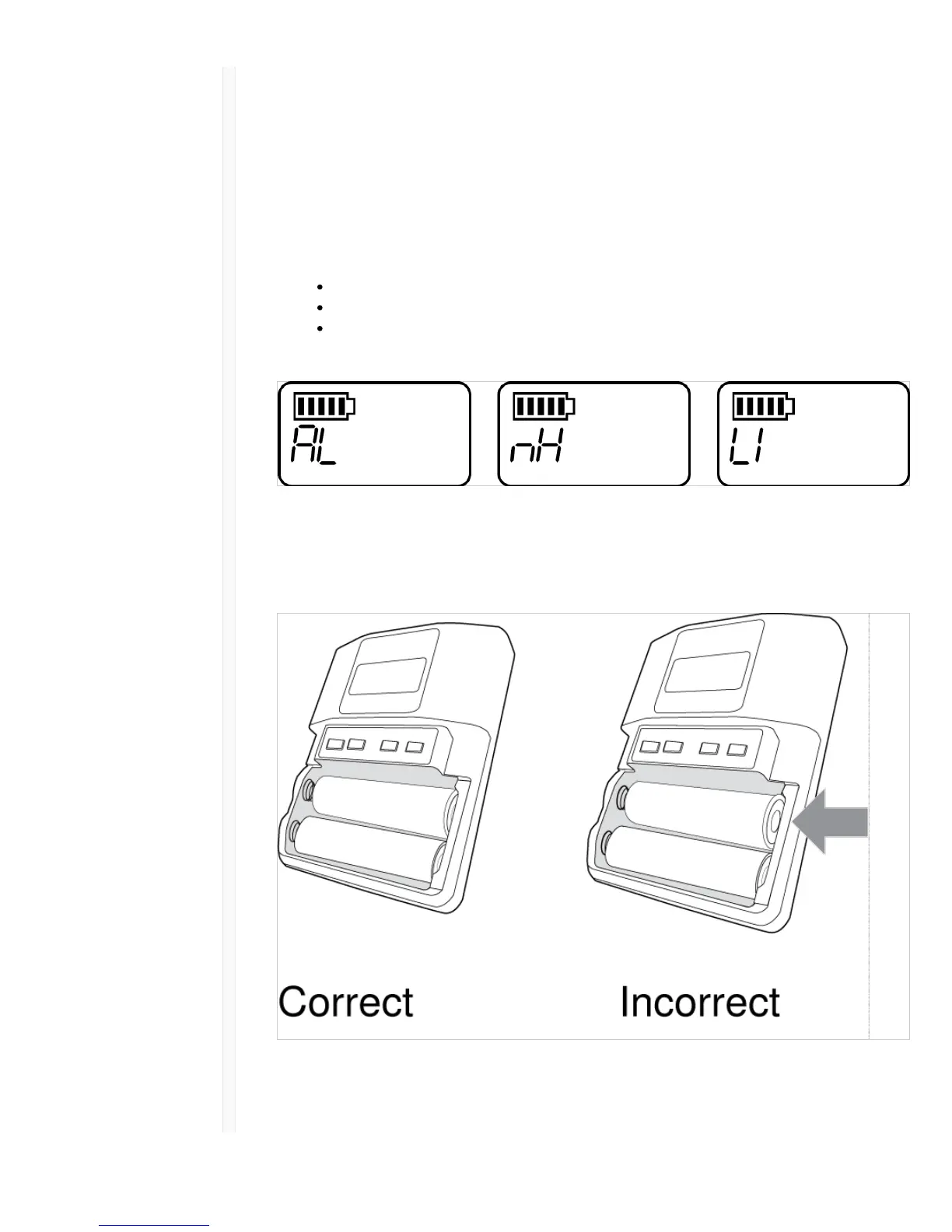
Setting the AA Battery Type
To ensure accurate display of transmitter runtime, set the battery type in the transmitter menu to
match the installed AA battery type. If a Shure SB900 rechargeable battery is installed, selecting a
battery type is not necessary and the battery type menu will not be displayed.
1. Press the menu button to navigate to the battery icon.
2. Use the ▼ buttons to select the installed battery type:
AL = Alkaline
nH = Nickel Metal Hydride
Li = Lithium Primary
3. Press enter to save.
AA Battery Installation
Fully insert the batteries as shown to ensure proper battery contact and to allow the door to latch
securely.
Shure SB900 Rechargeable Battery
Shure SB900 lithium-ion batteries offer a rechargeable option for powering the QLX-D transmitters.



 To Next Page