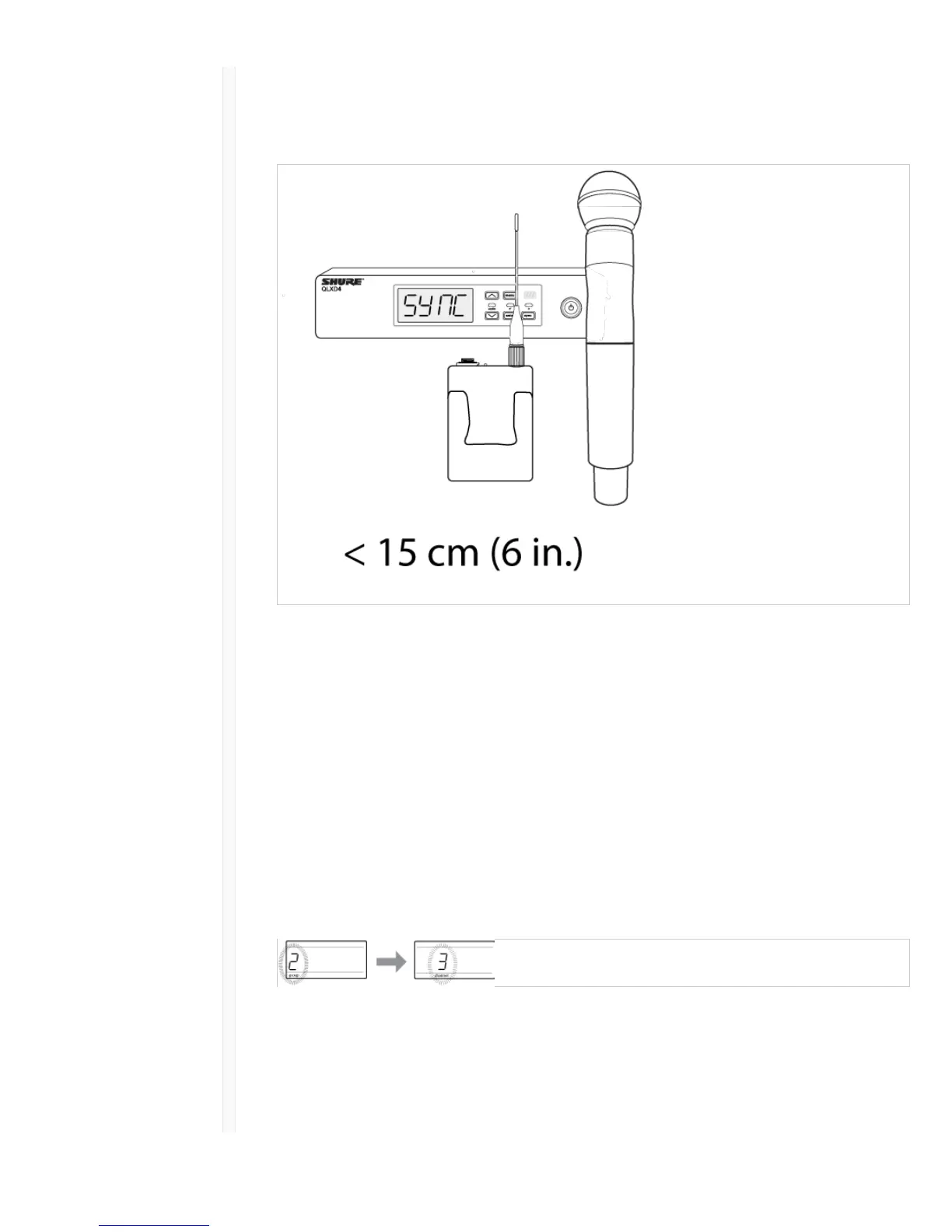
4. sync good appears on the display when IR sync is complete. The blue rf LED will illuminate
indicating that the transmitter is within range of the receiver.
Note: If the IR sync fails, repeat the IR sync procedure, carefully maintaining alignment between
the IR windows of the transmitter and receiver.
Manual Group and Channel Assignment
An audio channel can be manually created by simply setting the receiver and transmitter to the same
group number and channel number. For example, a receiver set to Group 2, Channel 3 and a
transmitter set to Group 2, Channel 3 would form an audio channel.
Use manual group and channel configuration to assign specific groups and channels to receivers and
transmitters as an alternative method to automatically creating channels with IR sync.
Use the following steps to set the group and channel in the receiver and transmitter:
1. Navigate to the group setting.
2. Use the arrow buttons to scroll through the groups.
3. Press enter to select a group.
4. Next, use the arrow buttons to select a channel.
5. Press enter to save.
Manual Frequency Selection
Manual frequency selection can be used instead of groups and channels to set the transmitter and
receiver to a specific frequency. For example, an audio channel can be created by setting the receiver
and transmitter to same frequency.



 To Next Page