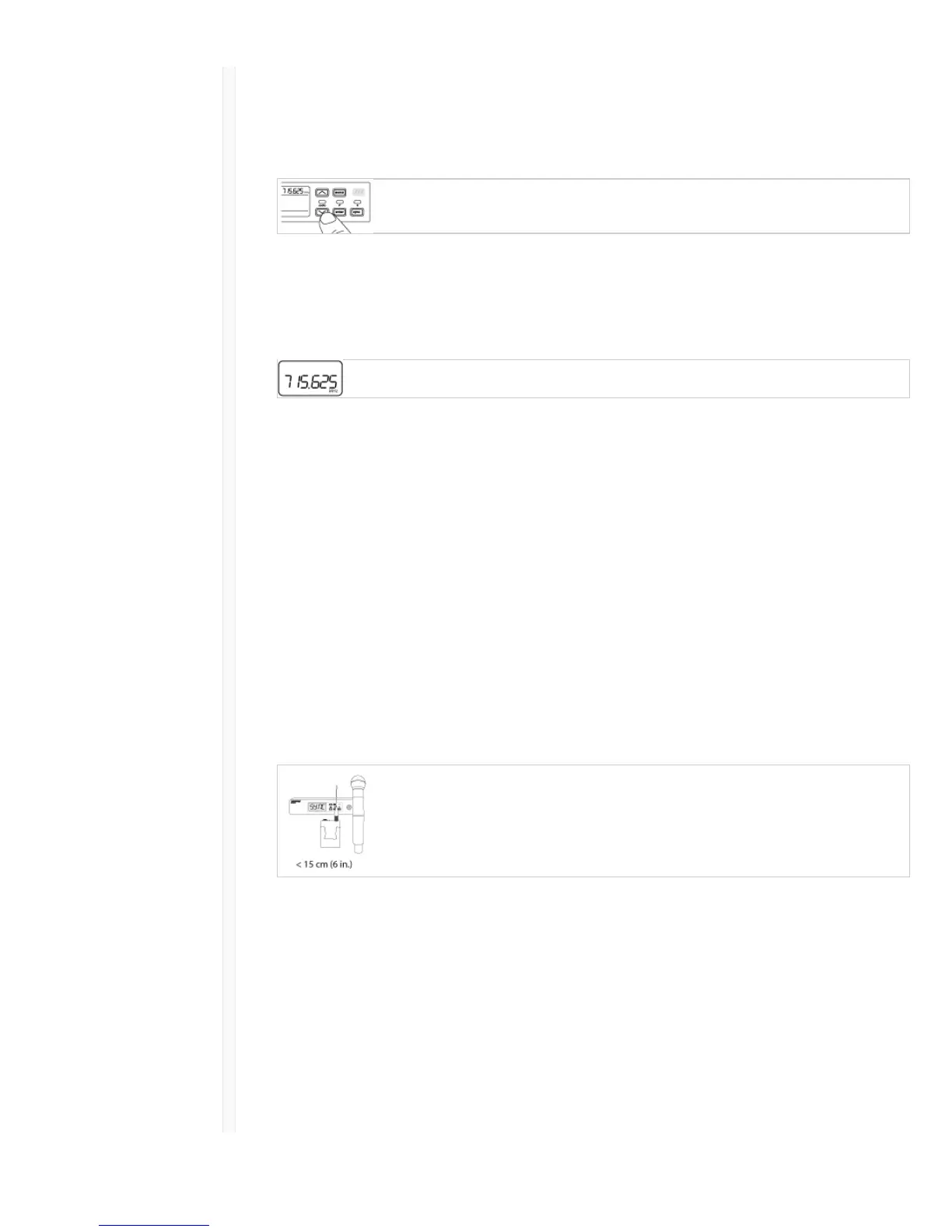
Setting the Receiver Frequency
1. Press menu to navigate to the frequency setting option.
2. Use the arrow buttons to adjust the frequency. Press and hold for faster scrolling.
3. Press enter to save.
Setting the Transmitter Frequency
1. Press menu to navigate to the frequency setting option.
2. Use the arrow buttons to adjust the frequency. Press and hold for faster scrolling.
3. Press enter to save.
Linking Two Transmitters to a Receiver
Linking two transmitters to a receiver offers the flexibility to provide a performer with either a
handheld or bodypack transmitter to meet their preference. For performances requiring instrument
changes, two bodypack transmitters can be linked to a single receiver.
Note: Only turn on and operate one transmitter at a time to prevent interference between the transmitters.
Syncing the Transmitters to the Receiver
Both transmitters must be individually linked to the receiver by performing an IR Sync.
1. Turn on the first transmitter and perform an IR Sync with the receiver.
2. Perform a sound check and adjust the transmitter gain if necessary. When finished, turn off the
transmitter.
3. Turn on the second transmitter and perform an IR Sync with the receiver.
4. Test the transmitter at performance conditions and adjust the transmitter gain if necessary. When
finished, turn off the transmitter.
Matching Audio Levels with Mic Offset
When linking two transmitters to a receiver, there may be a difference in volume levels between
microphones or instruments. If this occurs, use the Mic Offset function to match the audio levels and
eliminate audible volume differences between transmitters. If using a single transmitter, set Mic Offset
to 0 dB.
1. Turn on the first transmitter and perform a sound check to test the audio level. Turn off the
transmitter when finished.
2. Turn on the second transmitter and perform a sound check to test the audio level.
3. If there is an audible difference in the sound level between the transmitters, navigate to the Mic
Offset menu on the transmitter to increase or decrease the Mic Offset in realtime to match the



 To Next Page