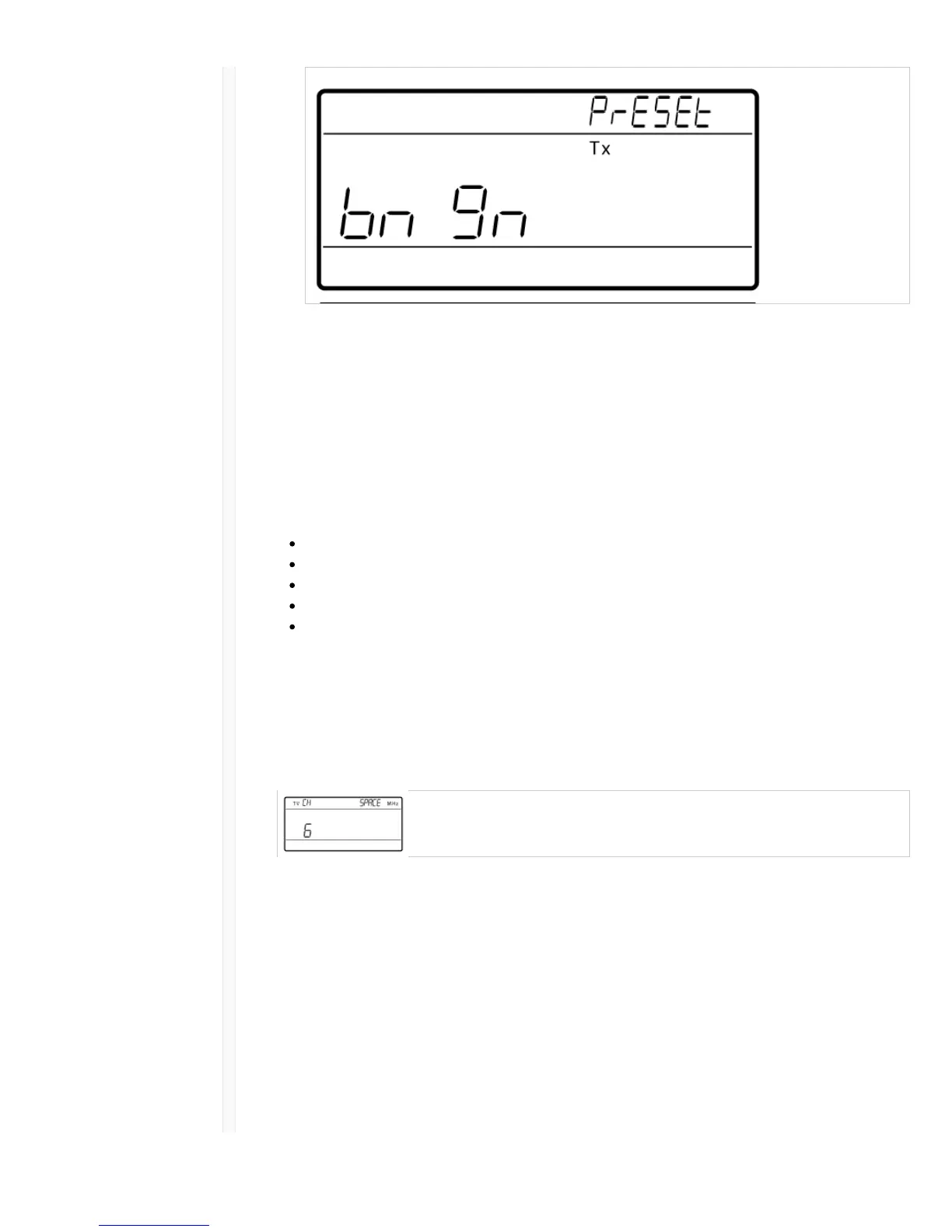
5. Align the transmitter IR window with the receiver to send the presets to the transmitter.
Important: All QLX-D and ULX-D components must use 2.0 firmware or greater for proper
functionality.
Setting Regional TV Channel Spacing
The parameter for TV channel spacing allows the receiver to match regional TV bandwidth usage and
accurately display local TV channels.
The following channel bandwidth options are available:
6 MHz
7 MHz
8 MHz
6 JP (Japan)
off (use to turn off TV channel display)
To set the TV channel spacing:
1. Press and hold the enter button, and then press the menu button to access the advanced features
menu.
2. Press the menu button to navigate to the TVCH menu.
3. Use the arrow buttons to select the channel bandwidth that corresponds to the local region.
4. Press enter to save.
Custom Groups
Specific channels and frequencies can be selected and placed into custom groups. Custom groups are
commonly used to assign networked receivers to a specific range of frequencies or to pre-configure
receivers for rental applications. Once a custom group has been created, it can be loaded to the
receiver using the group menu.
When network scan is used to assign frequencies from a receiver with a custom group selected, all of
custom groups (U1, U2, U3, etc...) from that receiver will be loaded to all other receivers on the
network.
Creating Custom Groups



 To Next Page