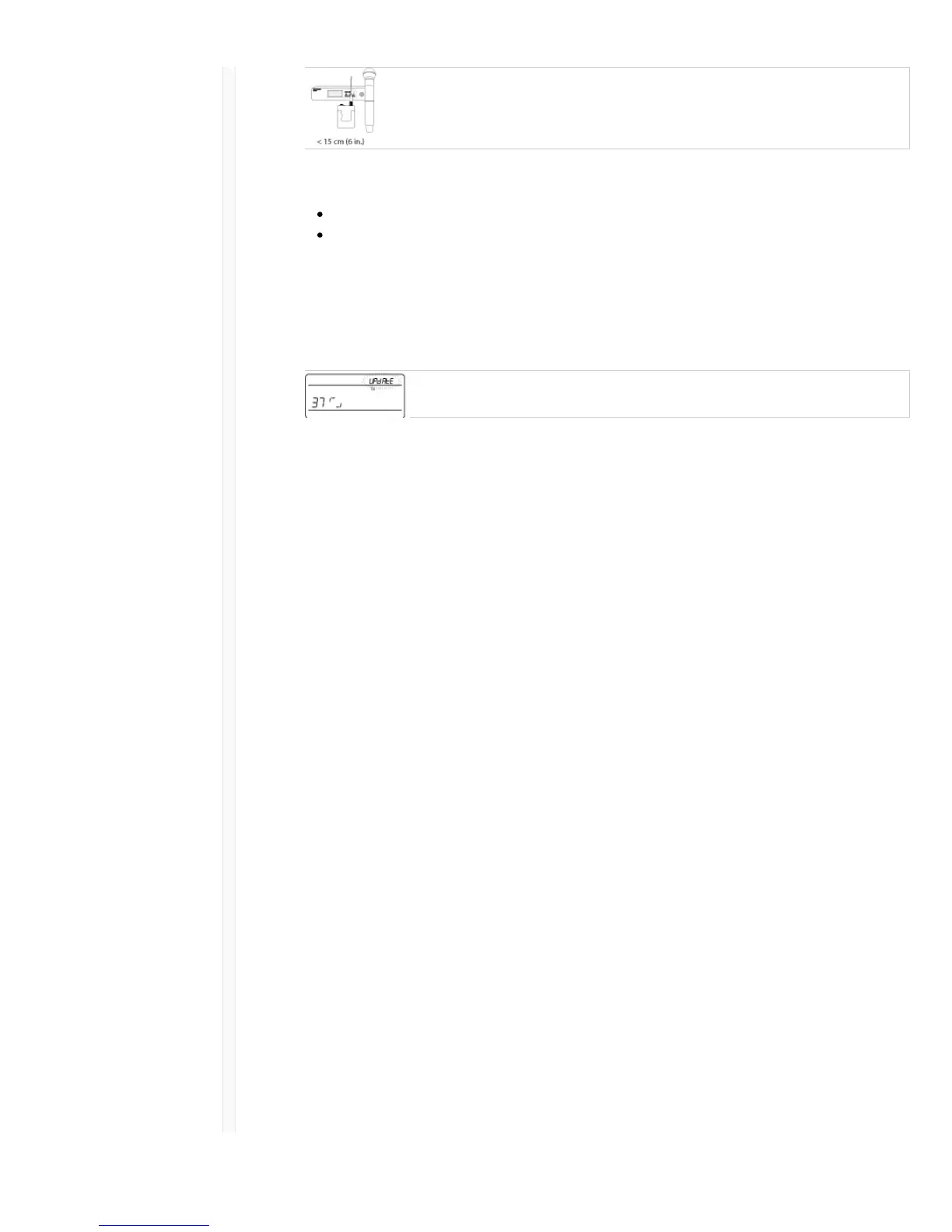
2. The receiver displays the type of transmitter firmware it has available. The receiver holds one type
of firmware at a time.
HH BP = handheld or bodypack firmware
BN GN = gooseneck or boundary firmware
3. Press enter to start the update.
4. When the red IR LED flashes, align the receiver and transmitter IR sync ports. The red LED will
remain illuminated to indicate correct alignment and the download will automatically start.
5. Maintain alignment during the update and monitor download progress (0 to 100%) on the
receiver screen.
6. When the update is complete, "TX Update good" is shown on the receiver display. If the screen
shows Err. 09, update again with a transmitter type that matches the firmware held by the receiver.
Troubleshooting
Issue See Solution...
No Sound Power, Cables, or Radio Frequency
Faint sound or distortion Gain, Cables, Reducing Interference or Radio
Frequency
Lack of range, unwanted noise bursts, or dropouts RF
Cannot turn transmitter off or change frequency
settings, or can't program receiver
Interface Locks
Receiver display shows FAIL after encryption is
disable
Encryption Mismatch
Group and Channel display shows "--" Custom Group IR Sync
Power Make sure that the receiver and transmitter are receiving sufficient voltage.
Check the battery indicators. Replace or recharge the batteries if necessary.
Gain Adjust the system gain on the front of the receiver. Ensure the mic/line
switch setting (XLR output only) on the back of the receiver corresponds to
the input of the mixing console, amplifier, or processor.
Cables Check that all cables and connectors are fully engaged or locked into
position. Inspect cables for damage. Replace if necessary.
Interface Locks The transmitter and the receiver can be locked to prevent accidental or
unauthorized changes. If a locked control is accessed, the lock icon on the
display will flash. Follow the instructions to unlock the receiver or
transmitter.
Firmware Mismatch Paired transmitters and receivers must have the same firmware version



 To Next Page