EasyManua.ls Logo

Shure QLX-D - Step 2: Scan for Best Channel; Step 3: Install Batteries into Transmitter

Shure QLX-D
51 pages
Print Icon
To Next Page IconTo Next Page
To Previous Page IconTo Previous Page
Loading...
9/15/17, 2)49 PMShure Publications | User Guides | QLX-D
Page 7 of 51http://pubs.shure.com/guide/QLXD/en-US
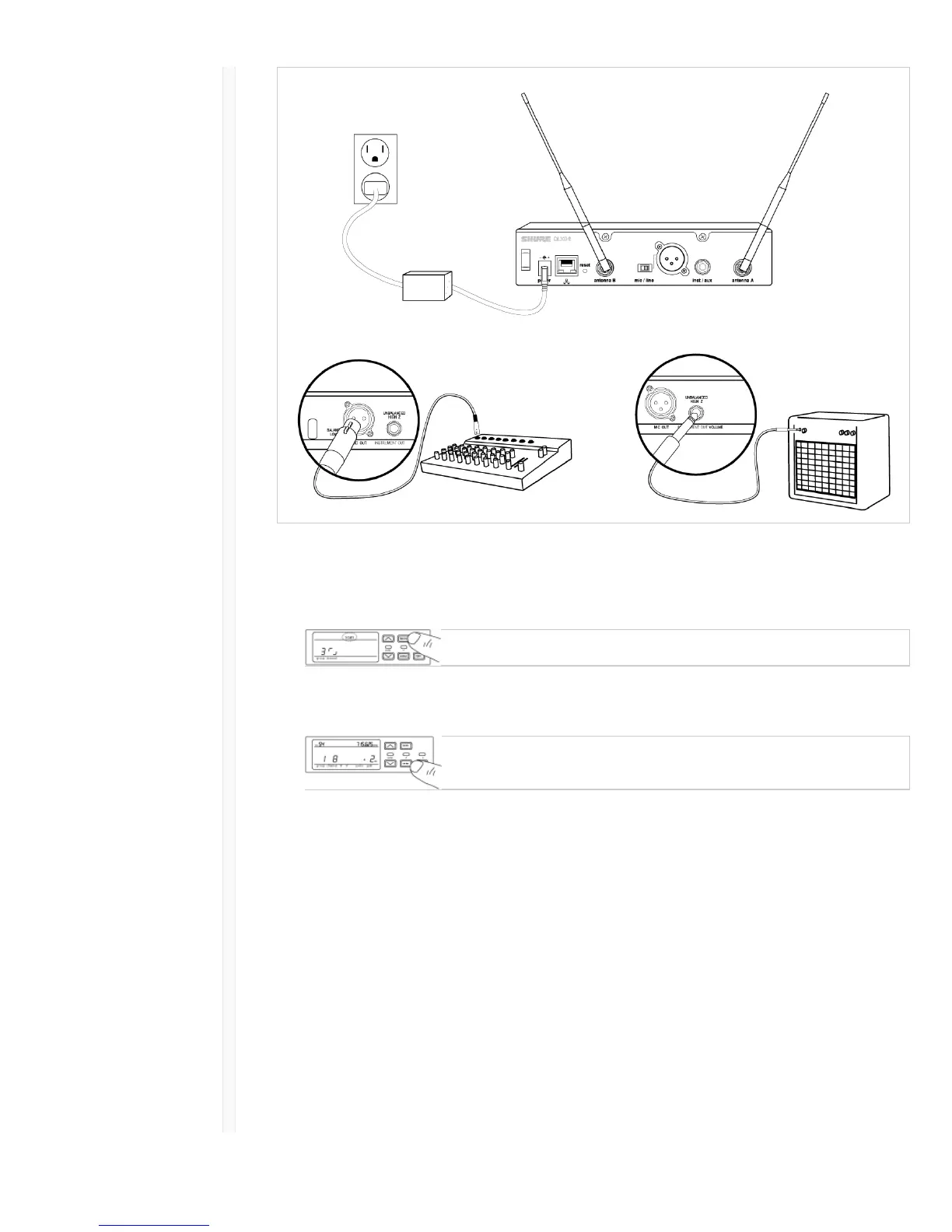
Step 2: Scanning for the Best Available Channel
1. Press the menu button on the receiver to access the scan function.
2. Press the enter button to start a frequency scan. The scan icon will flash while in scan mode. When
the scan is complete, the selected group and channel appear on the display.
Step 3: Install Batteries into Transmitter


Other manuals for Shure QLX-D

Related product manuals