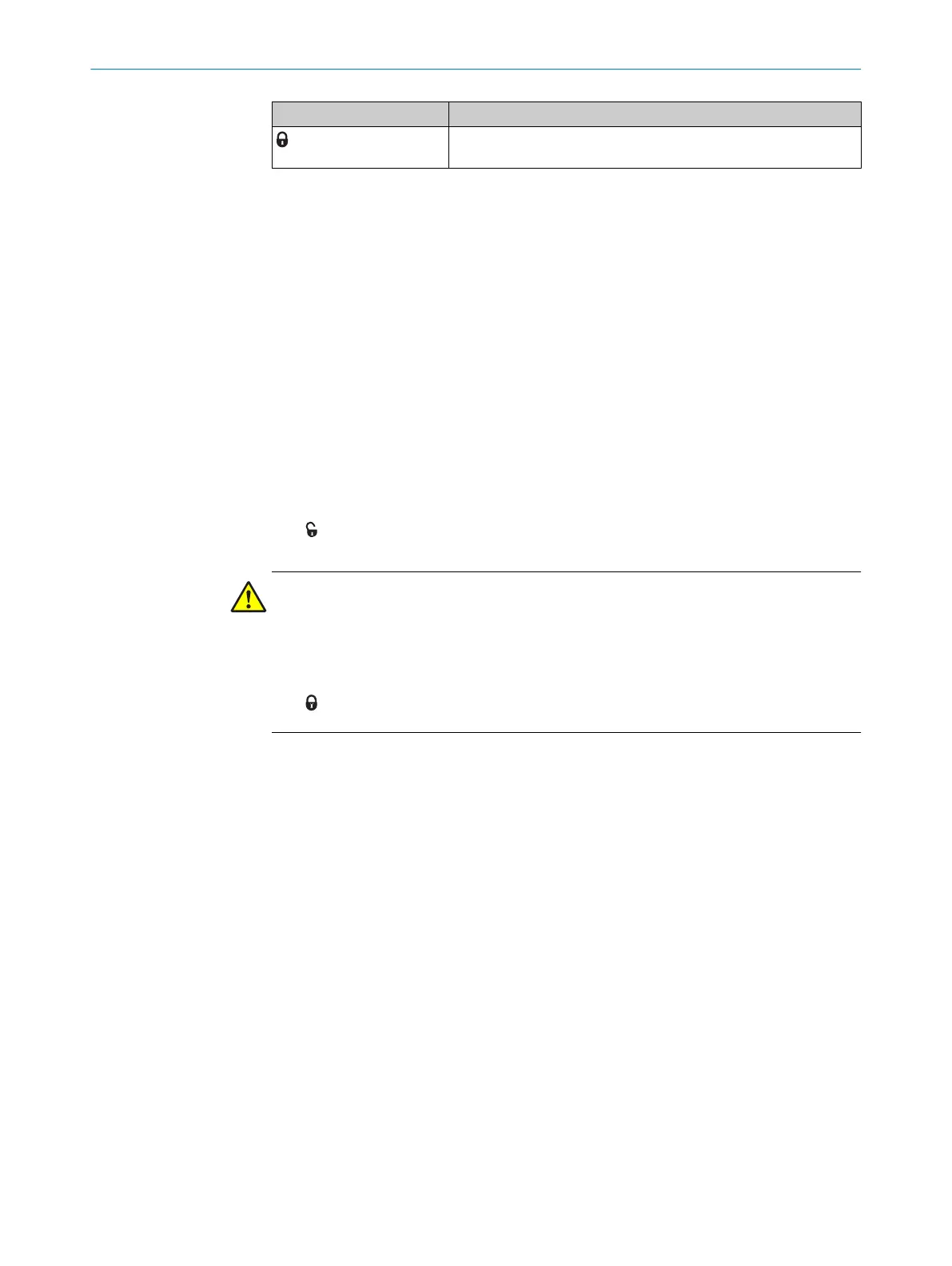
Symbol Meaning
Mechanical unlocking mechanism not actuated, safety locking
de
vice functions normally
4.4 Manual unlocking
In some situations, it necessary to unlock the locking device manually (e.g. is faults are
pr
esent). After unlocking, a function test must be performed.
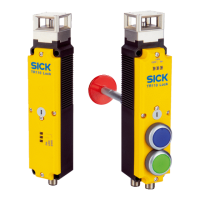
Mechanical unlocking mechanism
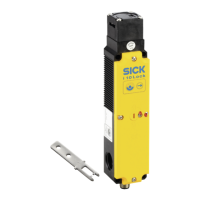
With the mechanical unlocking mechanism, the safety locking device can be unlocked
regardless of the status.
When actuating the mechanical unlocking mechanism, the contacts for locking device
monitoring open. A stop command must be generated.
Actuating the mechanical unlocking mechanism
b
Ensur
e tensile stress is not applied on the actuator.
b
Loosen safety screw with the screwdriver.
b
Use the screwdriver to rotate the mechanical unlocking mechanism in the direc‐
tion of the arrow to the following symbol:
✓
T
he locking device is unlocked.
WARNING
P
ermanent actuation of the mechanical unlocking mechanism
Hazard due to lack of effectiveness of the protective device
b
After use, put back the mechanical unlocking mechanism, screw in the safety
screw and seal (e.g. with locking varnish)
4 PRODUCT DESCRIPTION
10
O P E R A T I N G I N S T R U C T I O N S | i10 Lock 8022168/2017-11-14 | SICK
Subject to change without notice


 To Next Page