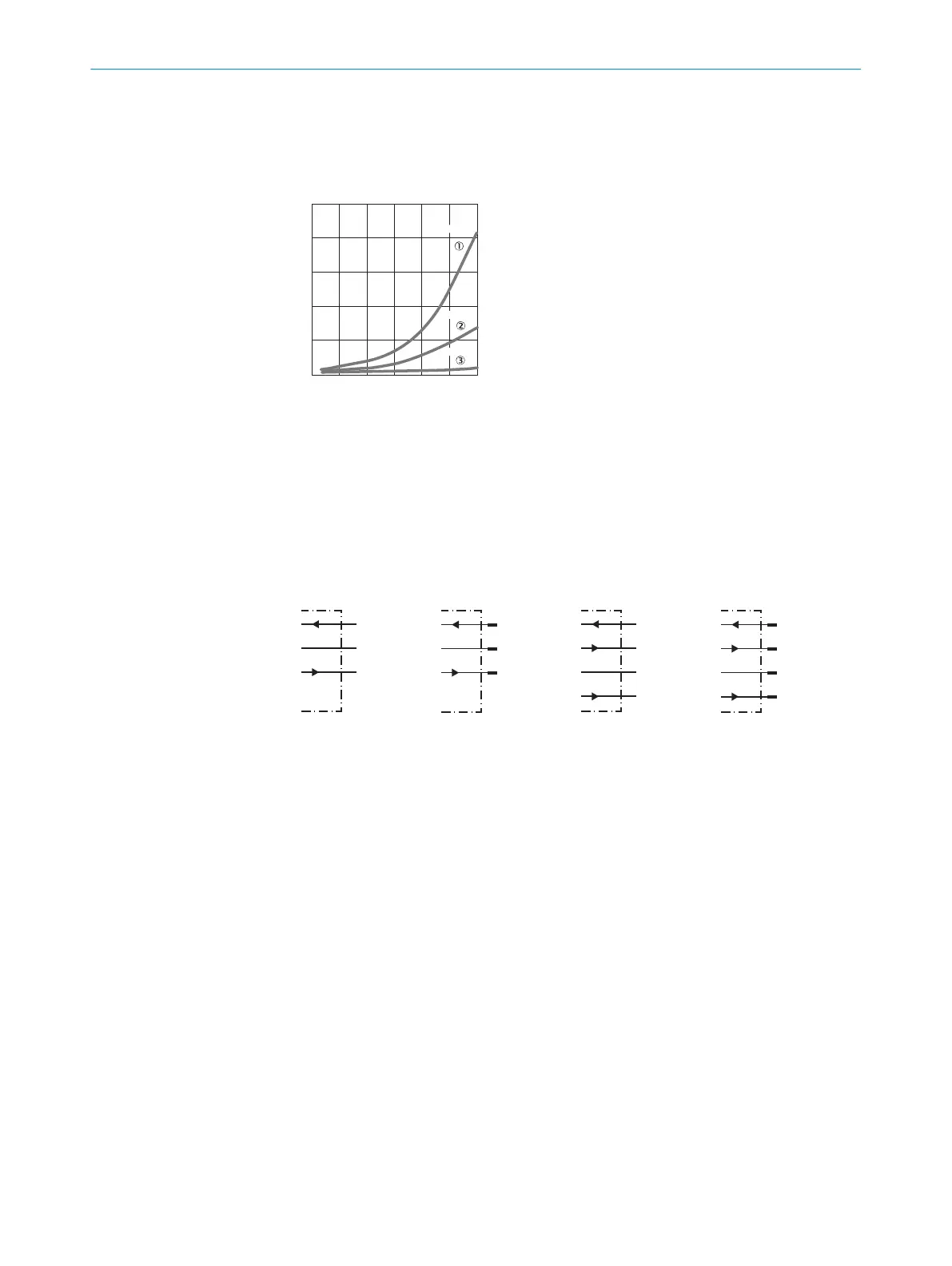
The minimum distance (= y) for background suppression can be determined from
diagram [H] as follo
ws:
Example: x = 125 mm, y = 12.5% => 12.5% % of 125 mm = 15.63 mm. That is,
the background is suppressed at a distance of > 140.63mm from the sensor.
25
5
10
15
20
0
mm
(inch)
25
(0.98)
50
(1.97)
75
(2.95)
100
(3.94)
125
(4.92)
150
(5.91)
Distance in mm (inch)
% of sensing distance
6 %/90 %
18 %/90 %
90 %/90 %
Image: H
2 Mount the sensor using a suitable mounting bracket (see the SICK range of acces‐
sories).
No
te the sensor's maximum permissible tightening torque of 0.8 Nm.
Note the preferred direction of the object relative to the sensor [see A].
3 The sensors must be connected in a voltage-free state (V
S
= 0 V). The inf
ormation
in t
he graphics [B] must be observed, depending on the type of connection:
– Male connector connection: pin assignment
– Cable: wire color
Image: B
Image: B-2
+ (L+)
Q
- (M)
brn
wht
blu
Q
blk
Image: B-3
+ (L+)
Q
- (M)
brn
wht
blu
blk
1
2
3
Q
4
Image: B-4
Only apply voltage/switch on the power supply (V
S
> 0 V) once all electrical connec‐
tions hav
e been completed. The green LED indicator lights up on the sensor.
Explanations of the connection diagram (Graphic B):
Switching outputs Q and /Q (according to Graphic B):
WTB4-3Exxxx and WTB4-3Fxxxx
D: dark-switching, output (Q) switches off when an object is present in the sensing
range.
WTB4-3P1361 and WTB4-3Px1xx
WTB4-3N1361 and WTB3Nx1xx
L: light switching, output (Q) switches when an object is present in the sensing
range.
WTB4-3P1161 and WTB4-3N1161
WTB4-3Px261 and WTB4-3Nx261
ANT: complementary outputs Q and Q/
4 Align the sensor with the object. Select the position so that the red emitted light
beam hits t
he cent
er of t
he object. You must ensure that the optical opening (front
screen) of the sensor is completely clear [E]. We recommend making the adjust‐
ments using an object with a low remission.
3 COMMISSIONING
2
8011449.126R | SICK
Subject to change without notice











 To Next Page