EasyManua.ls Logo

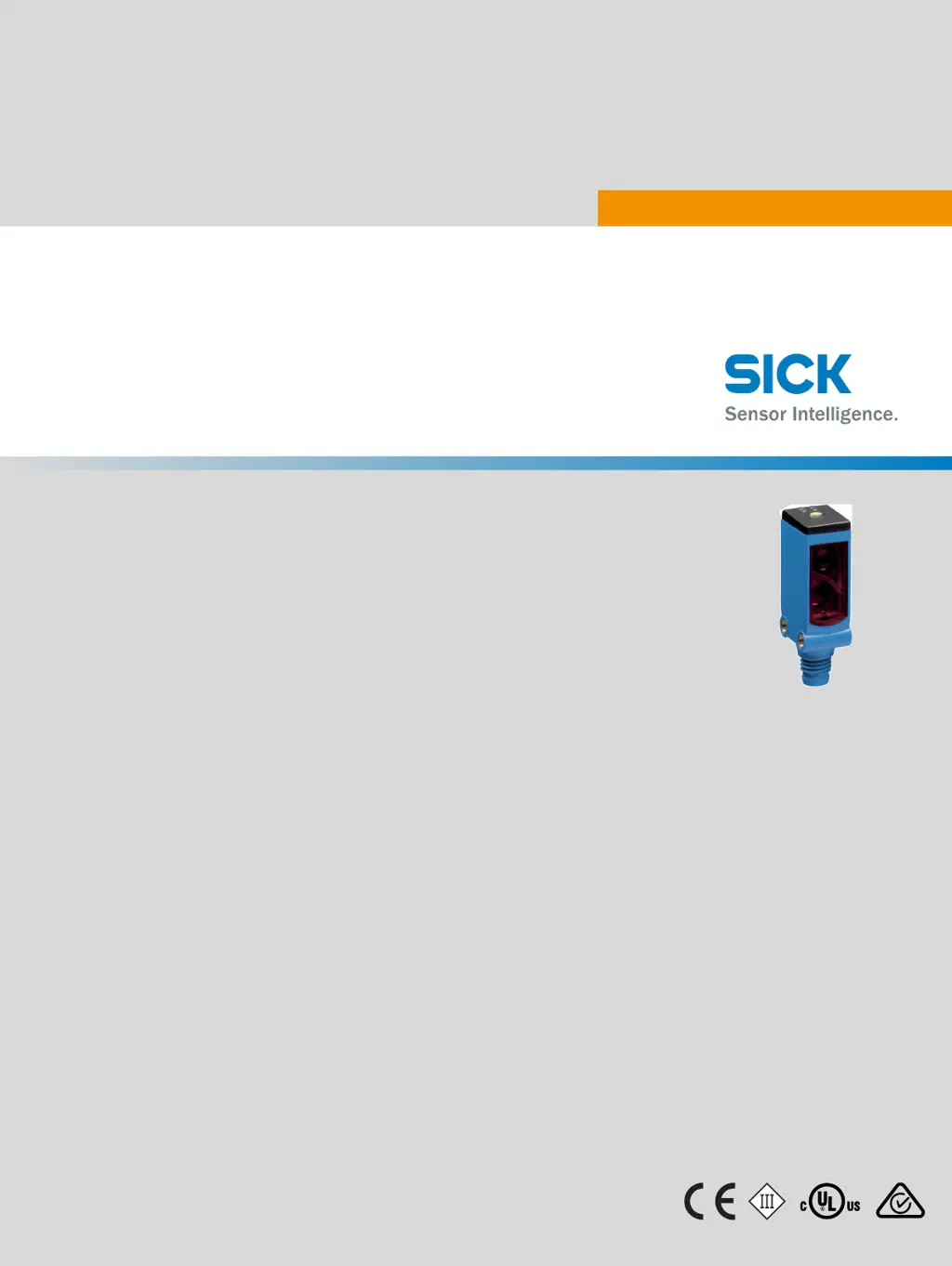
SICK WTB4S-3 - User Manual

SICK WTB4S-3
59 pages
Print Icon
To Next Page IconTo Next Page
Loading...
O P E R A T I N G I N S T R U C T I O N
WTB4S-3 Teach-in focused
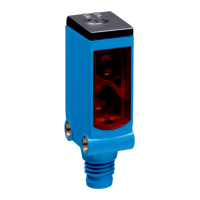
Miniature photoelectric sensors
en / de / fr / it / pt / es / zh / ja / ru
8012136.YM43
SICK AG, Erwin-Sick-Strasse 1, D-79183 Waldkirch

Questions and Answers

  • C
    Christopher PruittAug 3, 2025
    What to do if yellow LED does not light up on SICK Accessories?
    • W
      wriveraAug 3, 2025
      If the yellow LED on your SICK Accessories isn't lighting up, even when the light beam is aligned and the object is within range, there might be a few reasons. First, check the power supply and all electrical connections, including cables and plugs, to ensure they are properly connected. Second, voltage interruptions may be the cause, so ensure a stable power supply without interruptions. If the power supply is confirmed to be working correctly, the sensor may be faulty, and you should replace it.
  • S
    Sonya WalkerAug 16, 2025
    What to do if yellow LED flashes on SICK WTB4S-3 Accessories?
    • H
      hodgescarolAug 16, 2025
      If the yellow LED is flashing on your SICK Accessories, check the operating conditions. Fully align the beam of light with the object. Clean the optical surfaces. Check the sensing range and adjust if necessary.

Summary

Safety Notes

Correct Use

Commissioning

Mounting the Sensor

Mount the sensor using a suitable mounting bracket and observe the tightening torque of 0.8 Nm.

Sensor Connection Procedure

Connect sensors in a voltage-free state (Vs = 0 V) and observe connection diagrams [B].

Aligning the Sensor

Align the sensor with the object so the emitted light beam hits the center. Ensure the optical opening is clear.

Teach-in Function

Adjust sensing range via teach-in button or cable. Avoid sharp objects for button operation.

Fault Diagnosis

Disassembly and Disposal

Maintenance

SICK WTB4S-3 Specifications

General IconGeneral
BrandSICK
ModelWTB4S-3
CategoryAccessories
LanguageEnglish

Related product manuals