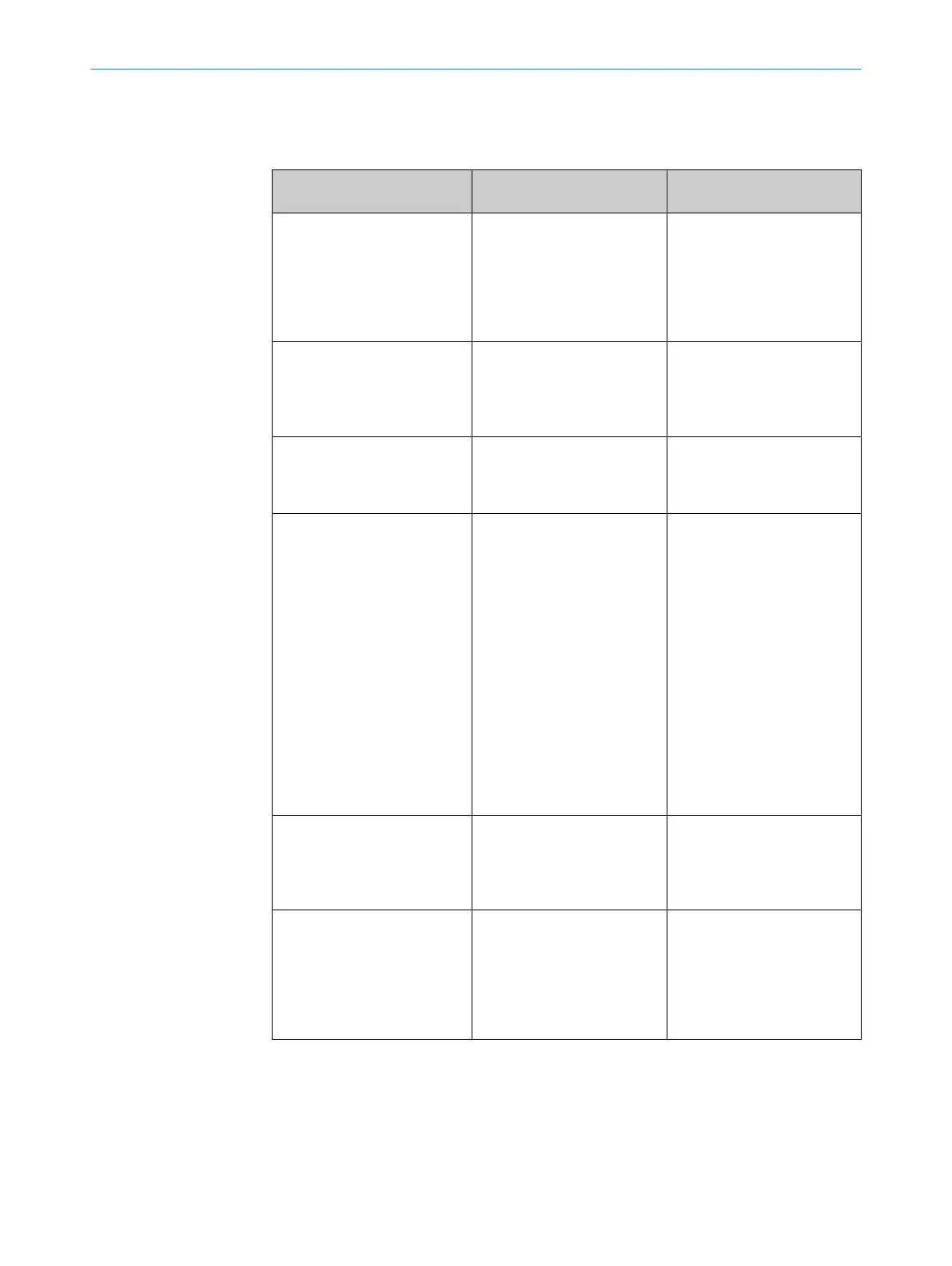
62 表エラー診断
LED 表示灯/故障パターン /
LED indicator/fault pattern
原因 /
Cause
対策 /
Acción
緑色の LED が点灯しない /
Green LED does not light up
無電圧、または電圧が限界値
以下 /
No voltage or voltage
below the limit values
電源を確認し、すべての電気
接続(ケーブルおよびプラグ
接続)を確認します /
Check the power supply,
check all electrical
connections (cables and
plug connections)
緑色の LED が点灯しない /
Green LED does not light up
電圧がきていない又は不安
定 /
Voltage interruptions
安定した電源電圧が供給さ
れていることを確認します /
Ensure there is a stable
power supply without
interruptions
緑色の LED が点灯しない /
Green LED does not light up
センサの異常 /
Sensor is faulty
電源に問題がなければ、セン
サを交換します /
If the power supply is OK,
replace the sensor
黄色い LED が点滅 /
Yellow LED flashes
センサの動作準備はまだ整
っているが、
動作条件が最適
ではない /
Sensor is still ready for
operation, but the operating
conditions are not ideal
動作条件を確認します
: 投光
光軸(投光スポット)を対象
物に完全に合わせます / 光
学面の洗浄 / 感度を再調整
する(感度調整ボリュー
ム) / 検出距離を点検し必要
に応じて調整する、グラフ F
参照。 /
Check the operating
conditions: Fully align the
beam of light (light spot)
with the object. / Clean the
optical surfaces . /
Readjust the sensitivity
(potentiometer) / Check
sensing range and adjust if
necessary; see graphic F.
黄色い LED が点灯、光軸に対
象物がない /
Yellow LED lights up, no
object in the path of the
beam
/ センサと背景の間隔が短す
ぎる /
/ Distance between the
sensor and the background
is too short
検出範囲を縮小します。グ
ラフ F を参照。 /
Reduce the sensing range,
see graphic F
対象物は光軸にある、黄色い
LED は点灯しない /
Object is in the path of the
beam, yellow LED does not
light up
センサと対象物の間隔が長
すぎる、
または検出範囲の設
定が短すぎる /
Distance between the
sensor and the object is too
long or sensing range is set
too short
検出範囲を拡大します。グ
ラフ F を参照。 /
Increase the sensing range,
see graphic F
63 解体および廃棄
センサは必ず該当国の規制にしたがって処分してください。廃棄処理の際には、で
きるだけ構成材料をリサイクルするよう努めてください(特に貴金属類)
。
表エラー診断
62
45
8011449.126R | SICK
Subject to change without notice











 To Next Page