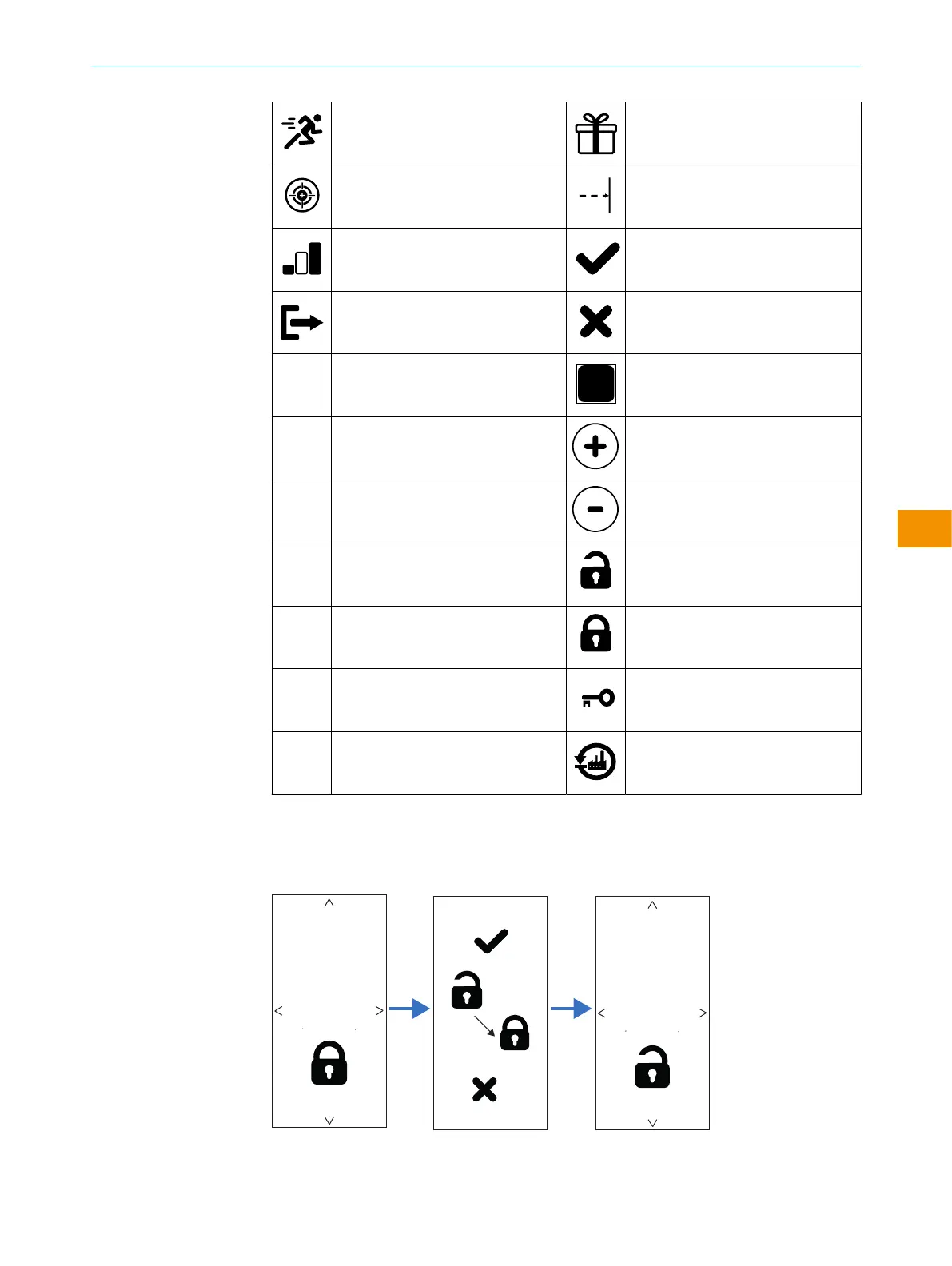
Speed mode Object
Precision mode Background
Standard mode Yes
Output No / fail
Output
Manual/measurement
Output Plus
Switching behavior light switching Minus
Switching behavior dark switching Access open
PNP Access lock
NPN Password
Push-pull Return to factory settings
Locking configuration (optional)
It is possible to lock the display to prevent accidental changing of settings.
The locking procedure is optional.
Figure 4: Display locking procedure
OPERATING INSTRUCTIONS
9382969/2024-02-23 | SICK O P E R A T I N G I N S T R U C T I O N S | WTM10L
43
Subject to change without notice
en











 To Next Page